
Invoices Straight to Accounting: Add a Billing Email

Invoices have a way of becoming somebody's small monthly chore. The charge goes through, the invoice waits in the account, and at some point someone has to remember it exists, log in, download the PDF and forward it on. Usually that someone is you, usually it's the person in accounting asking, and usually it happens a week after it would have been convenient.
You can now hand that over to us. Add a billing email to your account and after every charge we email the invoice as a PDF to that address, automatically.
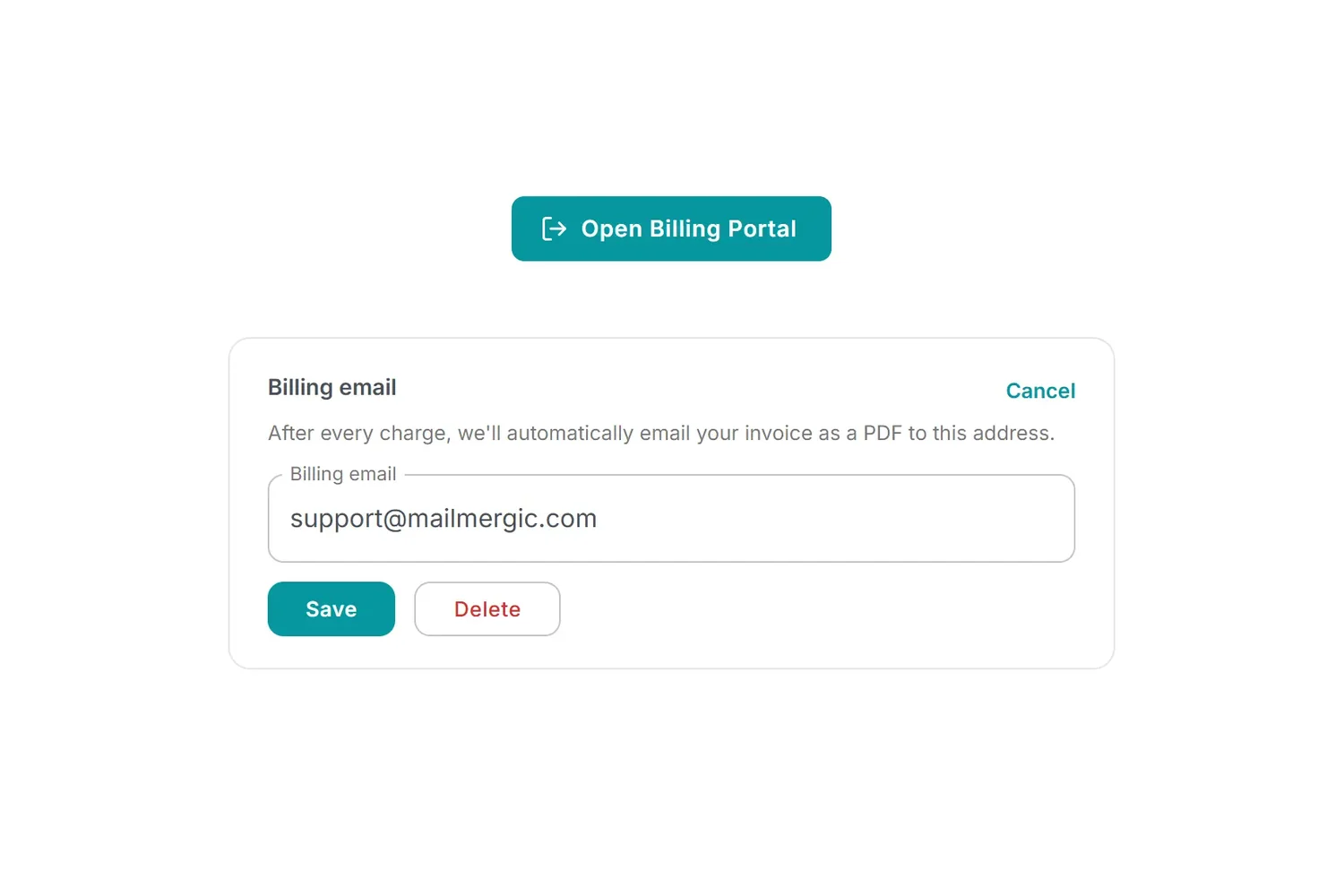
How it works
Open your Billing page and you'll find a Billing email field. Type the address the invoices should go to and save. That's the whole setup.
From then on, every time a payment goes through, the invoice for it is sent to that address as a PDF attachment. Nothing to remember, nothing to download, nothing sitting in an account waiting to be noticed.
The address is separate from the one you sign in with, which is the point of it. Your login stays yours, and the paperwork goes wherever paperwork goes in your organisation: an accounting inbox, a bookkeeper, a shared finance address, or the folder your document management system watches.
It's entirely optional
Leave the field empty and nothing changes. No extra email arrives, and your invoices remain available in your account to download whenever you want them, exactly as before. This is something you switch on because it saves you a step, not something that happens to you.
Where it helps
- Accounting isn't you: the invoice reaches the person who needs it without a forwarding step in between
- Bookkeeping runs on an inbox: many bookkeepers and accounting tools work from a dedicated address, and this drops the PDF straight into it
- Expenses have to be filed: a PDF that arrives on its own is one you can file the same day rather than reconstruct at the end of the quarter
- Nobody has the login: the people who need the invoice often don't have an account, and now they don't need one
Set it once
It takes about ten seconds and you never think about it again. Open your Billing page, add the address, and let the invoices find their own way from here.
