


Early Access
Excel Mail Merge to Excel.
Two Spreadsheets In.
Hundreds Out.
Fill an Excel template with data from another Excel sheet and generate one personalized Excel file for every row.
No VBA. No Word. No copy-paste. Now in early access.
- GDPR & CCPA compliant
- 30-day money-back guarantee
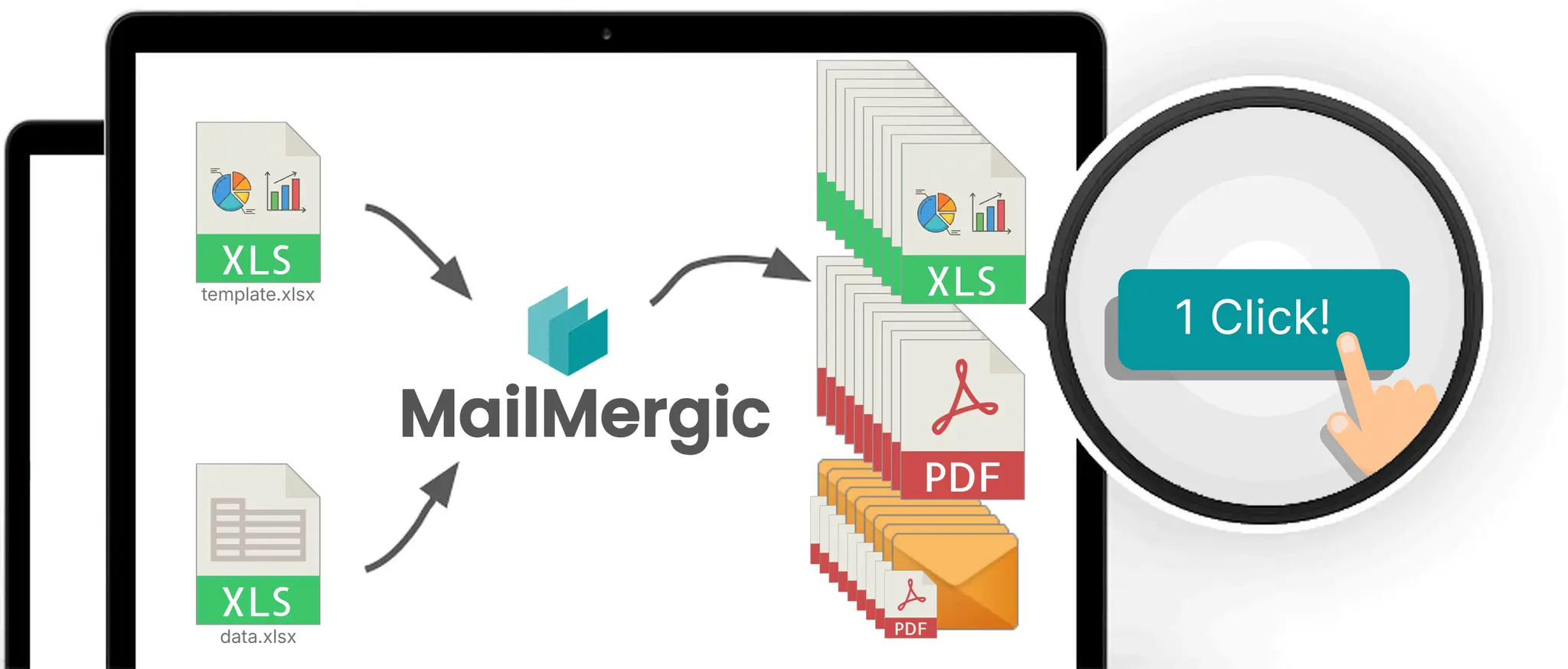
Three steps
500 personalized Excel files while you brew coffee
Upload
Add your Excel template with placeholder fields like @customer_name or @region, plus your data file from Excel, CSV, or Google Sheets.
Map
Match your data columns to the template's placeholder fields. Drag and drop. No formulas required.
Generate
One click. One Excel file per data row, named automatically. Export as Excel or PDF. Download as a zip or send each file by email.
See it for yourself.
Try early accessHow MailMergic generates Excel from Excel
Built for the job no other tool does
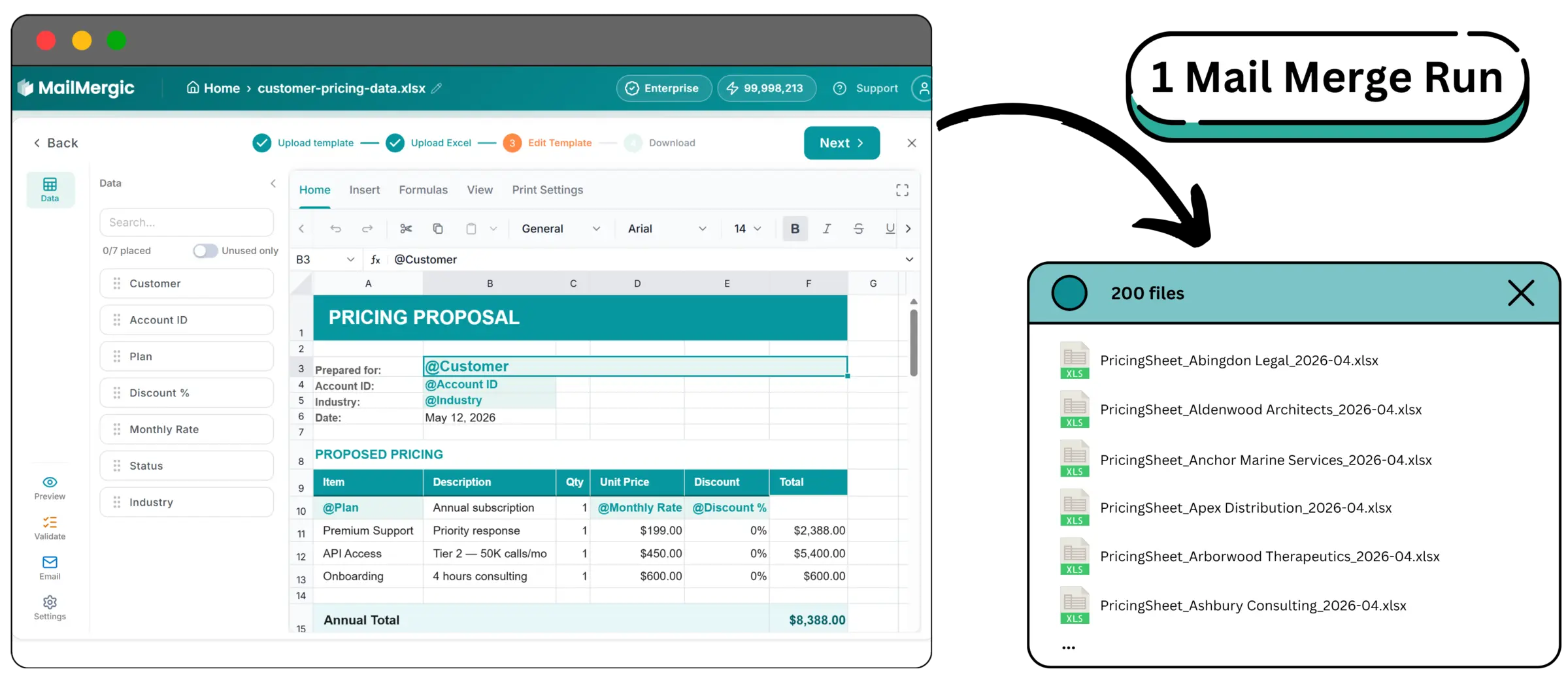
Bulk-generate Excel files from any spreadsheet
Drop in your data file. Upload your Excel template. MailMergic fills every cell and saves one Excel file per row. 200 customers in, 200 personalized pricing sheets out.
- Works with Excel, CSV, and Google Sheets
- One file per row, auto-named from any column
- Export as Excel or PDF from the same template
- Multi-sheet templates supported
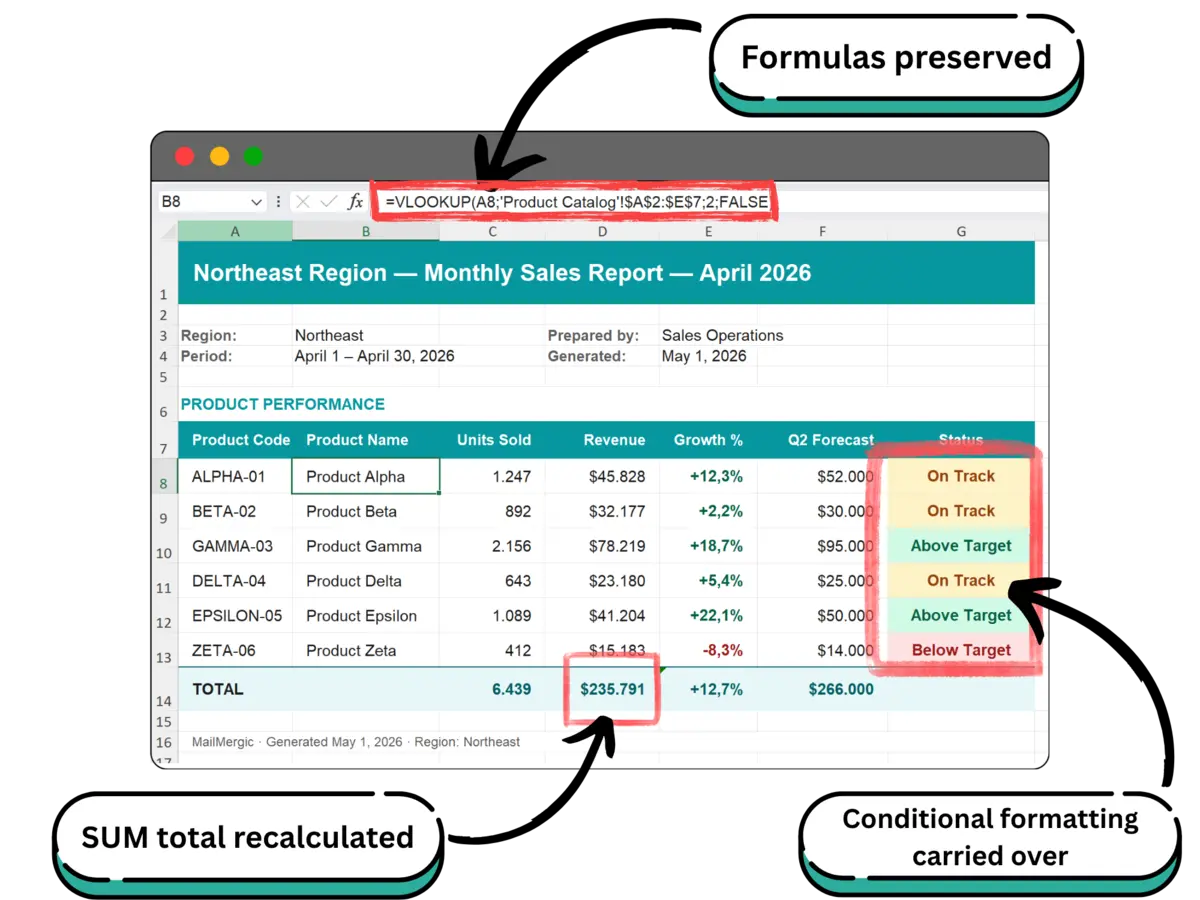
Formulas, formatting, and conditional formatting preserved
This isn't a CSV-export hack. SUM, VLOOKUP, IF, conditional formatting, and named ranges all survive the merge. The output behaves exactly like the template, just populated with that row's data.
- Formulas and named ranges preserved
- Conditional formatting carried over
- Cell styles, fonts, and number formats retained
Built for spreadsheet-heavy teams
Wherever Excel files pile up, MailMergic clears the queue

Sales Operations
Per-customer pricing sheets generated from a master price list and a deals pipeline. Quote turnaround drops from a day to a minute. Every prospect gets the right line items, every time.

Finance & Accounting
Per-account customer statements at month-end. Per-region monthly P&Ls. Each output is a clean Excel file with formulas intact, ready for the recipient to drill into.

HR & People Ops
Per-employee performance summaries, comp letters, and review packets generated from a single HRIS export. No more 200 saved-as files with copy-paste mistakes.

Property & Asset Management
Per-property rent roll and per-owner financial summaries, every month. One source-of-truth file in. One personalized statement per owner out.
Join early access. No signup required to try a sample.
Try early accessWhat changes when you switch
Stop generating Excel files one at a time
1,000+
Personalized Excel files per mail merge
One run. Not a week of save-as-and-rename.
95%
Less manual work
Reported by early-access users replacing VBA macros and manual workflows for monthly report generation.
0
Technical knowledge required
If your data has columns and your template has placeholders, you're done.
Built for sensitive spreadsheet data
Your data stays your data
Spreadsheets carry the most sensitive data in most companies: pricing, compensation, financial detail. MailMergic is GDPR- and CCPA-compliant by default. Files are encrypted in transit and at rest, hosted in the EU. Macros are stripped on upload for security.
- GDPR Compliant
- CCPA Compliant
- EU-hosted
- Encrypted in transit & at rest
Join early access. No signup required to try a sample.
Try early accessCommon use cases
What people generate with Excel-to-Excel mail merge
These are the patterns we hear most often from early-access users. Bring your own template. Layout, formulas, and styling all carry through.
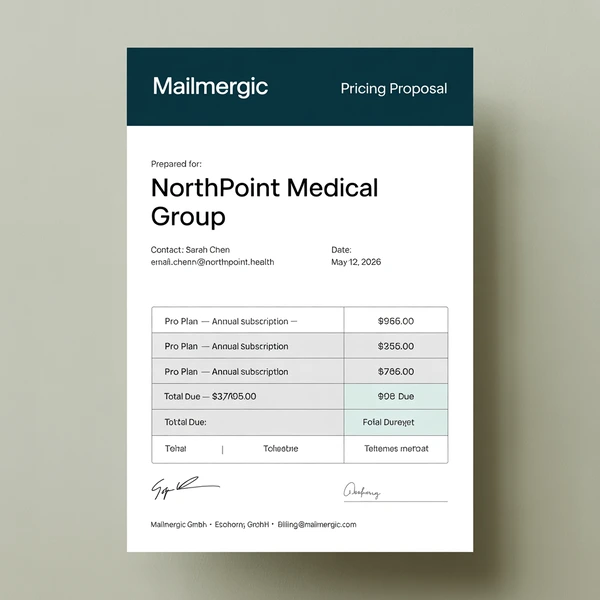
Per-customer pricing sheet
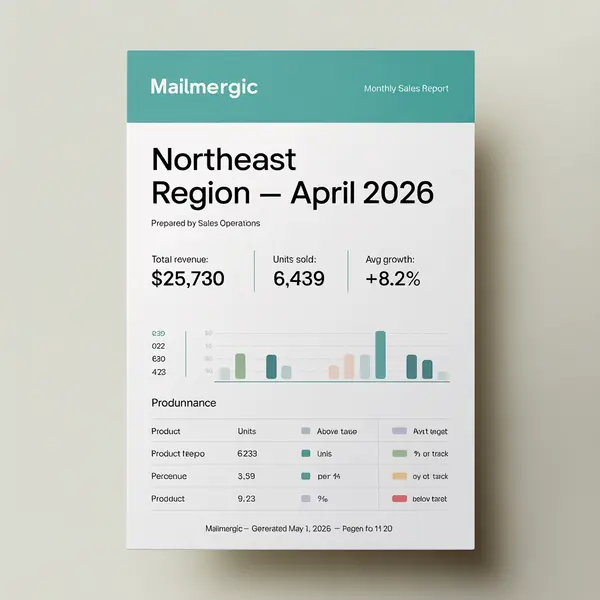
Per-region monthly sales report
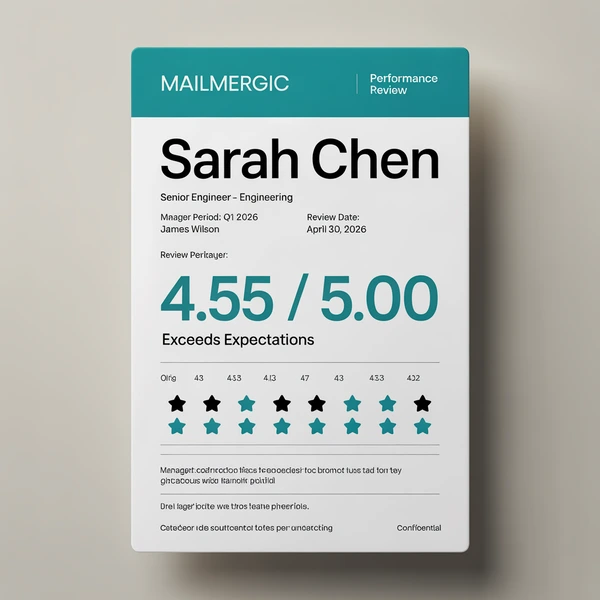
Per-employee performance summary
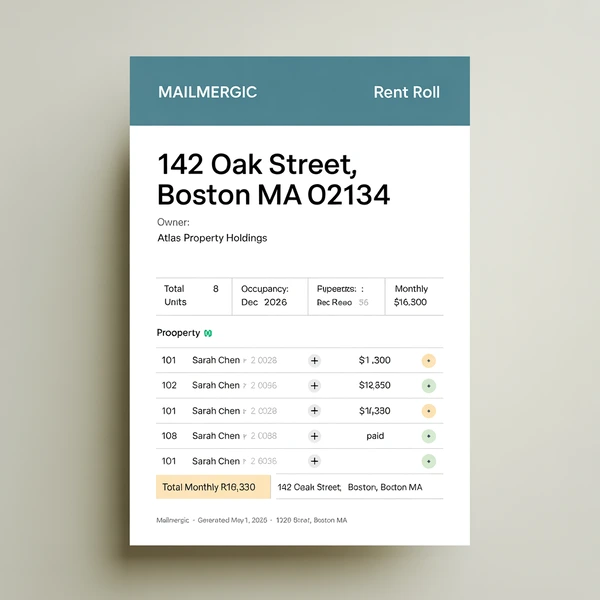
Per-property rent roll
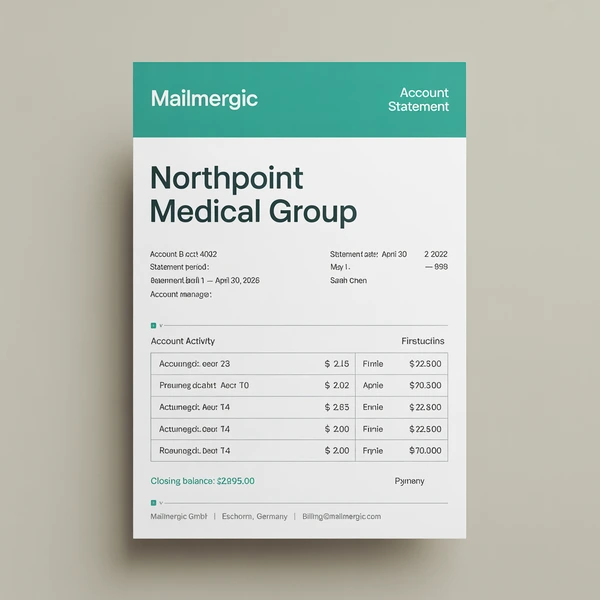
Per-account customer statement
Sending options
Choose who your emails come from
Set a sender up once and use it on any mail merge run. Keep several and pick the right one per campaign.
Send from your own Gmail account
Sign in with your Google account and every personalized email leaves from your own address. It stays in your Sent folder, and replies come straight back to your inbox. About 500 emails a day, or 2,000 on Google Workspace.
MailMergic address
Confirm your address in one click and send. Replies still come to you, there's no daily cap beyond your monthly credits, and every send gets a delivery report.
SMTP server
Send through Outlook, your web host, or your company's own mail server, using credentials you already have.
Your own domain
Add six DNS records to a domain you own. The strongest setup for deliverability, and the one that scales furthest.
Gmail and Google Workspace are trademarks of Google LLC.
Frequently asked questions
What does "Excel mail merge to Excel" actually mean?
How is this different from a mail merge in Excel using Word, or the "&" concatenation hack?
Do I need to know VBA or write macros?
Are formulas and conditional formatting preserved in the output?
What file formats can I use as the data source?
Can the mail merged output be exported as PDF instead of Excel?
Can MailMergic email each generated file to a recipient automatically?
What's the deal with macros?
Excel-to-Excel mail merge is in early access. What does that mean for me?
How does this compare to your PDF and Word mail merge?
Can I send just an email without an Excel file?
More mail merge types
One tool, every file type
MailMergic runs mail merge for every format you work in. Pick the one that matches your template.