
Free for 100 documents a month, no sign-up
PDF Mail Merge.
From Excel to PDF in seconds.
Mail merge your PDF forms with data from Excel, CSV or Google Sheets, and email each PDF to its recipient. No plugins, no coding. Ready in minutes.
Already using MailMergic? Login
Starting something new?Upload a document
- Free to try, no sign-up
- Trusted since 2019
- GDPR & CCPA compliant
- 30-day money-back guarantee

How to mail merge a PDF
Upload your PDF and data
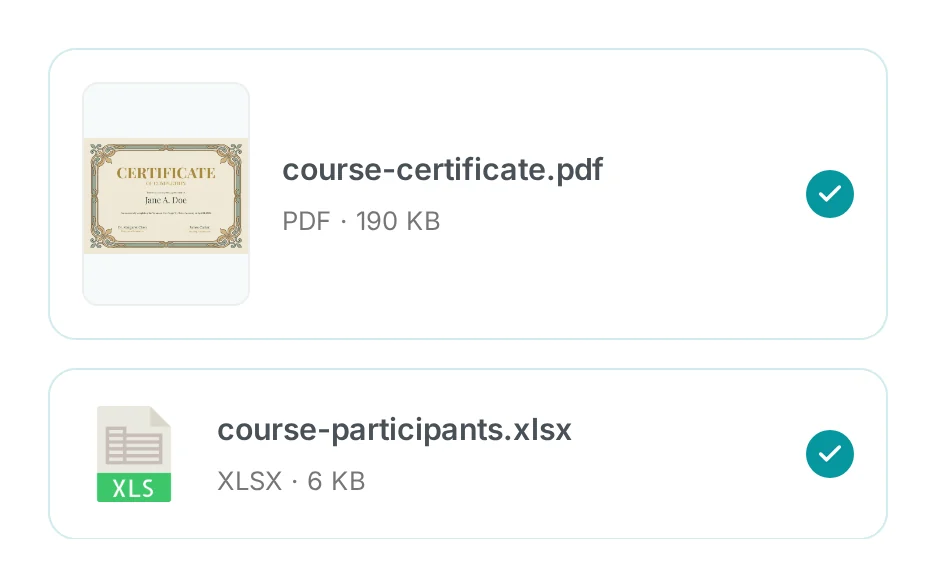
Add your PDF form or template, then your Excel, CSV or Google Sheets file.
Place your fields
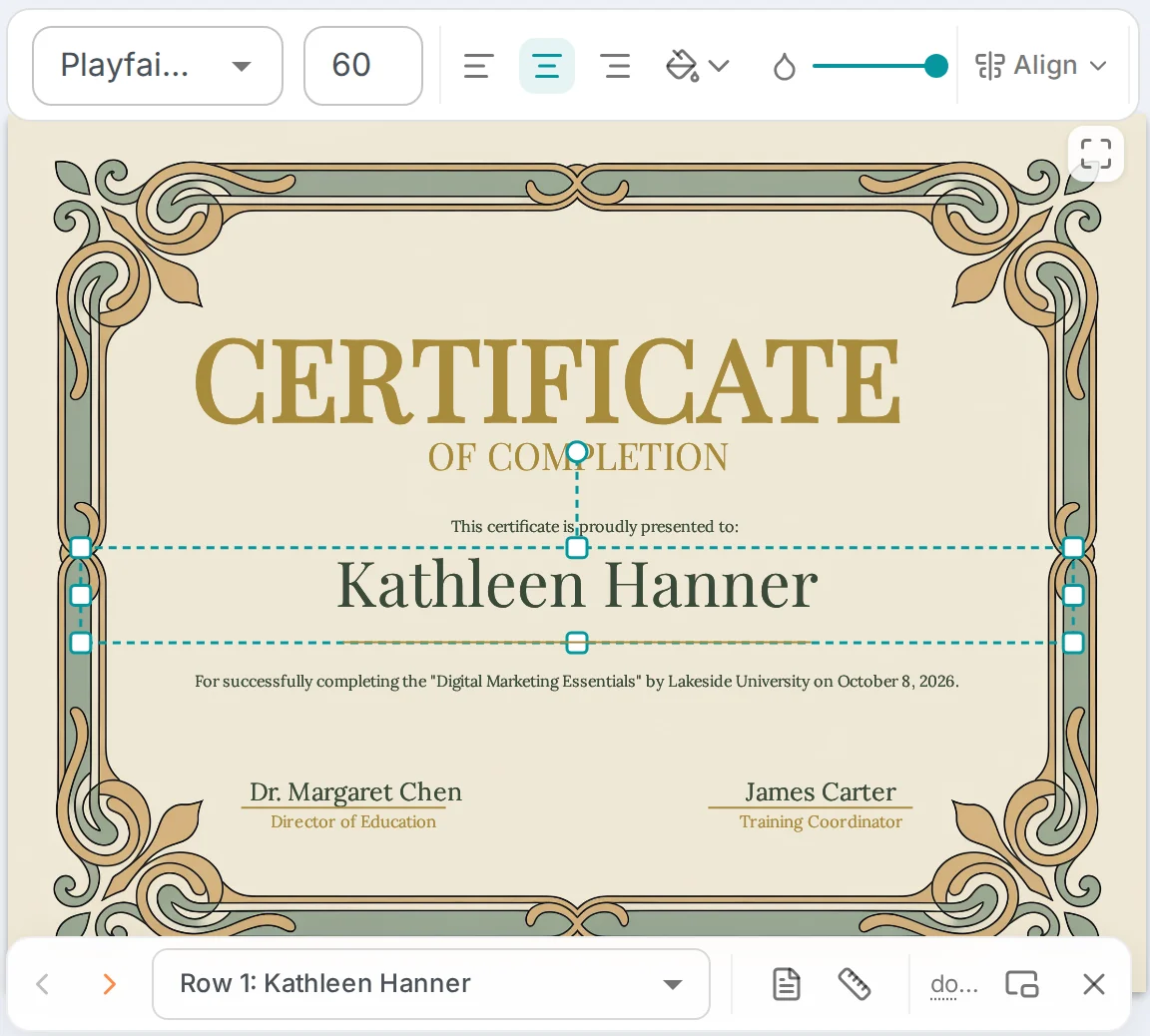
Drag each column onto the page or match it to a form field, then preview any row.
Generate one PDF per row
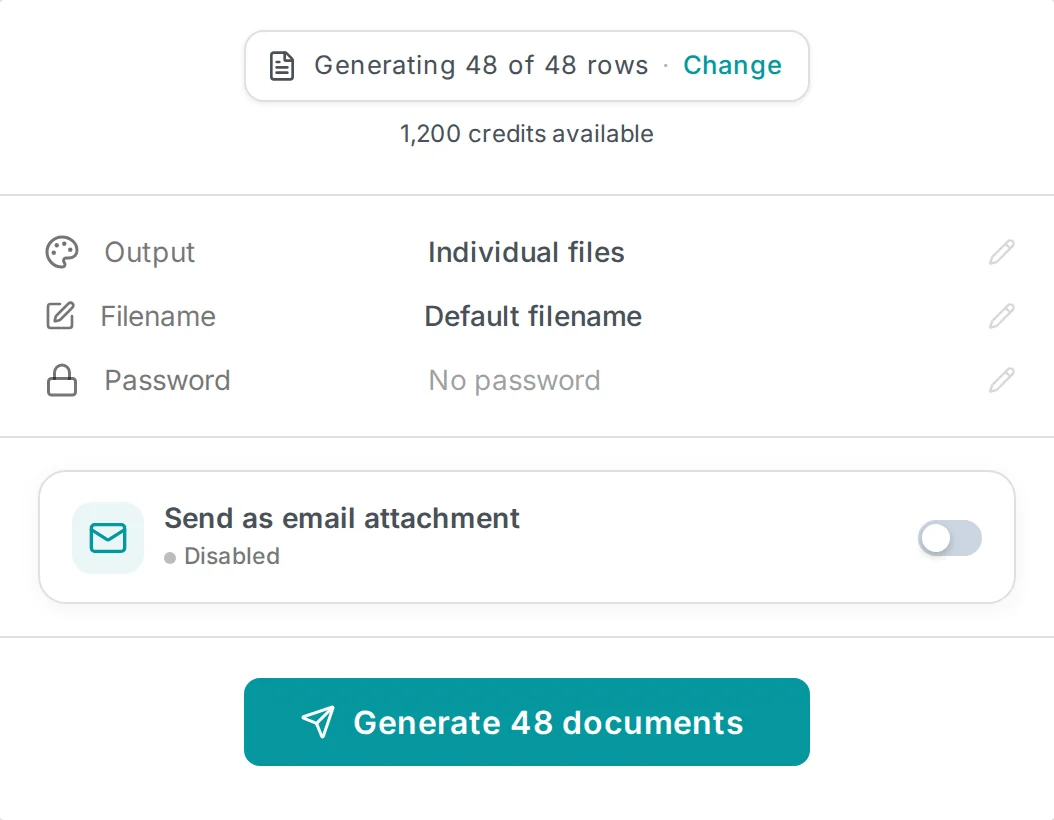
Download the PDFs, or email each one to its recipient as an attachment.
Try it yourself, no signup required
Try For FreeCustomers love MailMergic
From small teams to large organizations, users around the world rely on MailMergic to automate their document workflows, save hours of manual work, and deliver perfectly personalized results, every single time.
Average score from 134 post-purchase surveys in 2025: 4.6/5
Create your first PDF in under 2 minutes
Try For FreeTrusted across industries
Start from one of our free mail merge templates for landlords, HR, invoicing, events and schools.
Education
Generate 500 course completion certificates from a class roster.
- Course completion certificates
- Diplomas and graduation certificates
- Transcripts and academic records
Financial Services
Fill 1095-C tax forms for every employee from one spreadsheet.
- 1095-C / W-2 / 1099 tax forms
- Client statements and portfolio reports
- Loan agreements and disclosures
Healthcare
Send compliance documents to every provider in your network.
- HIPAA compliance forms and attestations
- Patient intake and consent forms
- Medical billing and insurance claims
Legal
Produce signed contracts for each client automatically.
- Client engagement letters and retainer agreements
- NDAs and confidentiality agreements
- Court filing templates and legal notices
Real Estate
Create personalized property agreements in bulk.
- Lease and rental agreements
- Property disclosure forms
- Closing documents and purchase agreements
Professional Services
Deliver customized reports and invoices in one batch.
- Personalized invoices and billing statements
- Client proposals and engagement letters
- Project reports and deliverable summaries
Frequently Asked Questions
Can you mail merge a PDF?
What is a PDF mail merge?
How do I mail merge a PDF with Excel?
Do I need Adobe Acrobat or a plug-in to mail merge a PDF?
How do I save a Word mail merge as separate PDF files?
Can I attach a PDF to each email in a mail merge?
Does MailMergic support Excel, Google Sheets, and CSV files?
Does MailMergic store my documents or data?
Where are MailMergic's servers located?
Is MailMergic HIPAA compliant?
Is MailMergic GDPR compliant?
Can I send just an email without a PDF attachment?
Is MailMergic the same as PDF Mail Merger?
Didn't find your answer? Contact us
More mail merge types
One tool, every file type
MailMergic runs mail merge for every format you work in. Pick the one that matches your template.


