
Free template, printable PDF
Certificate of Completion Template
Nine free certificate of completion templates for course completion, training and workshops. Type the name and what they completed, check the preview, and download a printable PDF. No sign-up, no watermark.
Made in your browser. Nothing you type is sent or saved.
Fill in your certificate of completion
Pick a template, type the name and what they completed, and download a printable PDF on Letter or A4. Leave a field empty and it is left off the certificate.
Need a certificate for every name on a list? Make every certificate from a spreadsheet
What to put on a certificate of completion
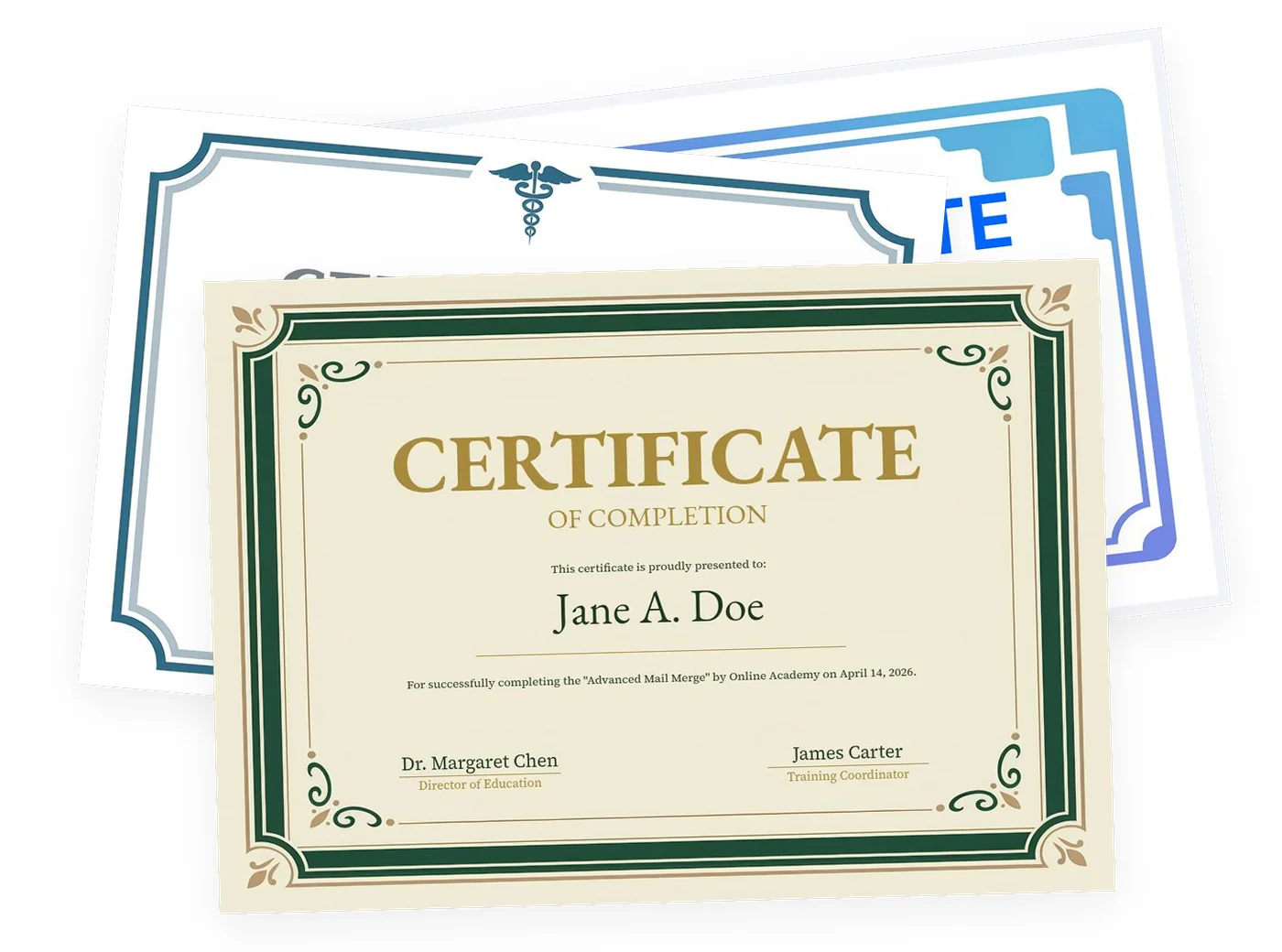
A certificate of completion, or course completion certificate, says that one person finished one course or program, who says so, and when. These six parts are on every template above.
- The title“Certificate of Completion”, so nobody mistakes it for an award or a diploma.
- The full nameSpelled the way it appears on the person’s records. Check it twice; it is the one thing people notice.
- What they completedThe exact name of the course, training or program, as it appears in your catalog or invitation.
- Who issues itYour organization, school or trainer. This is what makes the certificate mean something.
- The dateThe day they finished. For longer programs, write the start and end date in your own wording.
- SignaturesAn instructor, director or manager, with their name and title printed under the line.
Add when it matters
Certificate of completion wording examples
Copy a sentence and change the details, or press “Use this wording” and it goes on the certificate above. It replaces the line under the name.
- Course completion
For successfully completing the online course "Introduction to Data Analysis" (12 hours) on March 3, 2026.
- Training
For successfully completing 8 hours of Forklift Safety Training, presented by Northside Logistics on May 12, 2026.
- Workshop
For attending and completing the two-day workshop "Public Speaking Essentials" on June 6 and 7, 2026.
- Continuing education
For completing "Ethics in Practice" (3.0 continuing education hours) on September 18, 2026. Certificate no. 2026-0418.
- Internship
For successfully completing a 12-week internship in the Marketing Department, June 2 to August 22, 2026.
- Volunteer program
For completing 40 hours of volunteer service at the Riverside Food Bank in 2026.
A certificate for everyone who finished
Typing the same certificate thirty times is where mistakes creep in. MailMergic makes them all at once from your list, in the same designs as above.
- Step 1List the namesOne row per person in Excel or Google Sheets: name, course and date. Your existing class or attendance list works.
- Step 2Pick the designOpen the same template in MailMergic. The fields are already placed; you only connect your columns.
- Step 3Download or emailGet one PDF per person, named after them, or email each certificate to its recipient.
Free to try with your own list. A paid plan removes the watermark.