
13 ready-made label sheets
How to print labels from Excel
Pick your label sheet, upload your Excel list, and print. MailMergic puts one row on each label, fills the sheet, and starts the next one. No Word mail merge, no label wizard.
Free plan, no signup needed to try.
From an Excel list to printed labels in four steps
Pick your label sheet
Find the number on the package, for example Avery 5160, and open that sheet below. The address is already placed on every label.
Upload your Excel list
One row per label, with columns like Name, Street, City, State and ZIP. If your columns are called something else, you match them once.
Check the preview
The preview shows your real addresses on the sheet, so you see a long street or a missing ZIP before you print.
Generate and print
You get one PDF with every sheet. Print it at Actual size (100%) onto your labels.
Pick your label sheet
Find the number on your label package. Open the sheet to fill it from your list, or download the printable PDF and type a few labels by hand.
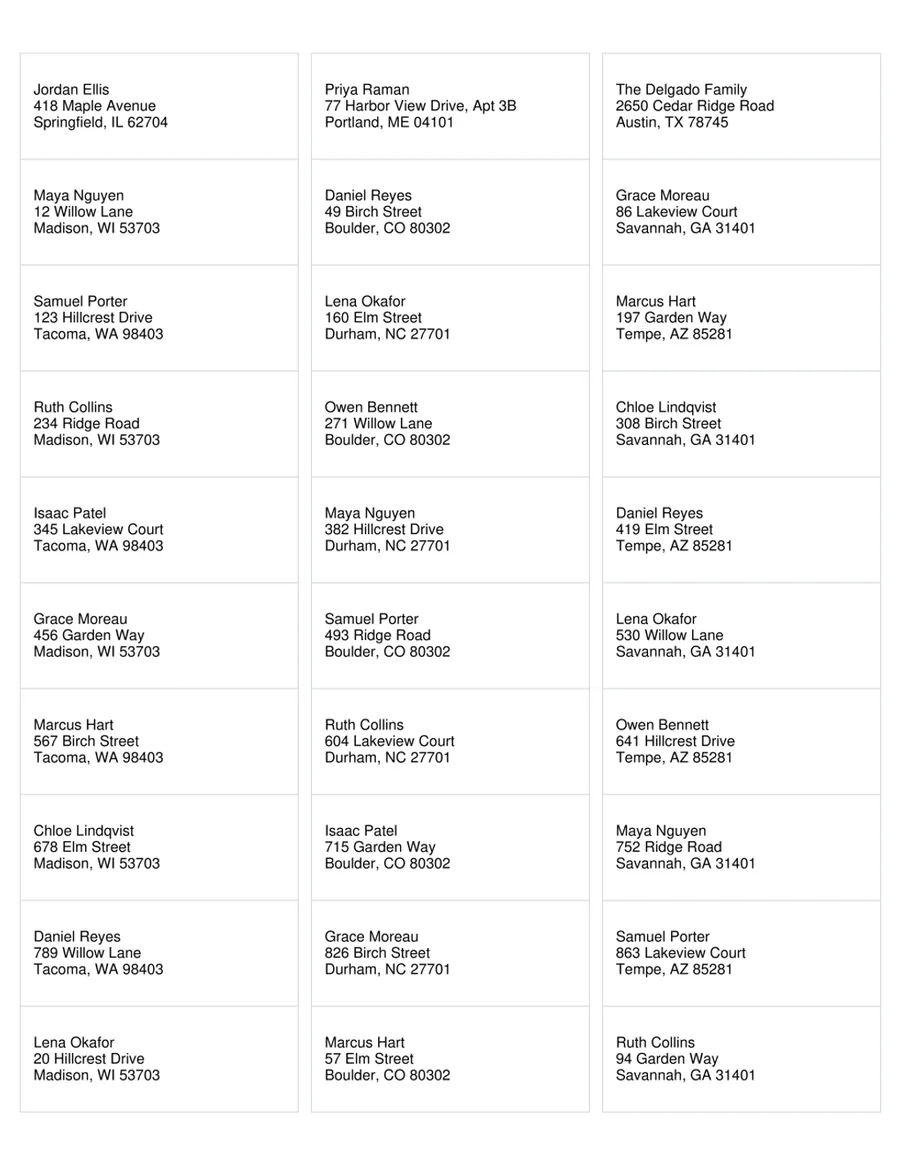
Avery 5160
Address labels
30 per sheet · 2 5/8" x 1" · US Letter
One row of your list on each label. Also fits 8160, 5260, 18160.
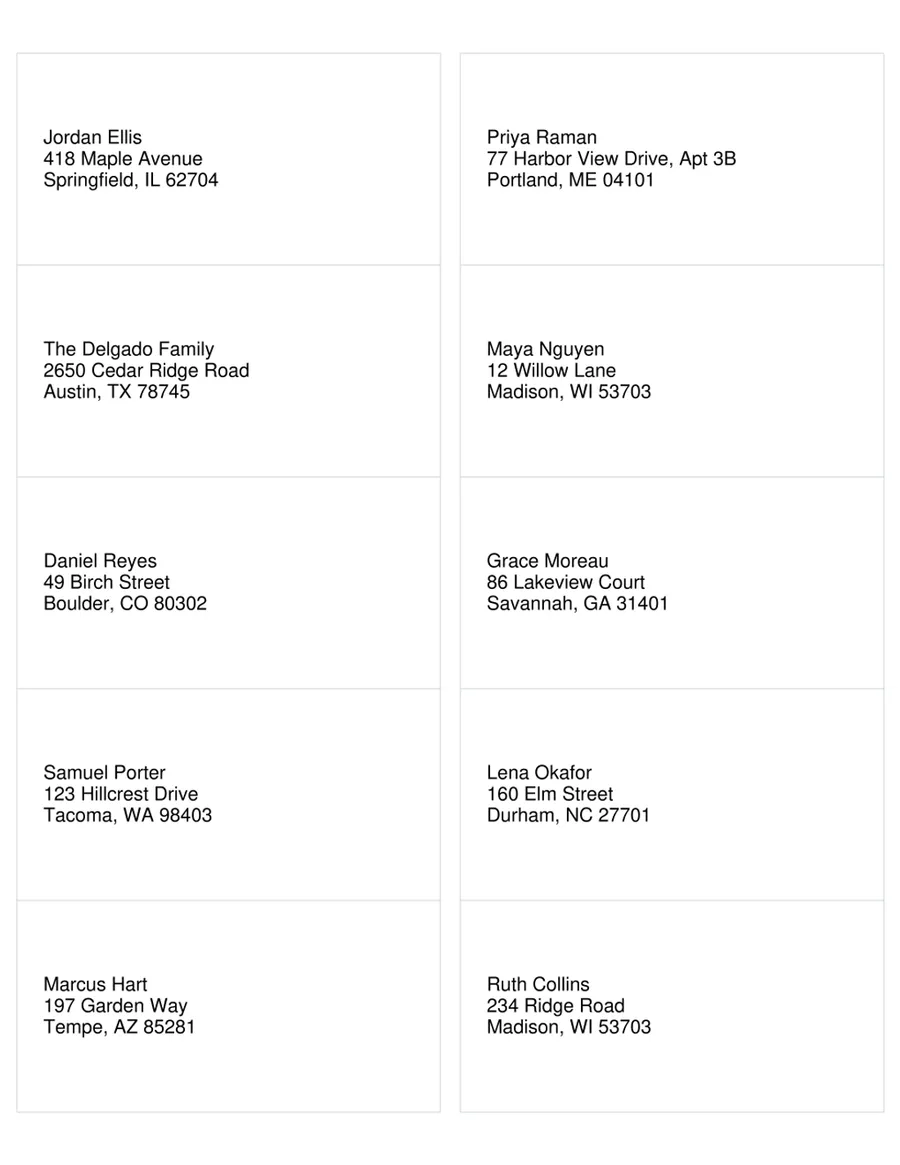
Avery 5163
Shipping labels
10 per sheet · 4" x 2" · US Letter
One row of your list on each label. Also fits 8163, 18163.
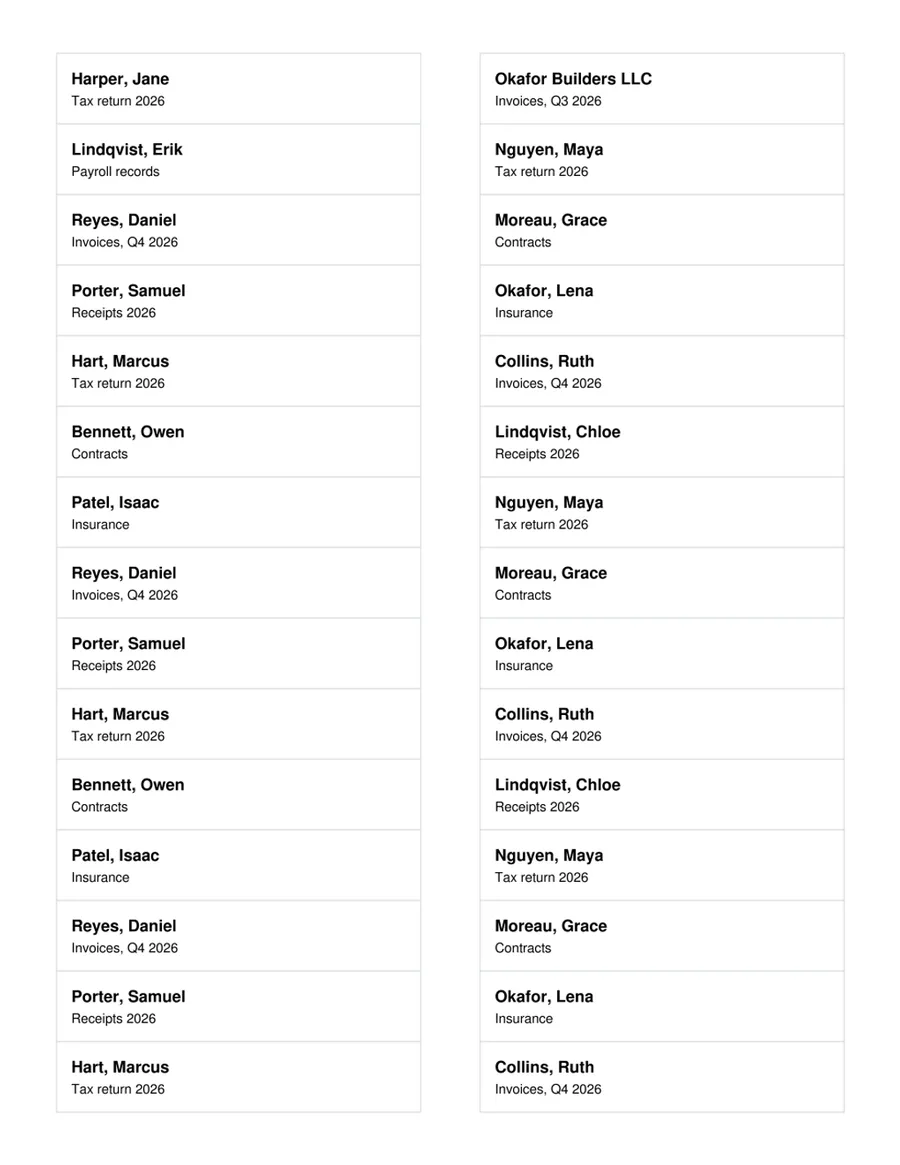
Avery 5366
File folder labels
30 per sheet · 3 7/16" x 2/3" · US Letter
One row of your list on each label. Also fits 8366, 5066.
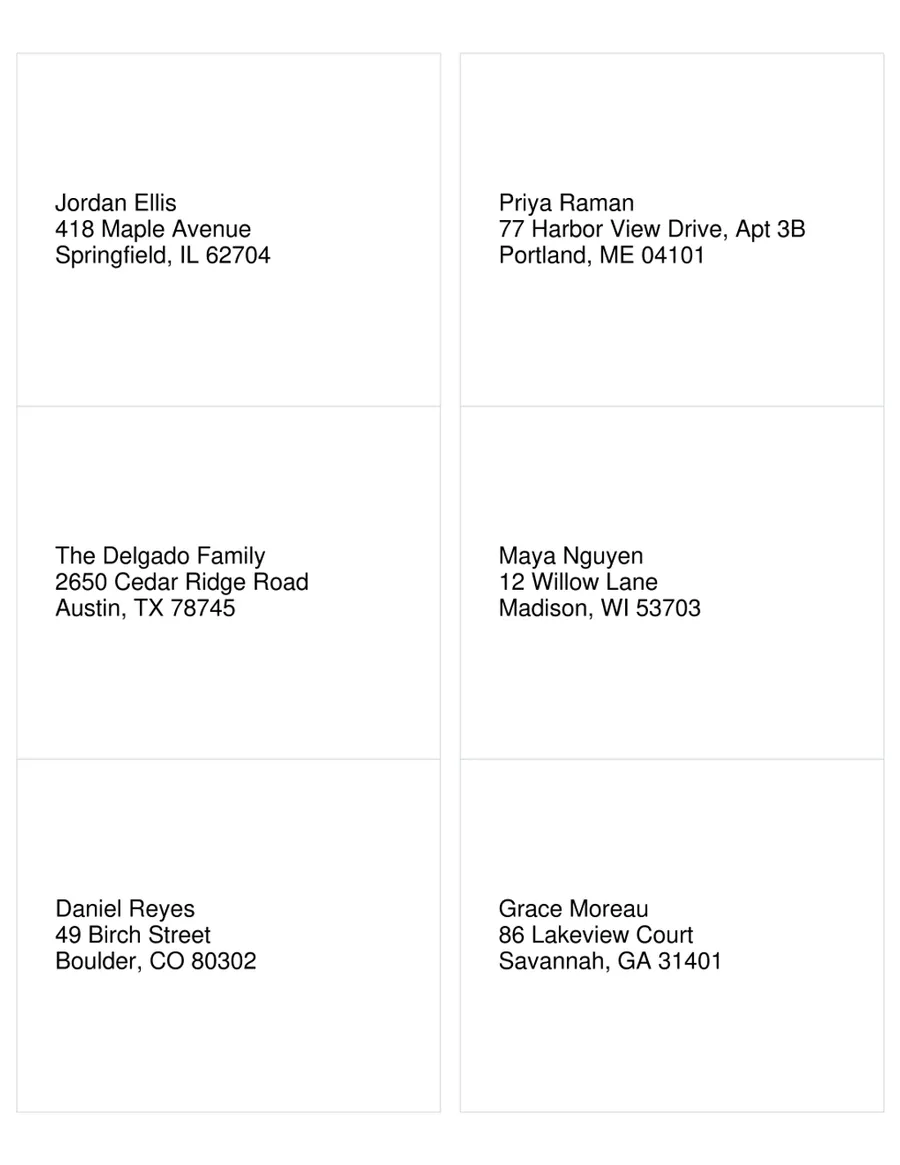
Avery 5164
Shipping labels
6 per sheet · 4" x 3 1/3" · US Letter
One row of your list on each label. Also fits 8164.
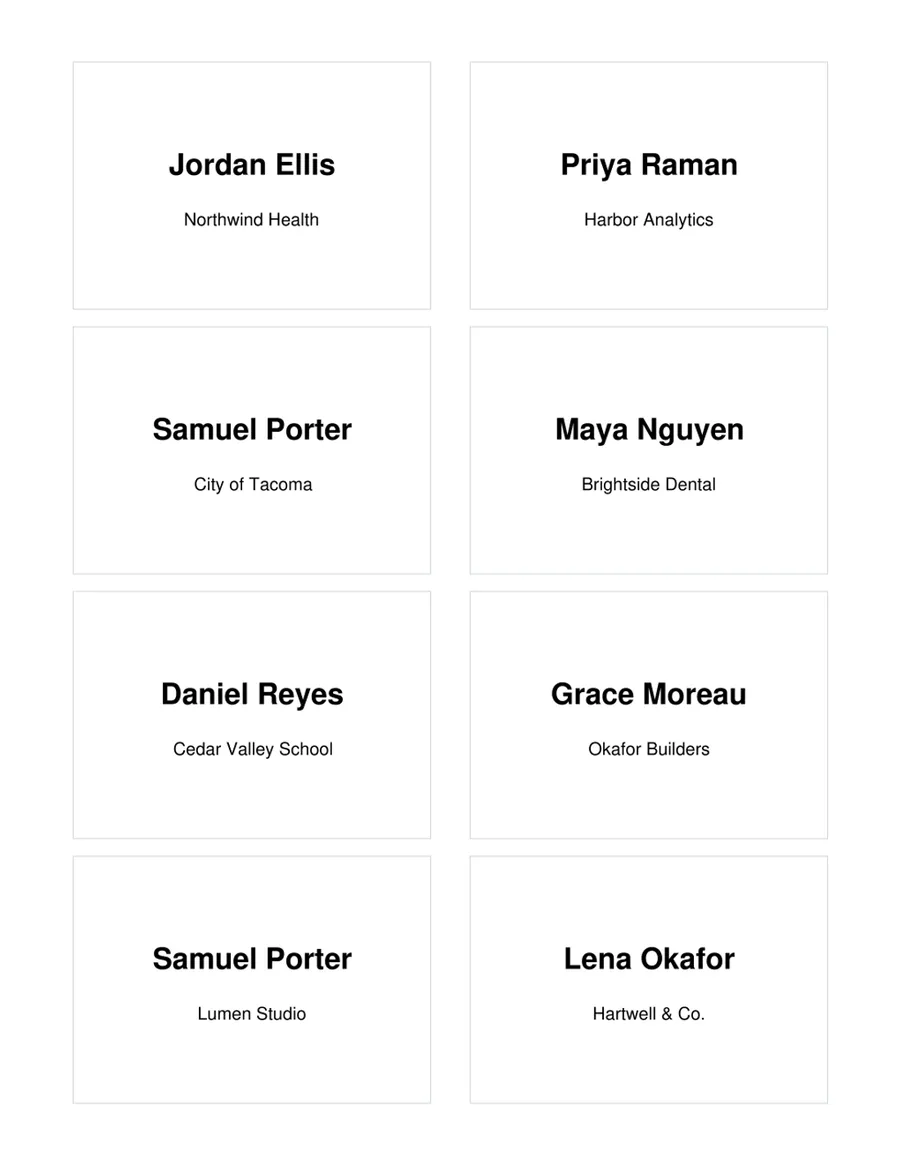
Avery 5395
Name badges
8 per sheet · 3 3/8" x 2 1/3" · US Letter
One row of your list on each label. Also fits 8395, 45395.
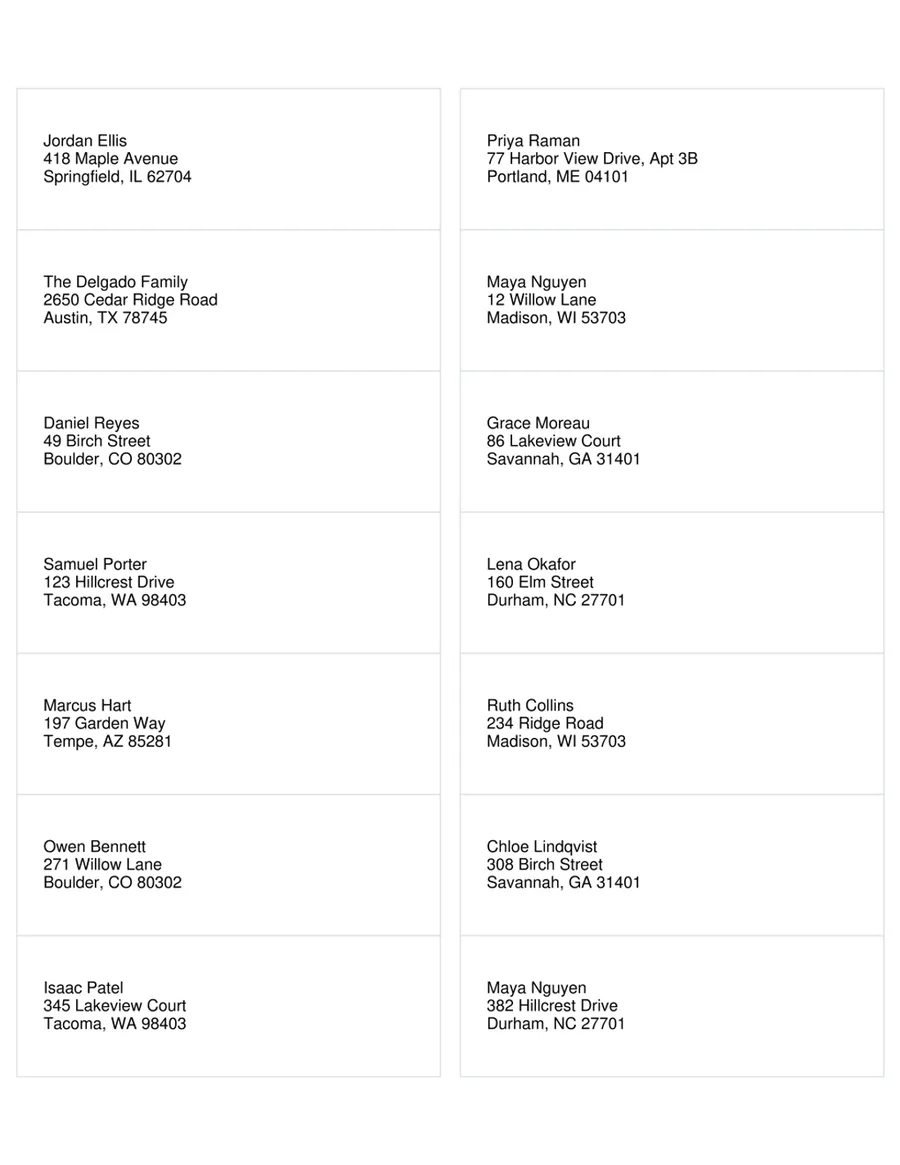
Avery 5162
Address labels
14 per sheet · 4" x 1 1/3" · US Letter
One row of your list on each label. Also fits 8162.
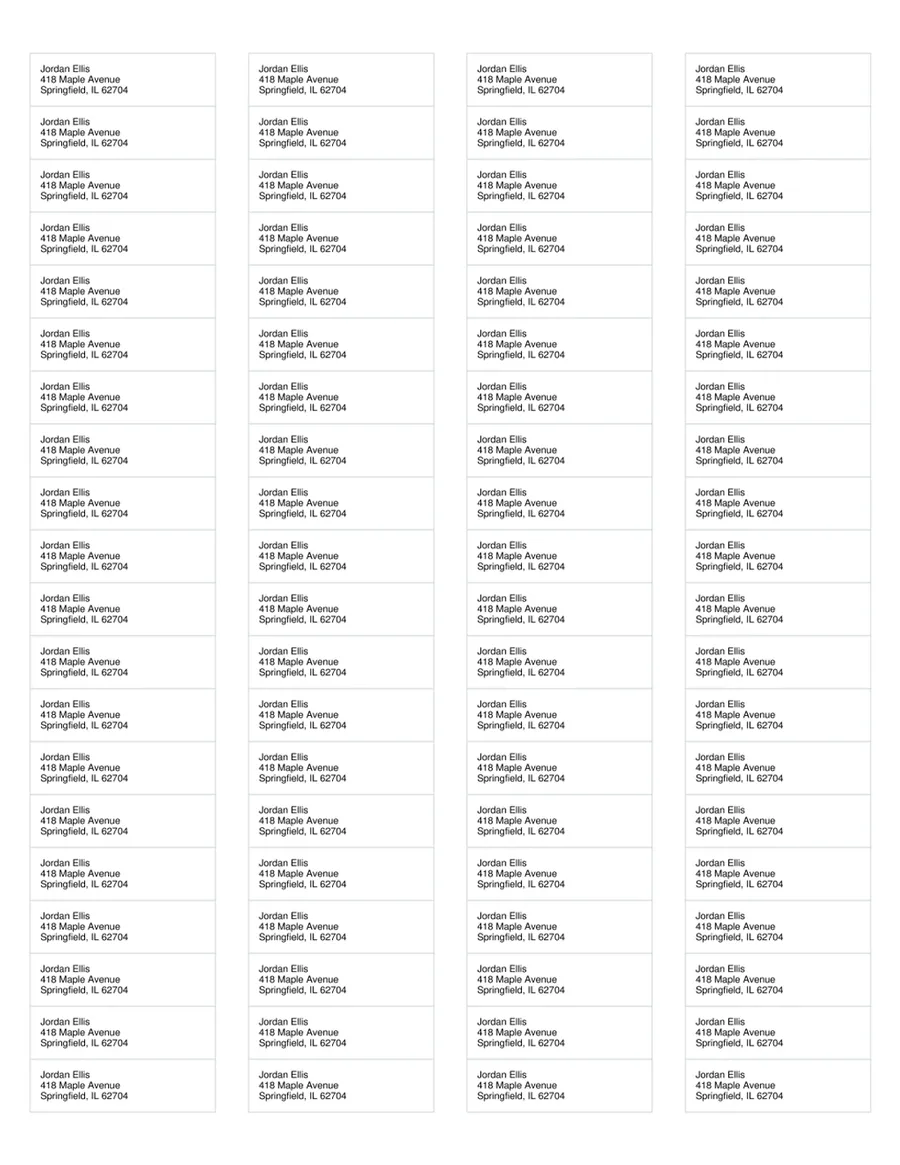
Avery 5167
Return address labels
80 per sheet · 1 3/4" x 1/2" · US Letter
A full sheet of the same label for each row. Also fits 8167.
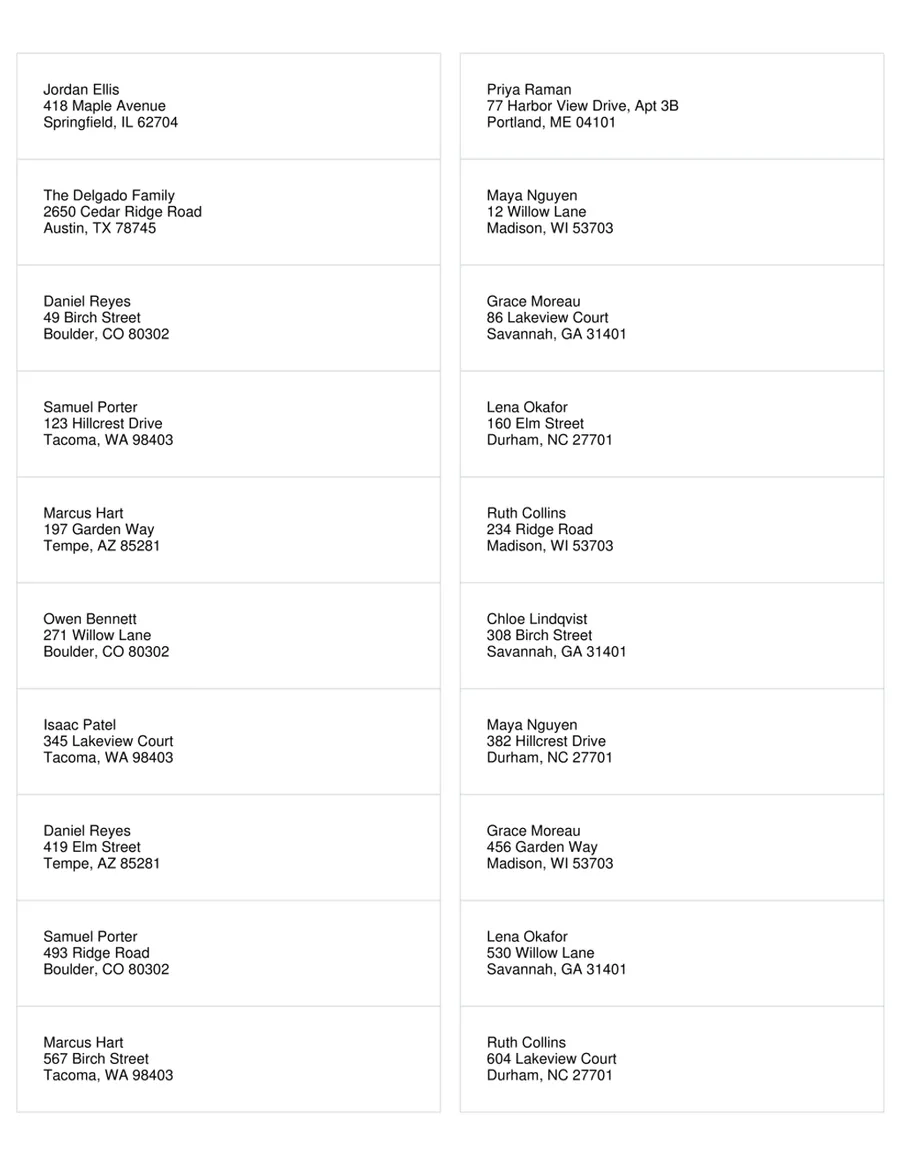
Avery 5161
Address labels
20 per sheet · 4" x 1" · US Letter
One row of your list on each label. Also fits 8161.
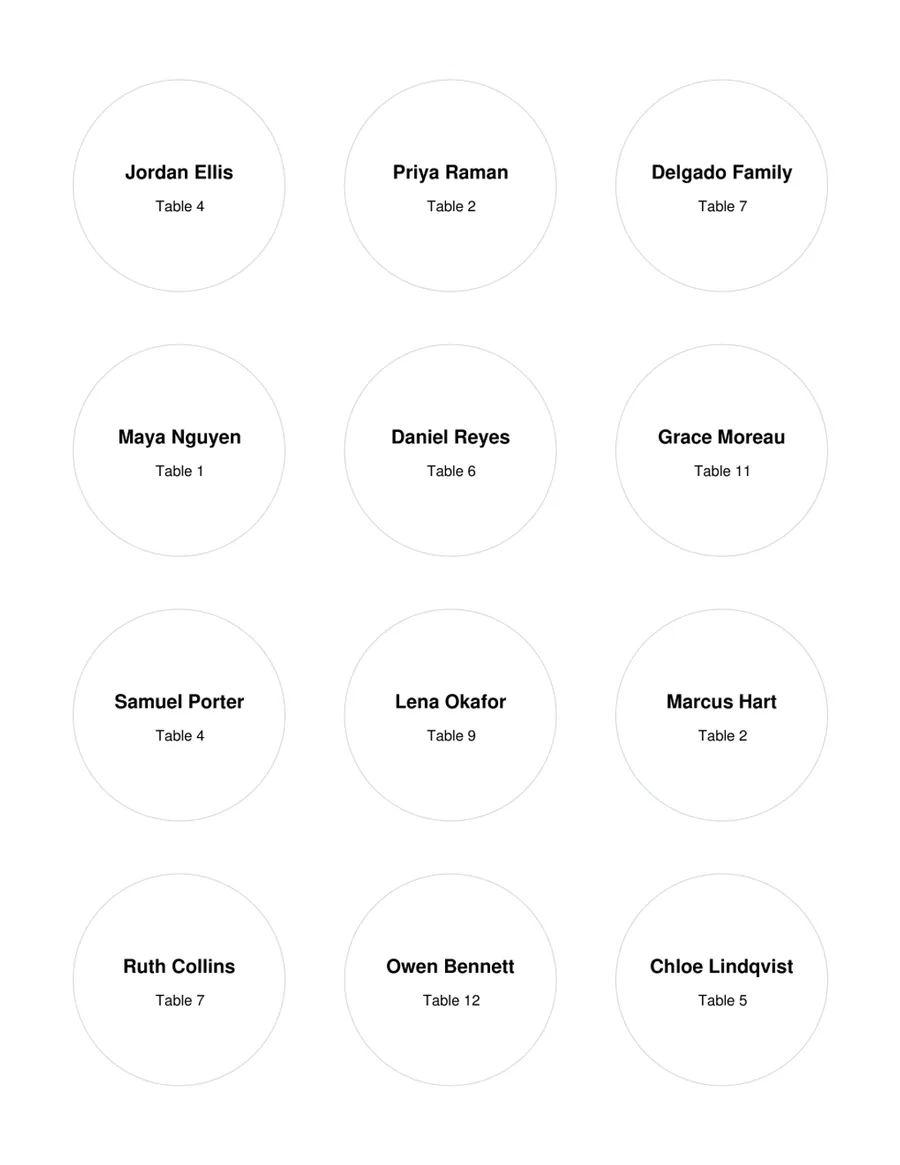
Avery 22807
Round labels
12 per sheet · 2" round · US Letter
One row of your list on each label.
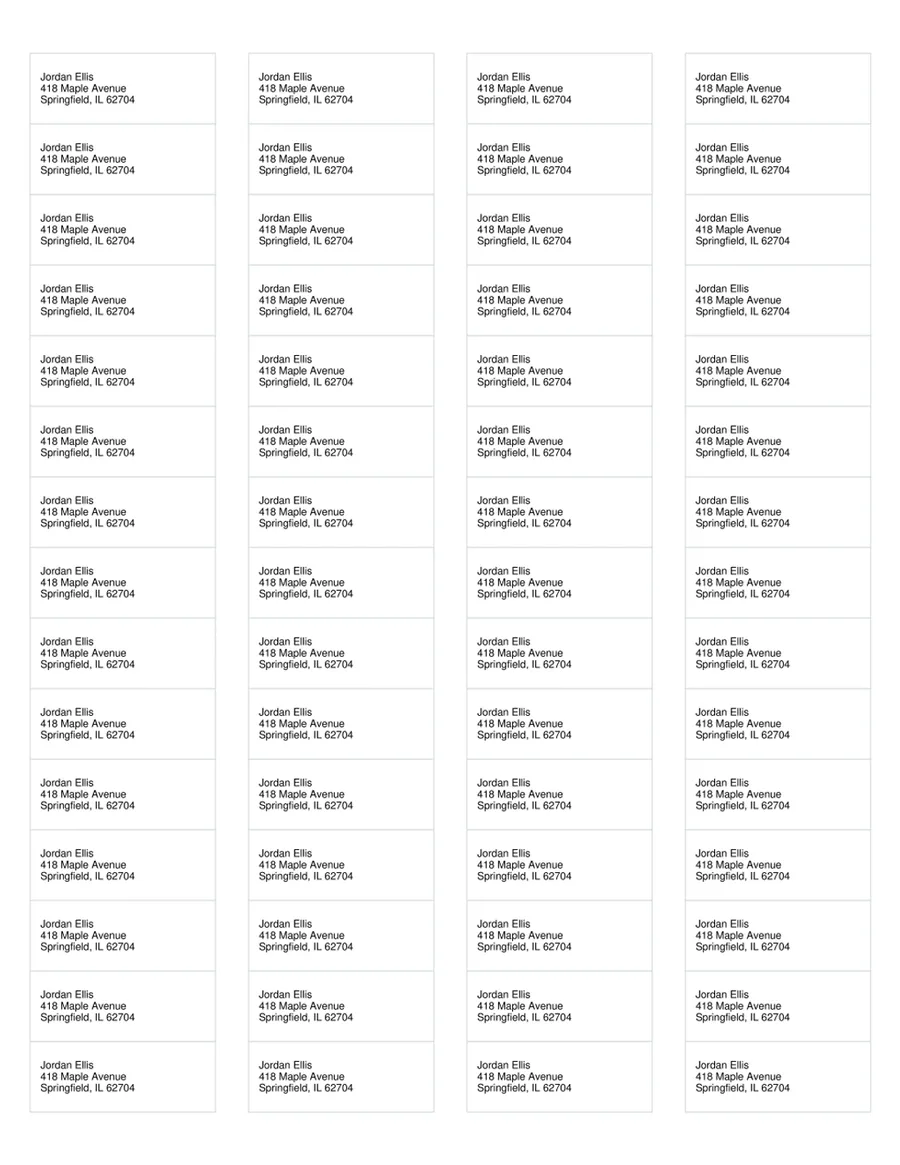
Avery 5195
Return address labels
60 per sheet · 1 3/4" x 2/3" · US Letter
A full sheet of the same label for each row. Also fits 8195, 15695.
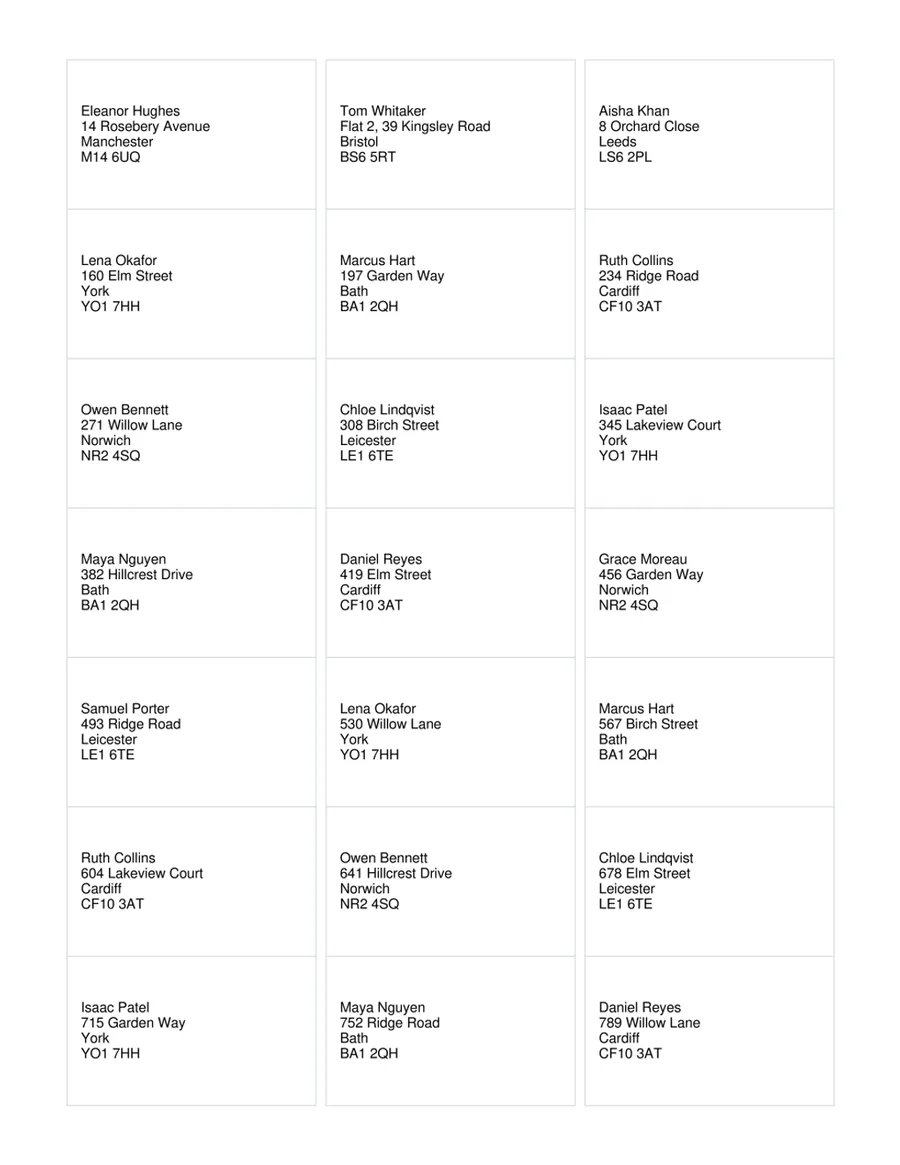
Avery L7160
Address labels
21 per sheet · 63.5 x 38.1 mm · A4
One row of your list on each label. Also fits J8160.
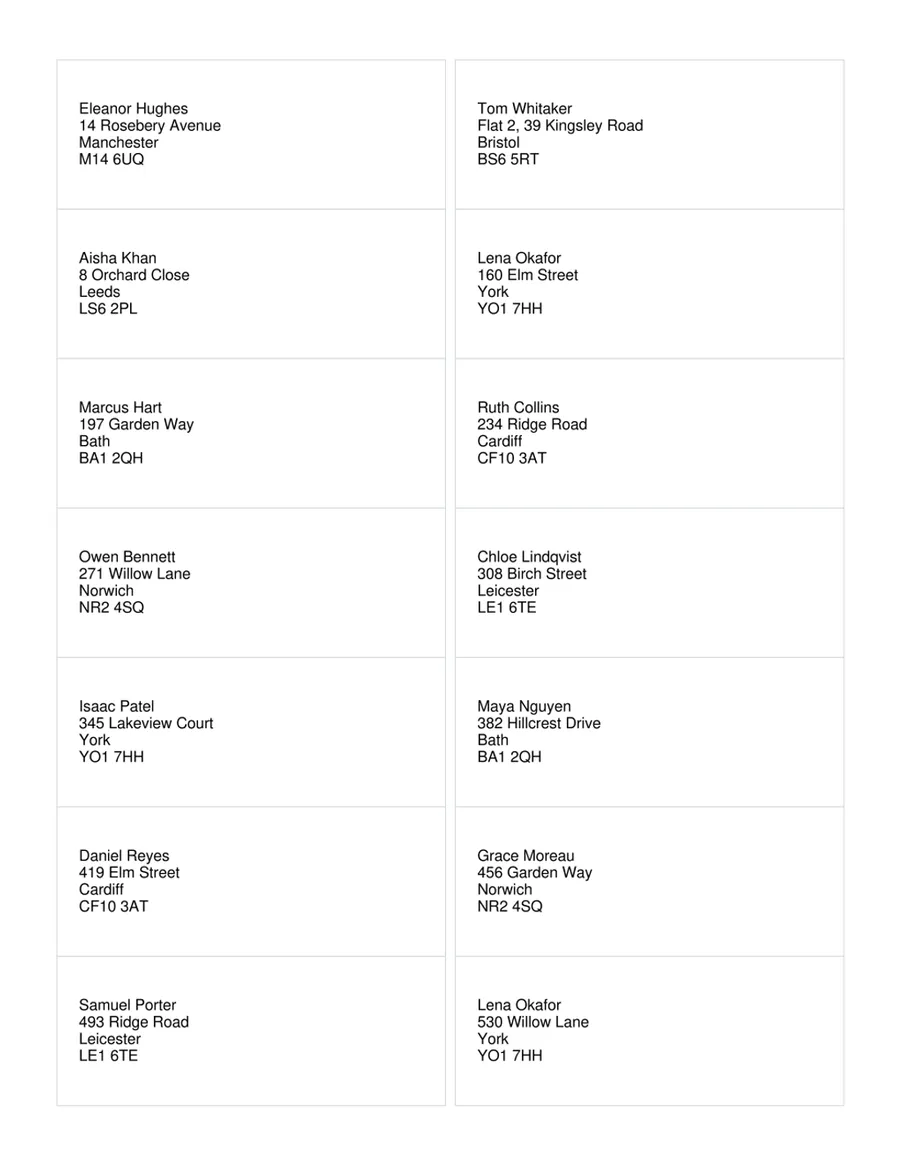
Avery L7163
Address labels
14 per sheet · 99.1 x 38.1 mm · A4
One row of your list on each label. Also fits J8163.
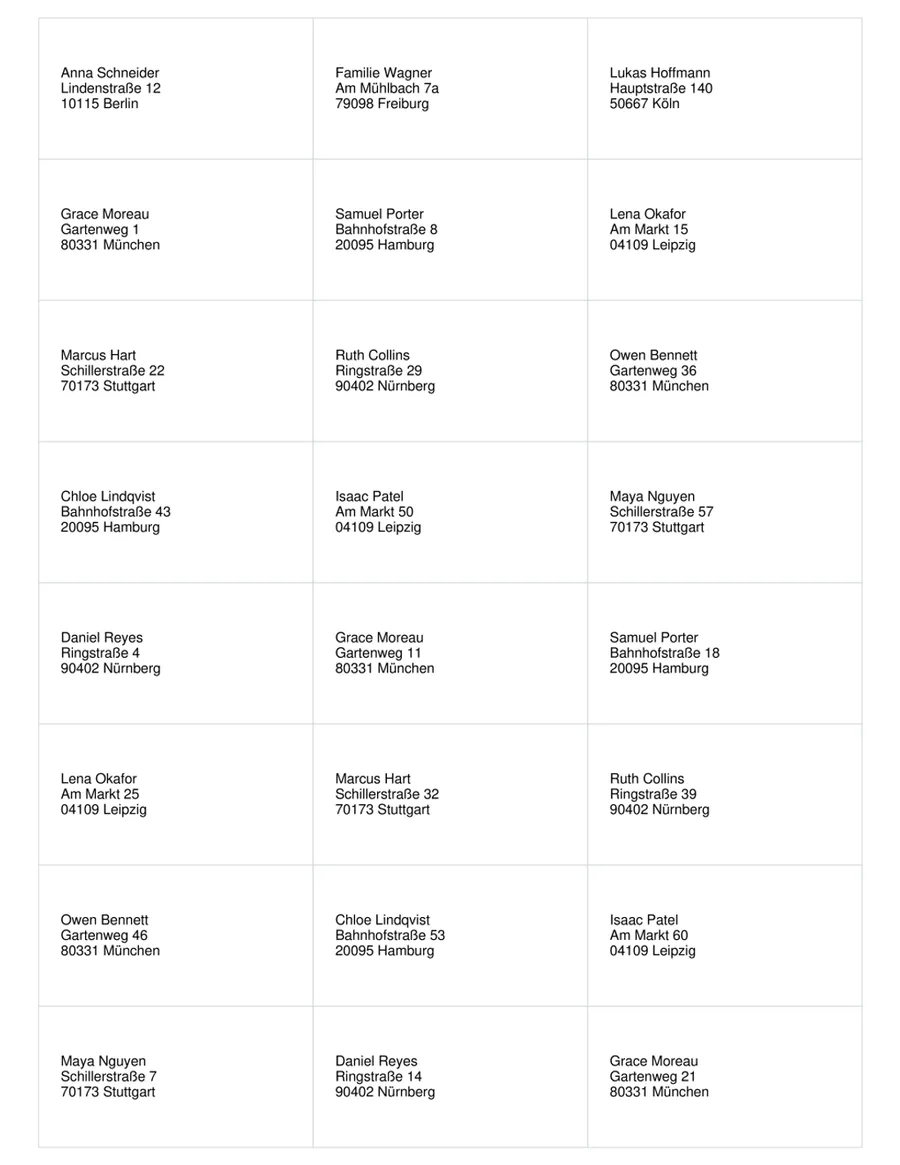
Avery Zweckform 3475
Address labels
24 per sheet · 70 x 36 mm · A4
One row of your list on each label.
Sheet sizes from the manufacturers’ published layouts, last checked October 2026. Avery and Zweckform are trademarks of their owners; MailMergic is not affiliated with them.
Doing it in Word instead
Word can print labels from Excel too, through its mail merge. These are the steps in Word for Windows and Mac:
- 1.Open a blank document and go to Mailings, then Start Mail Merge, then Labels.
- 2.Choose Avery US Letter (or Avery A4/A5) and your product number, for example 5160.
- 3.Click Select Recipients, then Use an Existing List, and pick your Excel file and the sheet with the addresses.
- 4.In the first label, click Address Block or Insert Merge Field and add Name, Street, City, State and ZIP.
- 5.Click Update Labels, so every label gets the same fields, then Preview Results.
- 6.Click Finish & Merge, then Print Documents.
Where it usually goes wrong
- Only the first label is filled: Update Labels was not clicked, so the other labels have no fields.
- ZIP codes lose their leading zero (04101 becomes 4101): format the ZIP column in Excel as Text before you start.
- Every label shows the same address: the fields were typed by hand instead of inserted, or the Next Record fields were deleted.
More detail, with envelopes and name tags, in the guide how to mail merge labels, envelopes and name tags in Word.