Auto fill PDF forms from Excel
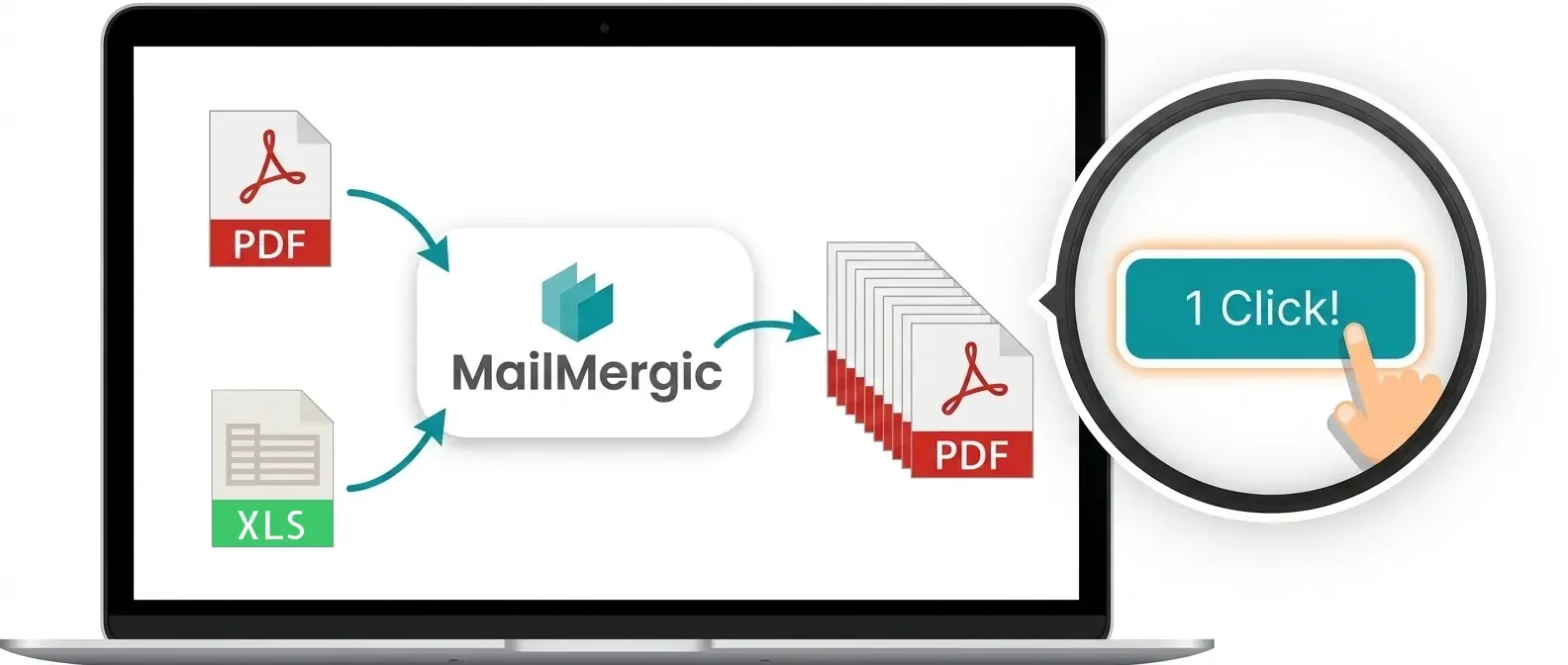
Upload a fillable PDF and a spreadsheet, match your columns to the form fields, and get one filled PDF per row. Flat PDFs work too: you place your data anywhere on the page.
- Free to try, no sign-up
- Trusted since 2019
- GDPR & CCPA compliant
- 30-day money-back guarantee

How to auto fill a PDF form from Excel in 5 steps
All you need is the PDF and a spreadsheet with a header row (Name, Address, Date, ...). Every row becomes one filled copy of the form.
Upload your PDF form
A fillable PDF with form fields, or a flat PDF such as a scanned form, a contract or a certificate design.
Add your data
Upload an Excel or CSV file, or connect a Google Sheet. The header row becomes your list of fields.
Match columns to fields
Drag a column onto a form field to fill it: text fields, checkboxes and radio buttons. On a flat PDF, drop the column anywhere on the page.
Preview any row
Step through your rows and see the filled form before you generate anything. Missing values and mismatches are flagged.
Generate one PDF per row
Download the filled PDFs as separate files or as one combined file, or email each one to the address in its row.
Customers love MailMergic
From small teams to large organizations, users around the world rely on MailMergic to automate their document workflows, save hours of manual work, and deliver perfectly personalized results, every single time.
Average score from 134 post-purchase surveys in 2025: 4.6/5
Filling PDF forms without a dedicated tool
Adobe Acrobat can import data from a file into a PDF form, but it fills one form at a time. Filling the same form once for every row of a spreadsheet takes custom JavaScript or a paid plug-in.
A Word mail merge starts from a Word document, not from your PDF. You would have to rebuild the form in Word first, and Word still saves all records into one long document.
Where the manual route breaks down
- Copying values by hand is slow, and every typo lands in an official document
- Acrobat on its own fills one form at a time; bulk filling needs a script or a plug-in
- Word cannot fill an existing PDF form at all
- Nothing emails each filled form to the right person
- Nothing checks for missing or mismatched data before the forms go out
Acrobat alone vs. MailMergic for bulk PDF form filling
| Acrobat alone | MailMergic | |
|---|---|---|
| One filled PDF per spreadsheet row | Script or plug-in needed | Built in |
| Excel, CSV and Google Sheets as data | One record at a time, from an exported text file | All three, read directly |
| PDFs without form fields | Add form fields first | Place data anywhere on the page |
| Email each PDF to its recipient | By hand | Built in, with delivery tracking |
| File names from your data | By hand | Built in |
| Works in the browser | Desktop software | Yes, nothing to install |