Gmail mail merge,
with a personal document for every recipient
Connect your Gmail™ or Google Workspace account and send every row of your spreadsheet a personal email with its own PDF, Word or Excel attachment, generated from one template. Sent from your own address, replies in your inbox, nothing installed in your browser.
- Sends from your own Gmail address
- One personalized PDF, Word or Excel file per recipient
- One of four sending routes, switch anytime
How it works
How to mail merge in Gmail, in three steps
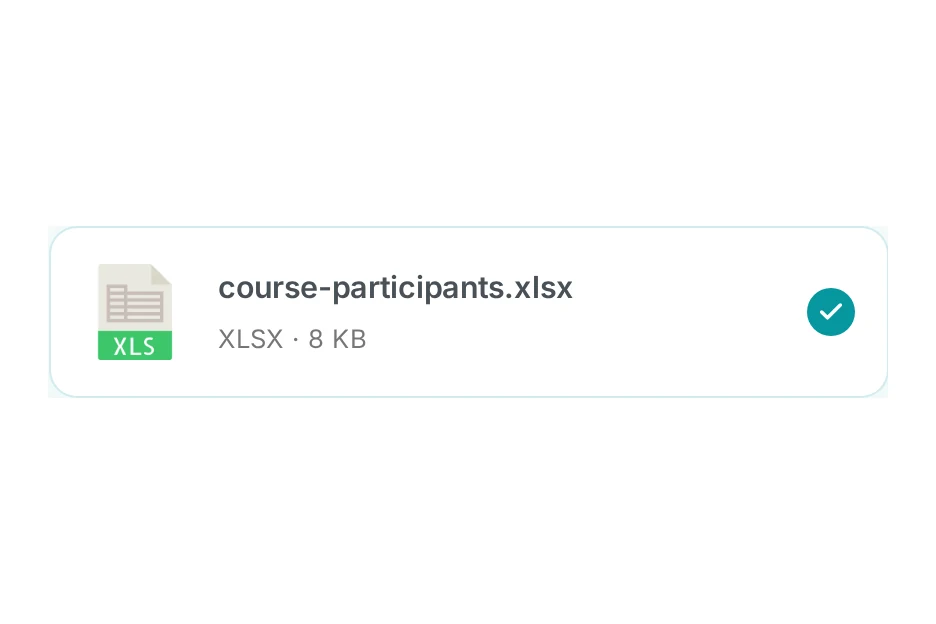
Upload your recipient list
Drop in an Excel or CSV file, or import a Google Sheet. Every column becomes a placeholder you can use in your email.
Write one email, connect Gmail
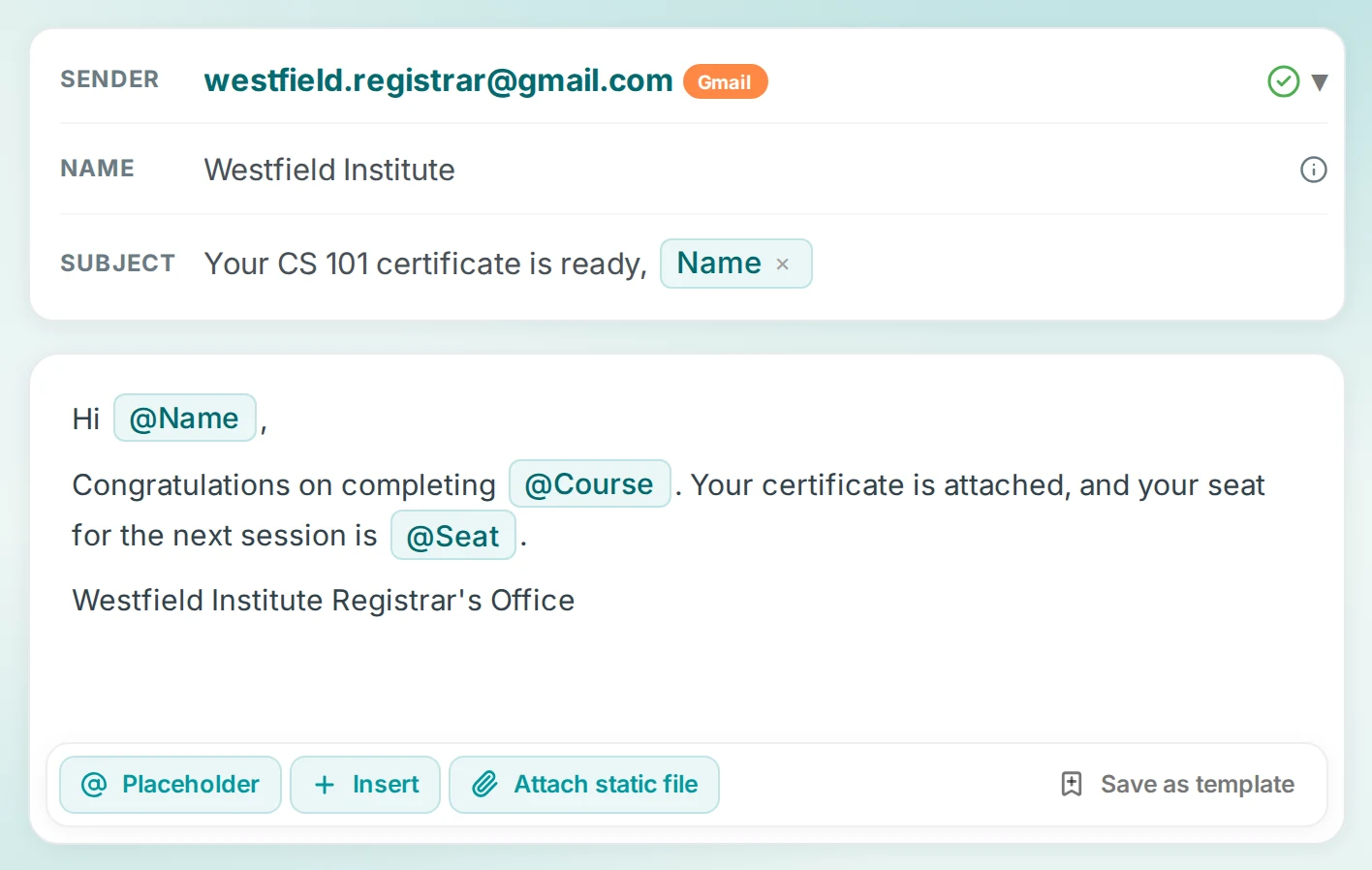
Compose your email with placeholders in the subject and body, then pick Gmail as the sender and sign in with Google. One permission, no extension.
Send and reply as usual
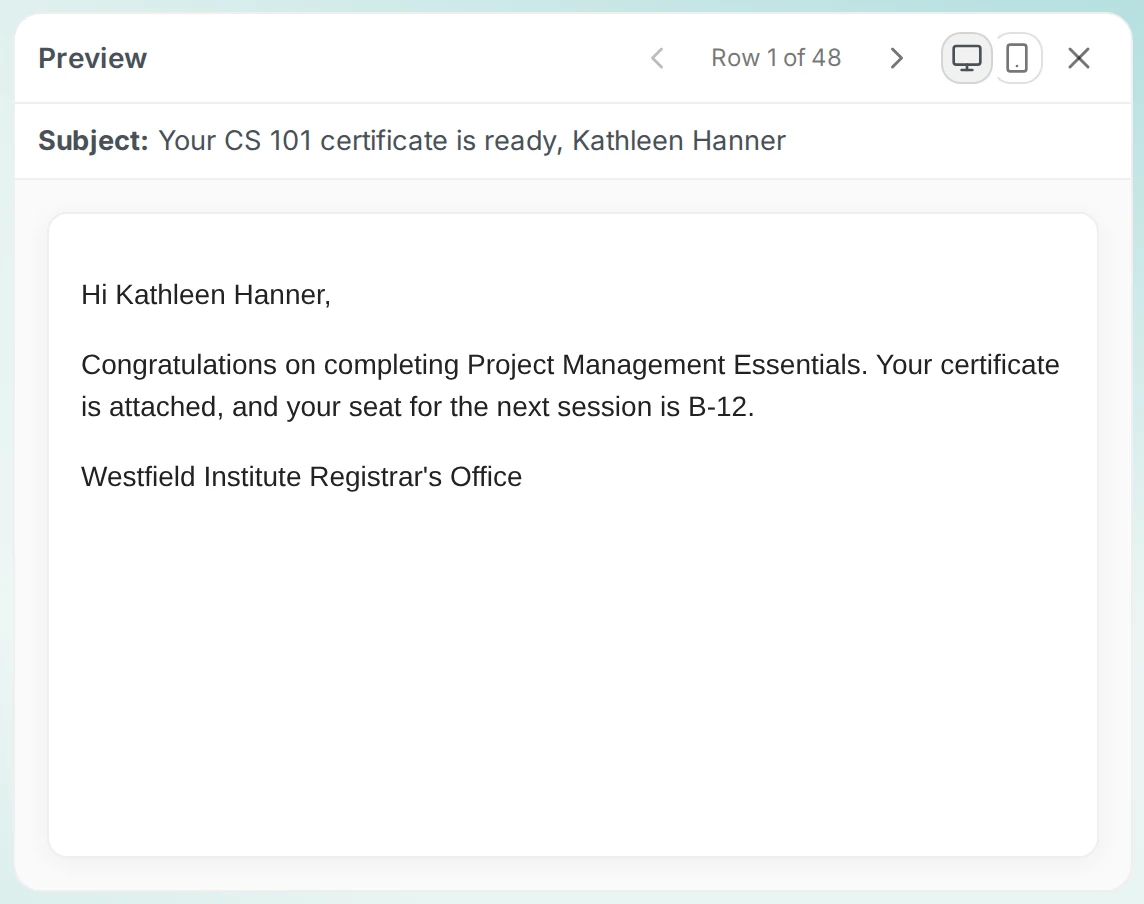
Every recipient gets their own personal email from your address. Sent mail shows up in your Gmail Sent folder, and replies come straight back to your inbox.
Your first mail merge is three steps away.
Try it freeBuilt for real sendouts
Mass email from Gmail that reads like a personal note
A mail merge sends each contact their own email, to multiple recipients individually, with their name, their numbers and their file. No visible mailing list, no "undisclosed recipients".
Send mass email in Gmail, personalized per row
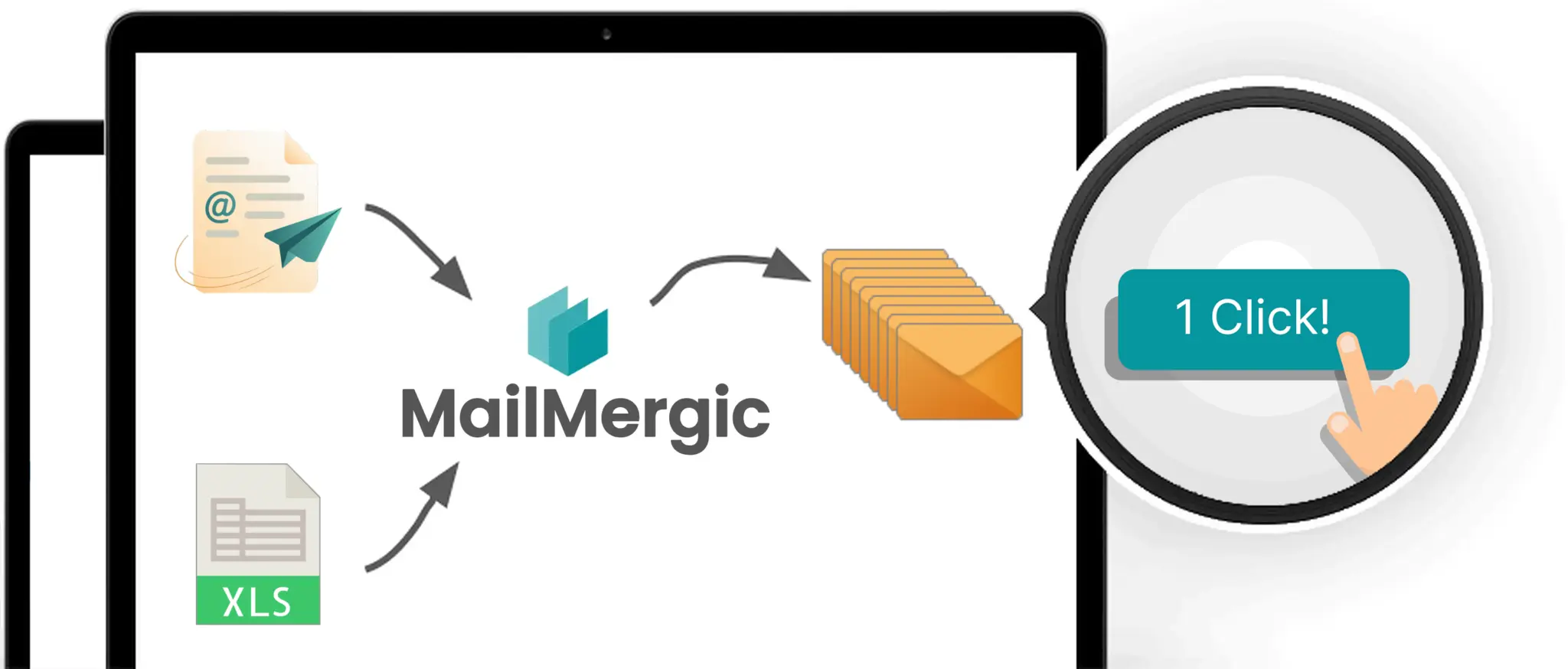
Write the email once and MailMergic fills in a personal version for every row of your spreadsheet. Each contact receives a separate email addressed only to them.
- Placeholders in the subject line and body
- Conditional blocks for optional paragraphs
- Spam-score check before you send
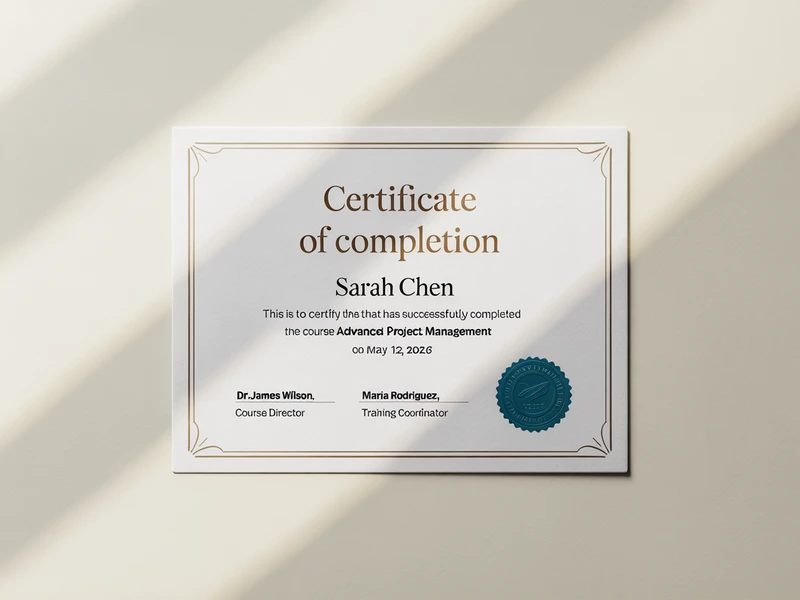
Mail merge with attachments, a different file per recipient
This is where extensions give up. MailMergic generates a personalized PDF, Word, Excel or image file for every recipient from one template, and attaches each file to the matching email.
- Certificates, invoices, contracts and letters
- One template in, one personalized file per row out
- Static attachments supported too
Google Workspace mail merge for teams
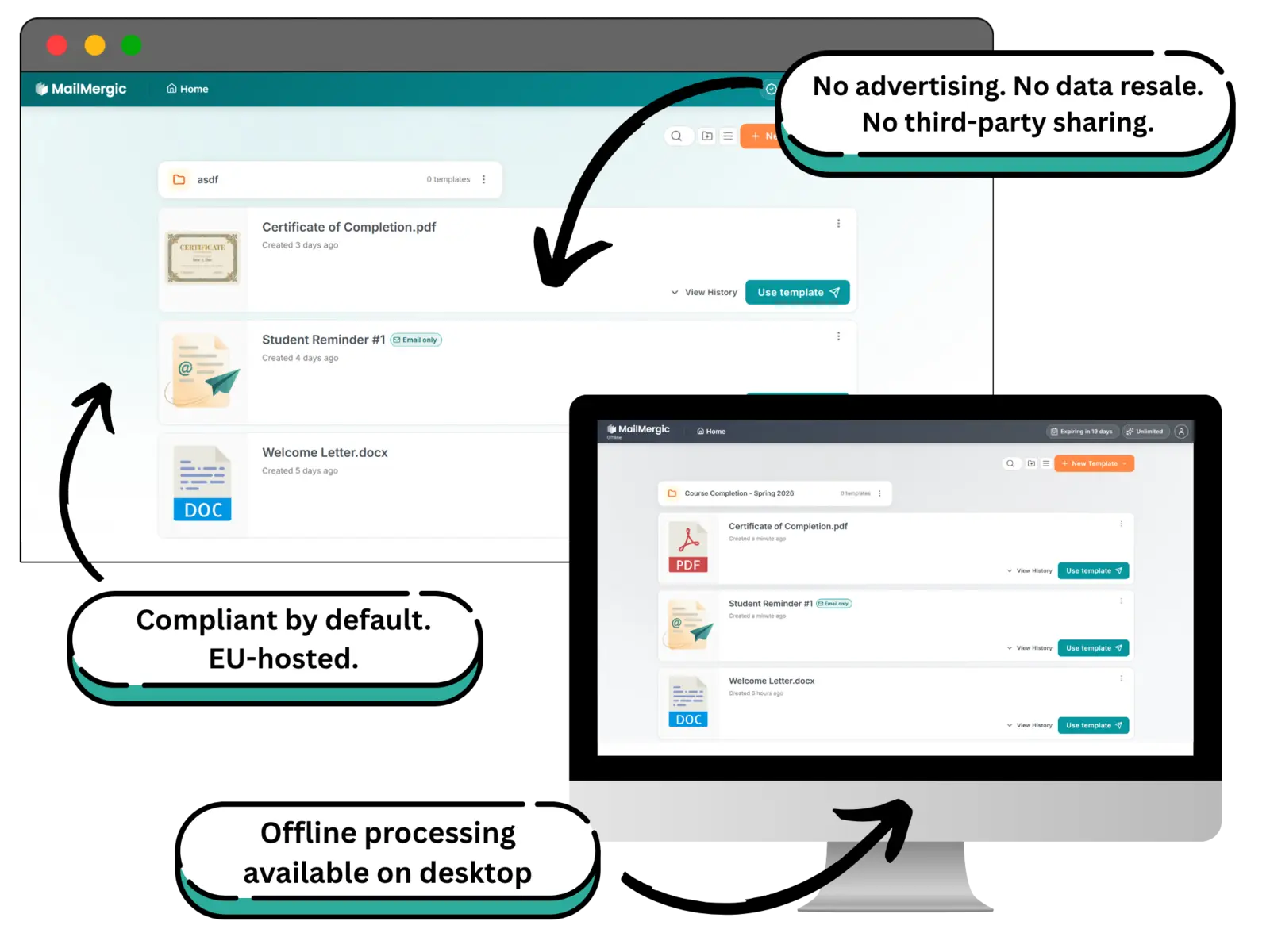
Workspace accounts send with the same Google sign-in and get the higher daily allowance. Your domain, your address, your Sent folder, and one send-only permission you can revoke at any time.
- Around 2,000 emails per day on Workspace
- Send-only permission, MailMergic never reads your mailbox
- Disconnect in one click, in MailMergic or in your Google account
The honest part
Gmail sending limits, handled instead of hidden
Google caps how much mail an account may send per day: around 500 emails on a personal Gmail account and around 2,000 on Google Workspace. Tools that promise unlimited Gmail sending are working around rules that exist to protect your address. MailMergic works with them.
A warning before you hit the cap
When your recipient list gets close to the daily allowance, MailMergic tells you while you compose, not halfway through the sendout.
A clean stop, never a broken run
If the limit is reached mid-run, sending pauses and the remaining recipients stay queued. Continue tomorrow, or switch the campaign to a MailMergic address and finish it now.
Know what tracking you get
Gmail sends show what was handed to Google and what failed. Delivery, open and click reporting need a MailMergic address or your own domain, so pick the route that matches how much you want to measure.
Gmail is one of four sending routes
Gmail / Google Workspace
From your own address, replies in your inbox. Google’s daily caps apply.
MailMergic address
We send for you after one confirmation click. No daily cap, full delivery report.
SMTP server
Bring your own mail server, including Outlook and hosted SMTP.
Your domain
Six DNS records for the strongest deliverability at volume.
Pick per campaign. The same spreadsheet, template and personalization work on every route.
MailMergic vs. Gmail extensions
Looking at GMass, YAMM or Mailmeteor?
Most Gmail mail merge tools are browser extensions or Sheets add-ons. They are good at quick sends inside your inbox, and they attach files you already have. MailMergic is a full web app that generates each recipient’s document from one template and sends it through your Gmail, so it does things an extension cannot, and it does not live or die with your browser.

Where it runs
Gmail extensionsInside Gmail or Google Sheets, installed per browser and per user
MailMergicA web app that works in any browser with nothing installed
Attachments
Gmail extensionsAttach existing files, or link files from Drive columns
MailMergicGenerates a personalized PDF, Word, Excel or image file per recipient from one template
When the list outgrows Gmail
Gmail extensionsYou wait for tomorrow’s allowance
MailMergicSwitch the same campaign to a MailMergic address with no daily cap
Mailbox access
Gmail extensionsOften requests broad Gmail permissions to run inside your inbox
MailMergicOne send-only permission. MailMergic cannot read, search or delete your mail
Document mail merge
Gmail extensionsEmail is the product
MailMergicThe same tool runs PDF, Word, Excel and image mail merges, with or without email
Full comparisons:vs. YAMM,vs. GMass,vs. Mailmeteor →
Gmail mail merge, answered
How do I do a mail merge in Gmail?
What is Gmail’s sending limit for mail merge?
Can I send different attachments to each recipient?
Does it work with Google Workspace accounts?
What permissions does MailMergic get on my Google account?
Do replies and sent mail stay in Gmail?
Is there a free Gmail mail merge?
Gmail and Google Workspace are trademarks of Google LLC.