Mail merge a Canva design
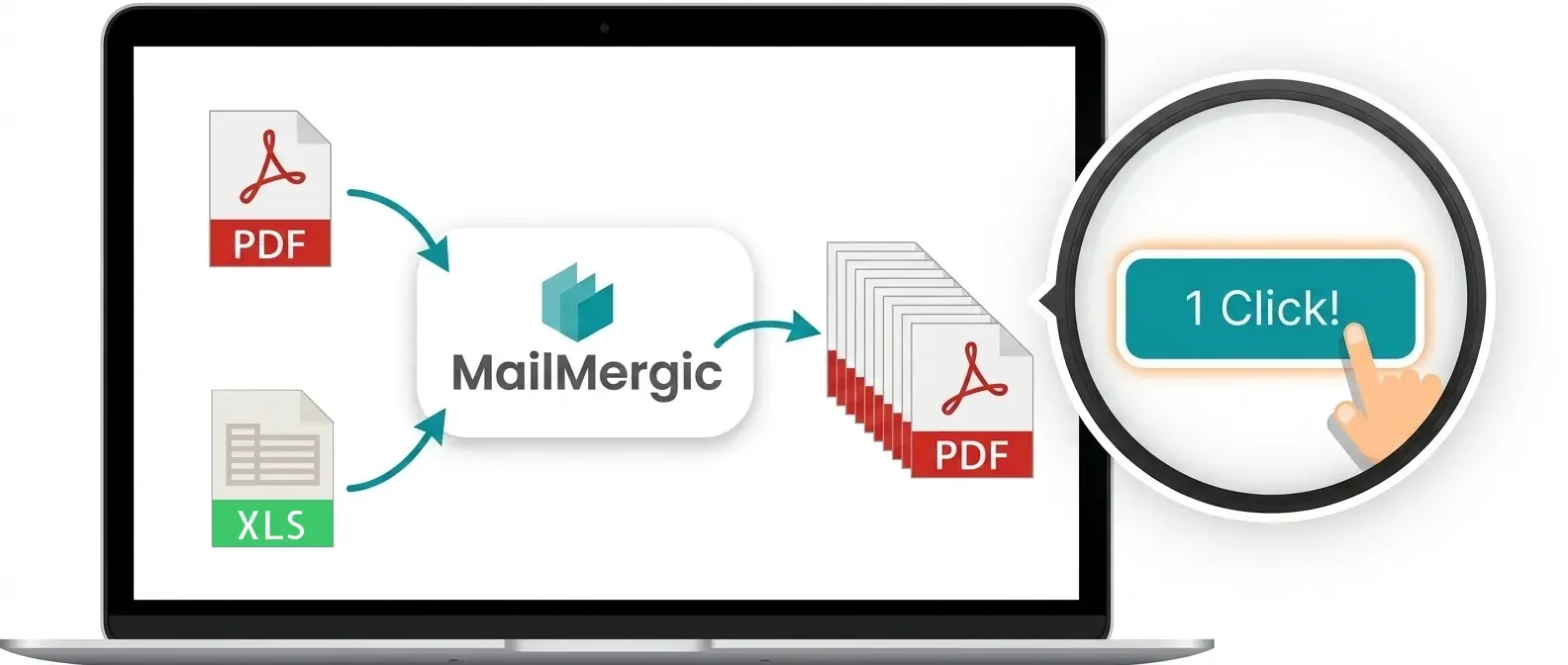
Design your certificate, invitation or letter in Canva, download it as a PDF, and let your spreadsheet fill it in. You get one personalized PDF per row, downloaded or emailed to each recipient. Works with Canva Free.
- Free to try, no sign-up
- Trusted since 2019
- GDPR & CCPA compliant
- 30-day money-back guarantee
How to mail merge a Canva design in 5 steps
You need your Canva design and a spreadsheet with a header row (Name, Course, Date, ...). Every row becomes one personalized copy of the design.
Download your design from Canva
Leave the spots for the name and other details empty. Then choose Share, Download and the file type PDF Standard. For print quality, pick PDF Print and leave "Crop marks and bleed" unticked.
Upload the PDF
Drop the file into MailMergic. It opens as your template, looking exactly as you designed it.
Add your data
Upload an Excel or CSV file, or connect a Google Sheet. The header row becomes your list of fields.
Drop your columns onto the design
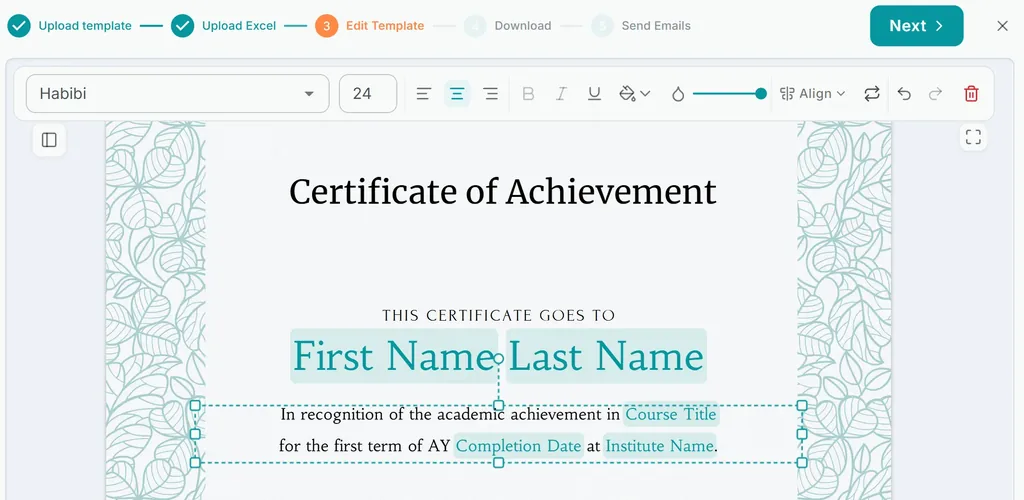
Drag Name, Date or any other column to its place and set the font, size and colour. Pick the font from the Google Fonts catalog or upload your own font file.
Generate one PDF per row
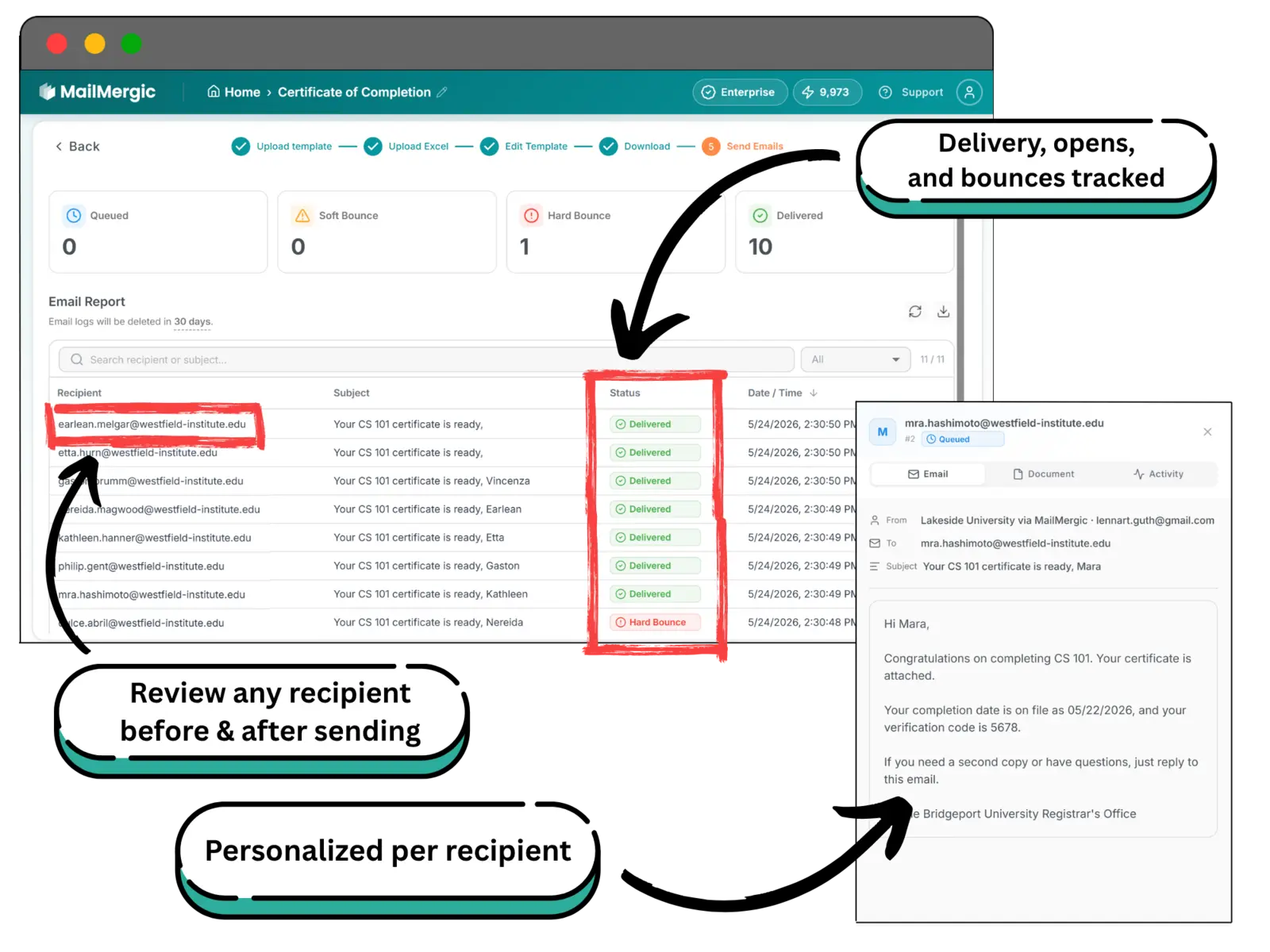
Preview any row first. Then download the PDFs as separate files or as one combined file, or email each one to the address in its row.
Customers love MailMergic
From small teams to large organizations, users around the world rely on MailMergic to automate their document workflows, save hours of manual work, and deliver perfectly personalized results, every single time.
Average score from 134 post-purchase surveys in 2025: 4.6/5
The built-in way: Canva Bulk Create
Canva has its own mail merge, under another name: Bulk Create. Open it from the Apps menu, upload a CSV or Excel file (or type your data in), connect each column to a text or image element, and Canva generates one page or one design per row. It can name each page from a column, and paid plans can download the pages as separate PDFs.
If you have a paid Canva plan and a short list that you will hand out yourself, Bulk Create is all you need. These are the points where people start looking for another route:
Where Bulk Create stops
- It is not part of Canva Free: it needs Canva Pro, Teams, Business, Enterprise, Education or Nonprofits
- It takes up to 300 rows per run, so a longer list has to be split
- It works on desktop only
- It ends at the designs: emailing each one to the person in its row is not part of it
Canva Bulk Create vs. MailMergic
| Canva Bulk Create | MailMergic | |
|---|---|---|
| Works with Canva Free | No | Yes |
| Rows per run | Up to 300 | Your whole sheet |
| Email each PDF to its recipient | Not included | Built in |
| Delivery, bounce and open tracking | Not included | Per recipient |