
Email-only mail merge.
One spreadsheet in.
Hundreds of personalized emails out.
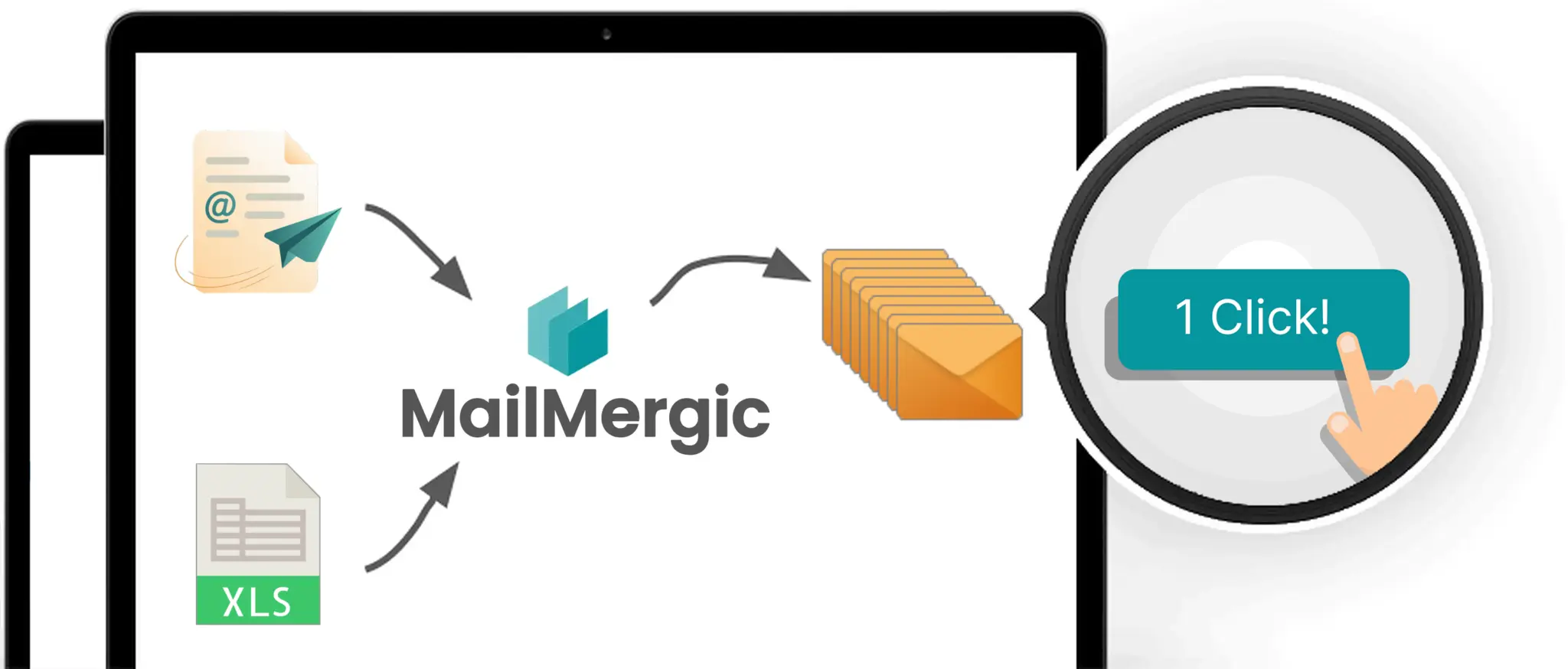
Upload your recipient list, compose your email with merge fields in the subject and body, and send personalized emails to every row. No attached document, no Gmail extension, no marketing platform. Each recipient gets their own email with their data filled in.
- GDPR and CCPA compliant
- 30-day money-back guarantee
Three steps
Send personalized email mail merge: 500 emails sent while you make a coffee
Upload your recipient list
Upload your recipient list as Excel, CSV, or Google Sheets. Each row is one recipient: an email address plus any columns you want to personalize.
Compose your email
Write your subject and body, then type @ to insert merge fields from your data. The editor supports rich text, links, lists, and inline images.
Preview and send
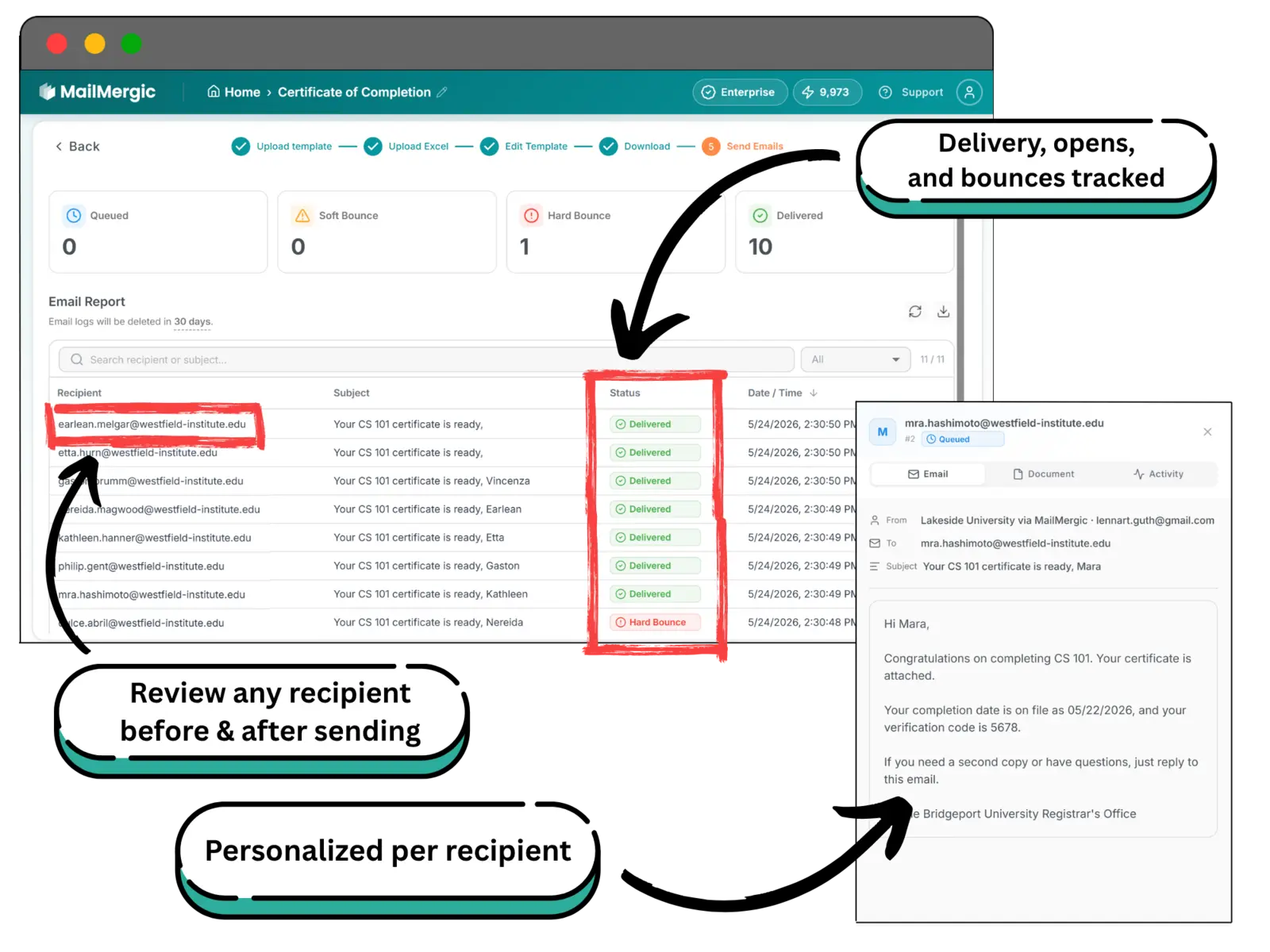
Step through each personalized email to check it looks right, then send. Track delivery, opens, and bounces from your dashboard.
See it work.
Try for freeBuilt for high-volume sending
Send confidently. Track everything. Keep control of the list.
Track every send from one dashboard
Each recipient gets their own personalized email. Watch deliveries, opens, and bounces in real time. Resend a failed message, export the report, or filter to one campaign without leaving MailMergic.
- Bulk delivery built in, or use your own SMTP
- Per-recipient status: delivered, opened, bounced
- One-click resend for failed messages
Need data to stay on your machine? Use the offline desktop app
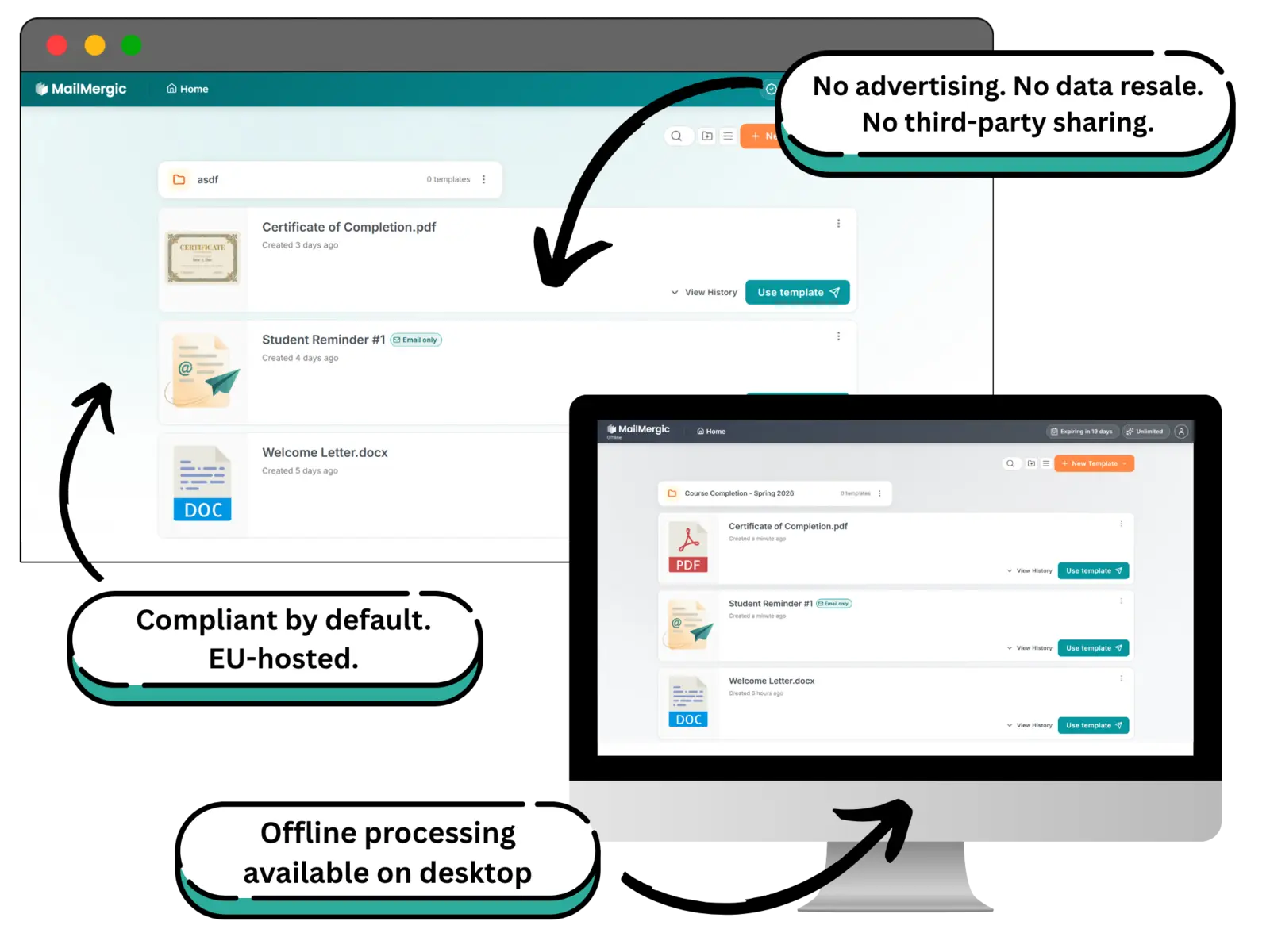
MailMergic runs in the cloud by default, GDPR and CCPA compliant. For workflows that can't send recipient data to a cloud service at all, the offline desktop app is a separate product that runs every merge entirely on your computer. Recipient lists, message bodies, and attachments stay on the machine.
- Standalone offline app, separate from the web product
- Every merge runs entirely on your machine
- Works without internet, air-gapped friendly
What changes when you switch
No more sending the same email 100 times with [FIRST_NAME] never replaced
1,000+
Personalized emails per mail merge run
One spreadsheet, one click, every recipient receives their own custom email
95%
Less manual personalization work
Reported by teams replacing manual Word + Outlook mail merge workflows
0
Marketing platforms required
If your data has columns and your email has merge fields, you're ready
Built for sensitive data, not marketing tracking
Your recipient list is your recipient list
Recipient lists often contain the most sensitive data your team handles: customer emails, internal team rosters, partner contacts. MailMergic processes them only for your merge run. GDPR and CCPA compliant by default. EU-hosted infrastructure. No advertising data use, no profile building, no AI training on customer data.
- GDPR compliant
- CCPA compliant
- EU-hosted infrastructure
- Encrypted in transit and at rest
- Configurable data retention from 5 minutes to 180 days
Read how MailMergic handles your data in our privacy policy.
Sending options
Choose who your emails come from
Set a sender up once and use it on any mail merge run. Keep several and pick the right one per campaign.
Send from your own Gmail account
Sign in with your Google account and every personalized email leaves from your own address. It stays in your Sent folder, and replies come straight back to your inbox. About 500 emails a day, or 2,000 on Google Workspace. Learn more: Gmail mail merge.
MailMergic address
Confirm your address in one click and send. Replies still come to you, there's no daily cap beyond your monthly credits, and every send gets a delivery report.
SMTP server
Send through Outlook, your web host, or your company's own mail server, using credentials you already have.
Your own domain
Add six DNS records to a domain you own. The strongest setup for deliverability, and the one that scales furthest.
Gmail and Google Workspace are trademarks of Google LLC.
Frequently asked questions
What's the difference between Email-only mail merge and PDF mail merge?
Can I send from my own email domain?
How is this different from Mailchimp, Brevo, or ConvertKit?
How do I insert personalized fields in my subject and body?
Can I send rich-text emails or just plain text?
Can I attach a file even with Email-only mail merge?
How many emails can I send in one batch?
What about deliverability and Gmail's send limits?
Can I preview each email before sending?
How does pricing work?
More mail merge types
One tool, every file type
MailMergic runs mail merge for every format you work in. Pick the one that matches your template.

PDF mail merge
Upload PDF · Get PDF
See details →
Word mail merge
Upload DOCX · Get DOCX or PDF
See details →
Excel mail merge
Upload XLSX · Get XLSX or PDF
See details →
Image mail merge
Upload image · Get PNG or JPG
See details →
Email-only mail merge
Upload recipients · Send personalized emails