
Client letters, 1099s, statements.
One PDF per client.
MailMergic fills the PDF forms and letters your firm already uses from one spreadsheet. Every client or contractor gets their own document, named after them and protected with their own password if you like.
- Works with your own PDF forms, including IRS recipient copies
- Excel, CSV or the export from your accounting software
- A separate password for every PDF
- No signup needed to try
Three steps
From one spreadsheet to a PDF for every client
Upload
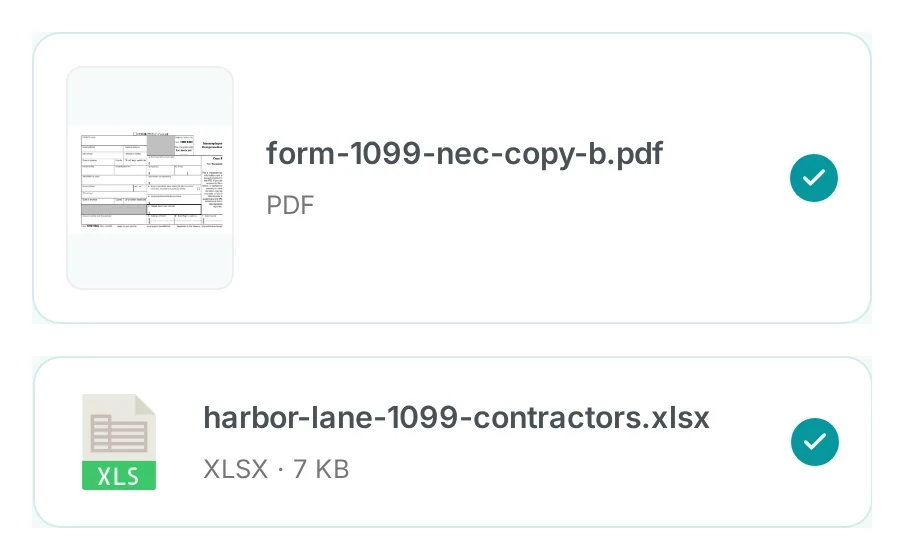
Add your PDF form or letter and the spreadsheet with your clients or contractors.
Connect
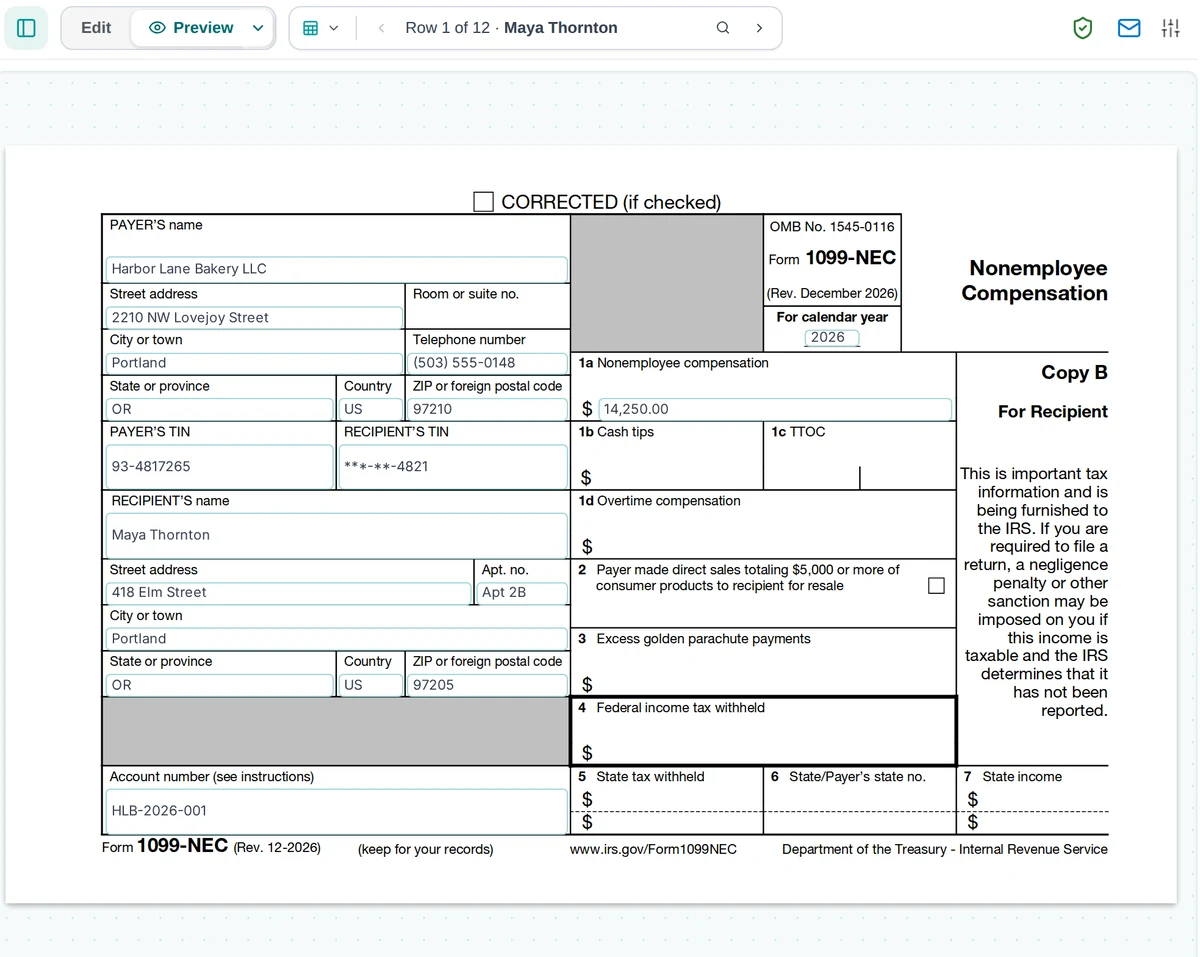
Connect each box on the form to a column once. Then step through the rows and check every filled form.
Generate
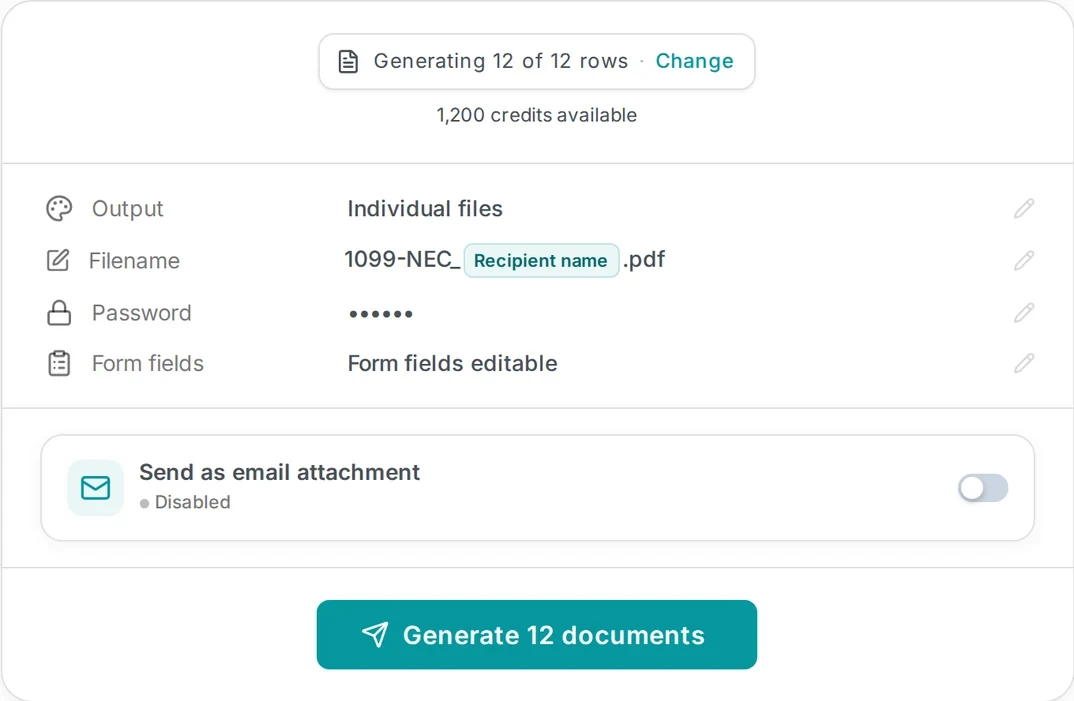
One click. One PDF per row, named after the person. Download them or email each one.
Try it with your own form, no signup required.
Try for freeHow MailMergic works for accounting firms
The forms and letters of every season, filled from one spreadsheet
Fill the PDF forms you already use
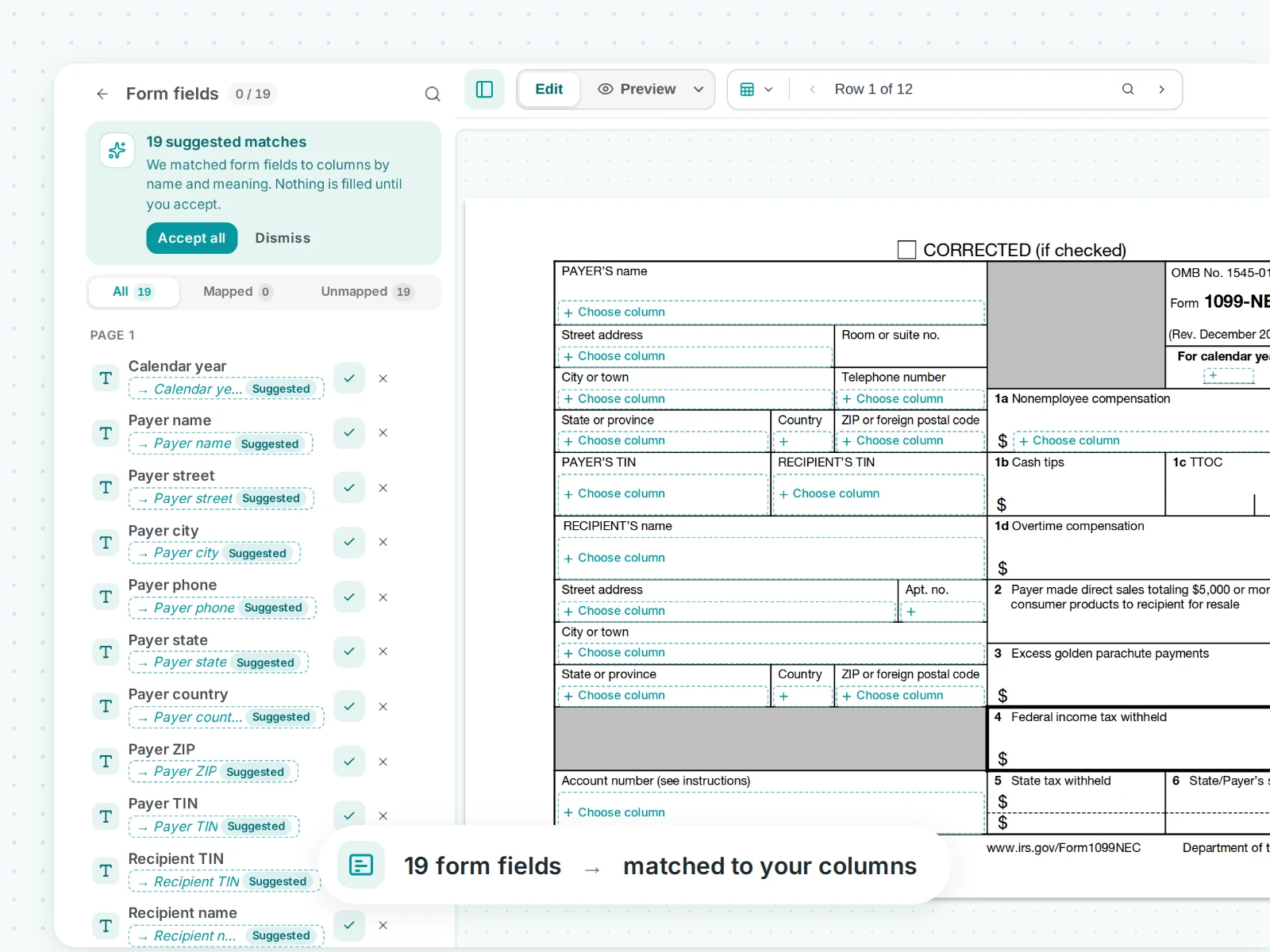
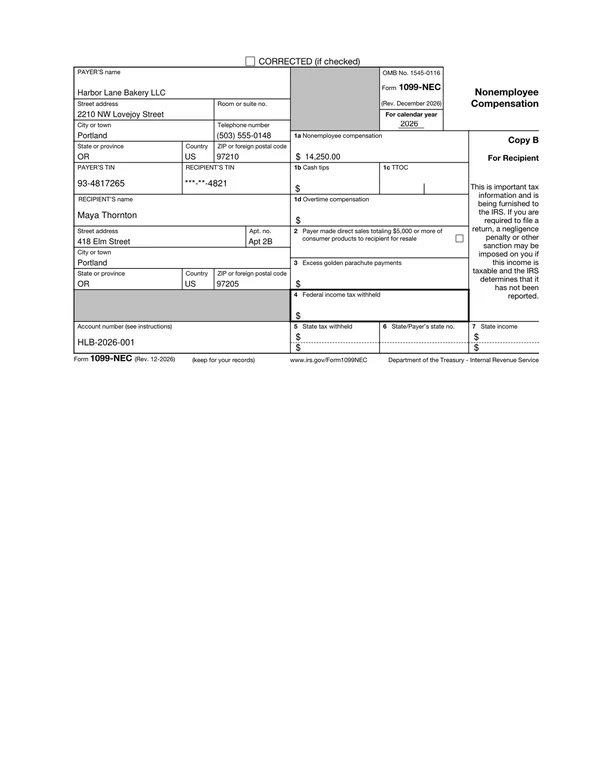
Upload a fillable PDF, such as an IRS recipient copy, a state form or your own client form. MailMergic lists every form field. Where a field name matches a column, it suggests the match and fills nothing until you accept. Any other field takes one drag of a column. The setup is saved, so next season you only bring the new spreadsheet.
- Text fields, checkboxes and radio buttons
- PDFs without form fields work too: place each column on the page
- Keep the fields editable in the output, or flatten them
- No Acrobat, nothing to install
One file per client, named after them
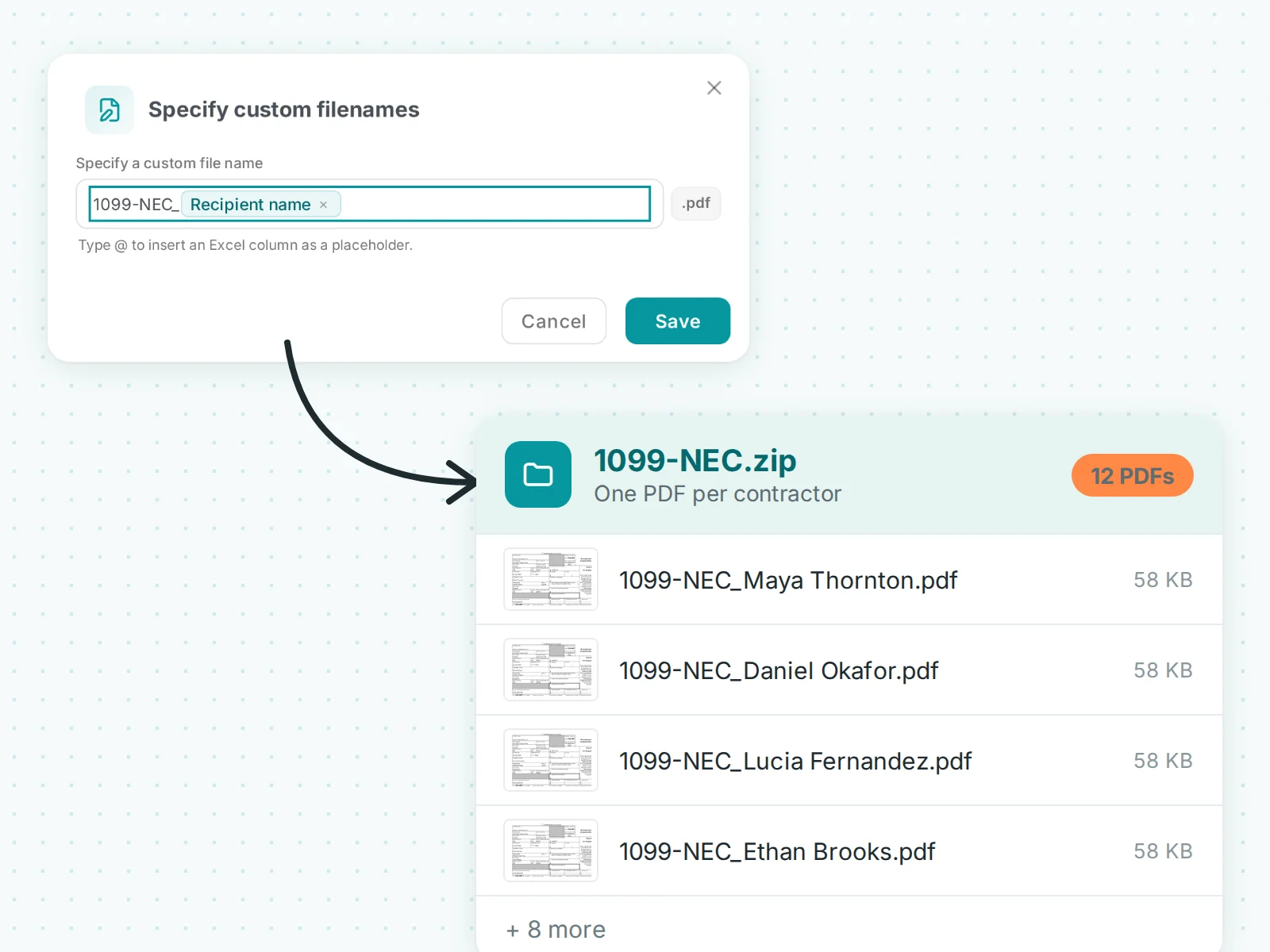
Every row of your spreadsheet becomes its own PDF. Build the file name from your columns, for example the form and the recipient, and 1099-NEC_Maya Thornton.pdf goes straight into the right client folder without renaming.
- File names from any column
- All files in one ZIP, or one combined PDF for printing
- Generate a single row again after a correction
A separate password for every PDF
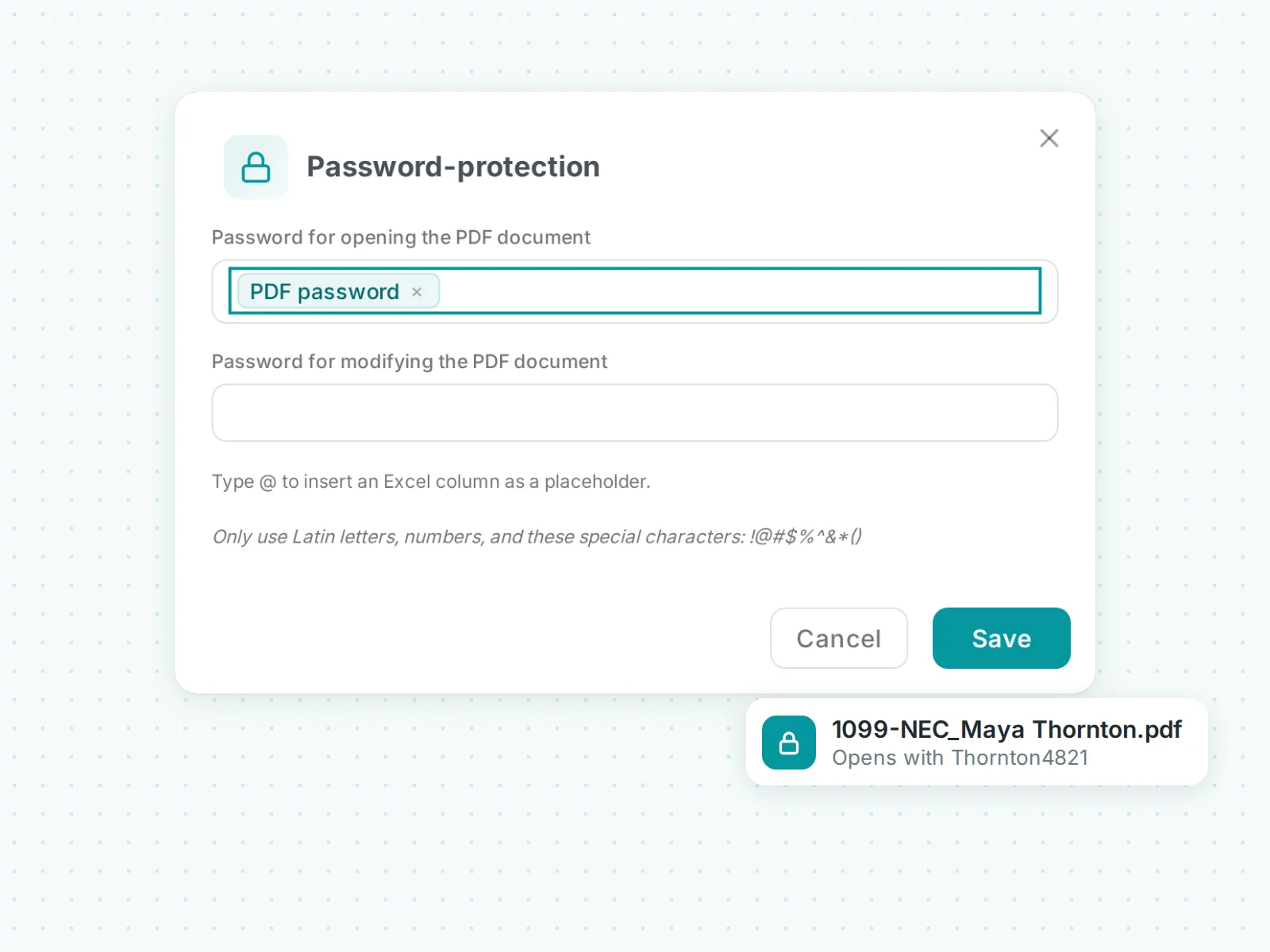
Take the password from a column, for example the last name plus the last four digits of the TIN. Each client can open only their own document, which is what tax documents and payslips usually call for.
- A password for opening, and one for editing if you need it
- Every client gets their own password from your data
- Works with the one-file-per-client output
Email each client their own document
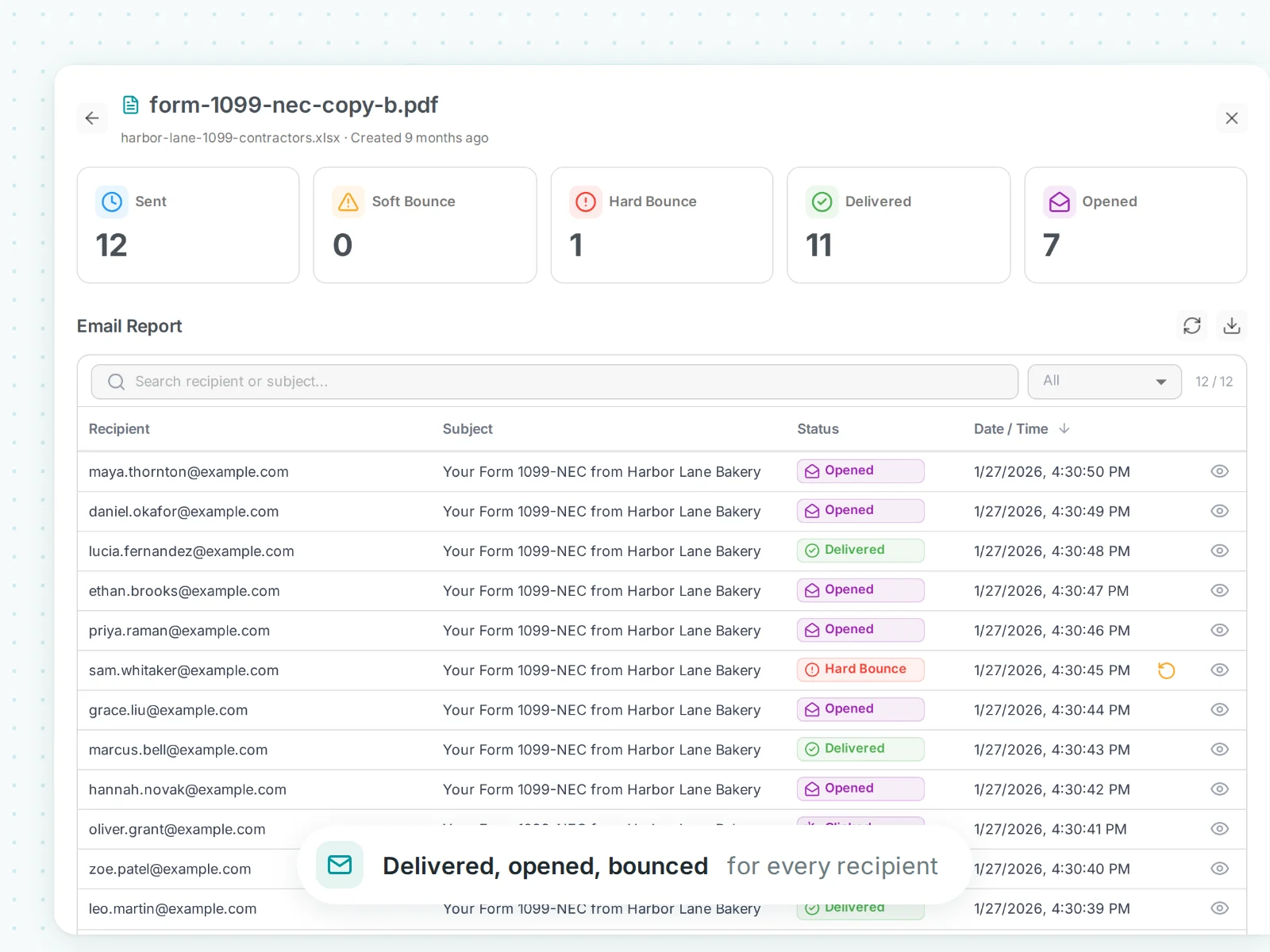
Add an email column, write the message once, and MailMergic sends every PDF to its recipient as an attachment. For each person you see whether it was delivered, opened or bounced, and you resend a bounce in one click.
- Send from your own Gmail, through SMTP such as Outlook, or from your domain
- Or send a private download link instead of an attachment
- For 1099s, email only the recipients who agreed to electronic delivery
Try it with your own form, no signup required.
Try for freeWhat firms send with MailMergic
One spreadsheet in, one finished document per client out.
Tax season
1099-NEC, 1099-MISC and 1095-C recipient copies, from ready templates or your own forms.
See the tax form templates →
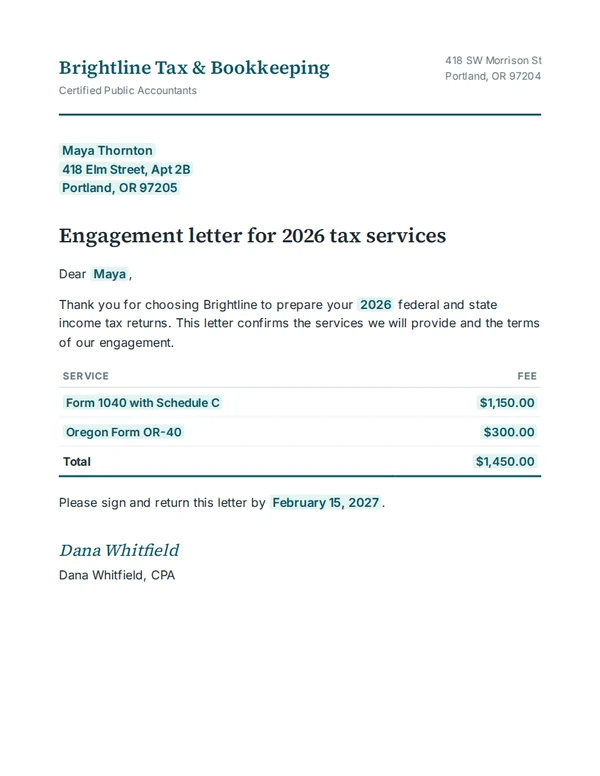
Engagement letters
Engagement letters and fee agreements with each client's name, services and fee filled in.
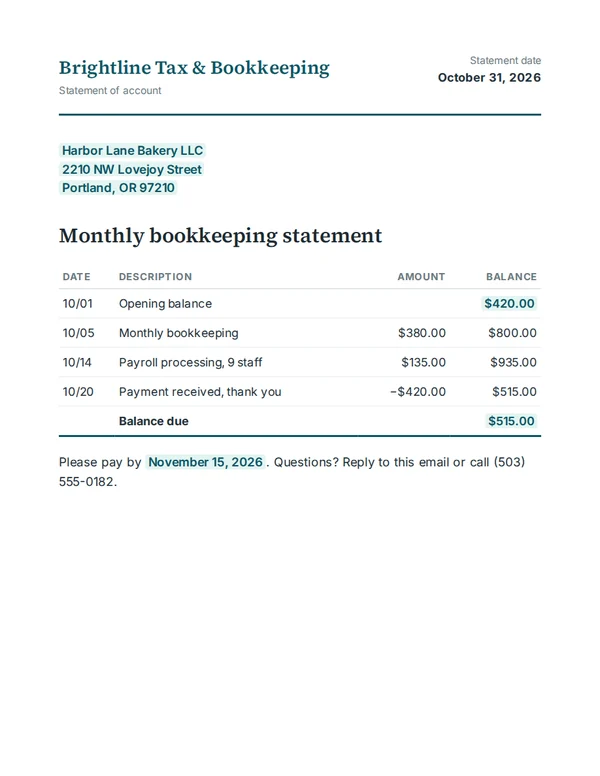
Bookkeeping
Monthly statements and account summaries for every client.
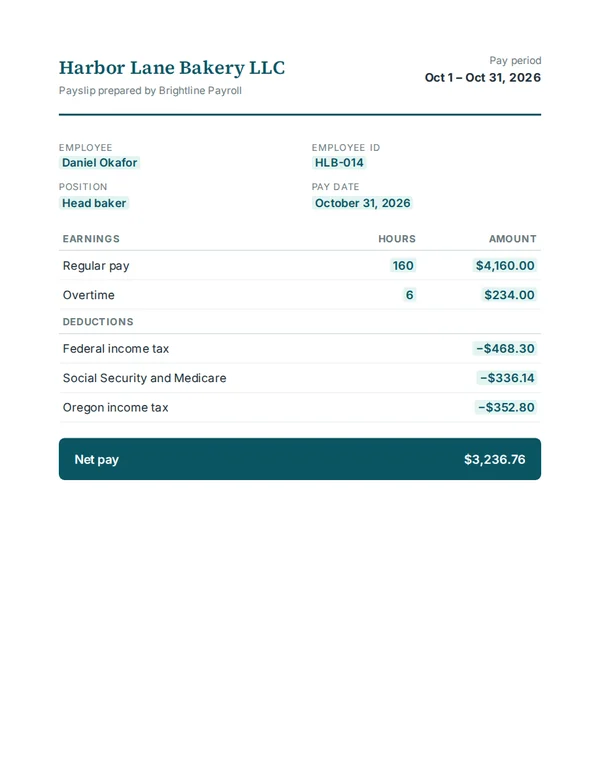
Payroll
Payslips and year-end summaries, each opened with its own password.
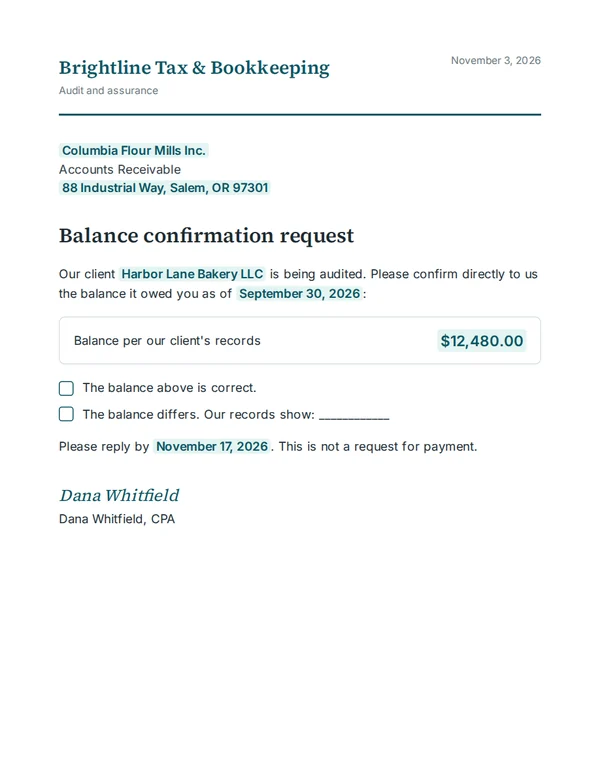
Audit
Balance confirmation requests to banks, customers and suppliers, one letter each.
Client letters
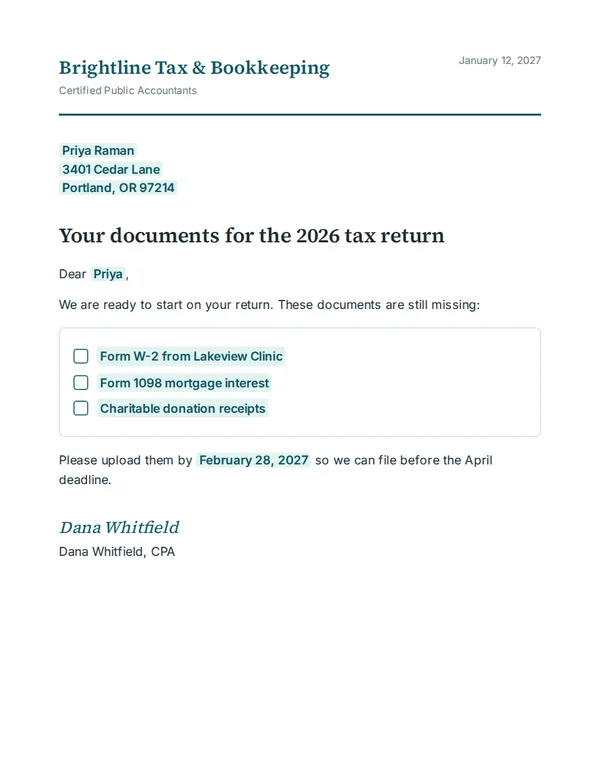
Reminders listing what each client still has to send, fee notices and year-end letters.
Client data
Tax and payroll data stays protected
Your spreadsheet is used to make and deliver your documents, nothing else.
EU-hosted, GDPR-compliant
Files are encrypted in transit and at rest and processed on servers in the European Union.
You decide how long files stay
Documents and data are deleted automatically after 5 minutes to 180 days, as you choose.
No AI training, no ads
Your client data is never used to train AI models or for advertising.
Offline app for the strictest files
The MailMergic Offline App does everything on your own computer. No data leaves it.
Frequently asked questions
Can MailMergic fill IRS 1099 forms?
Yes, the recipient copies. The quickest start is a ready template: the 1099-NEC, 1099-MISC and 1095-C come with readable box names, already connected to a spreadsheet. You can also upload the fillable PDF from irs.gov and connect each box to a column once. The IRS lets you print the black copies from its website and give them to your recipients.
Copy A is different. The IRS accepts it only e-filed or on its official red, scannable form, and if you file 10 or more information returns in a year, you have to e-file. MailMergic does not file with the IRS.