
PDF Mail Merger is now MailMergic
The PDF mail merge tool you remember, under a new name. Your account, your templates and your workflows are all still here, and the tool can do much more today.
Start a mail merge
What happened to PDF Mail Merger?
PDF Mail Merger started with a single job: take a PDF form and an Excel file, and generate one personalized PDF per row. Certificates, invoices, letters, labels, thousands of documents in one run.
In 2024 we renamed the product to MailMergic because it had outgrown its name. Alongside PDF mail merge, it now mail merges Word, Excel and image templates, sends personalized emails with attachments, and runs as an offline desktop app.
Everything else stayed the same. Same company (MailMergic GmbH in Eschborn, Germany), same team, same focus on document automation, and the same tool behind it all. Old pdfmailmerger.com links redirect here automatically.
How to mail merge a PDF
Upload your PDF and data
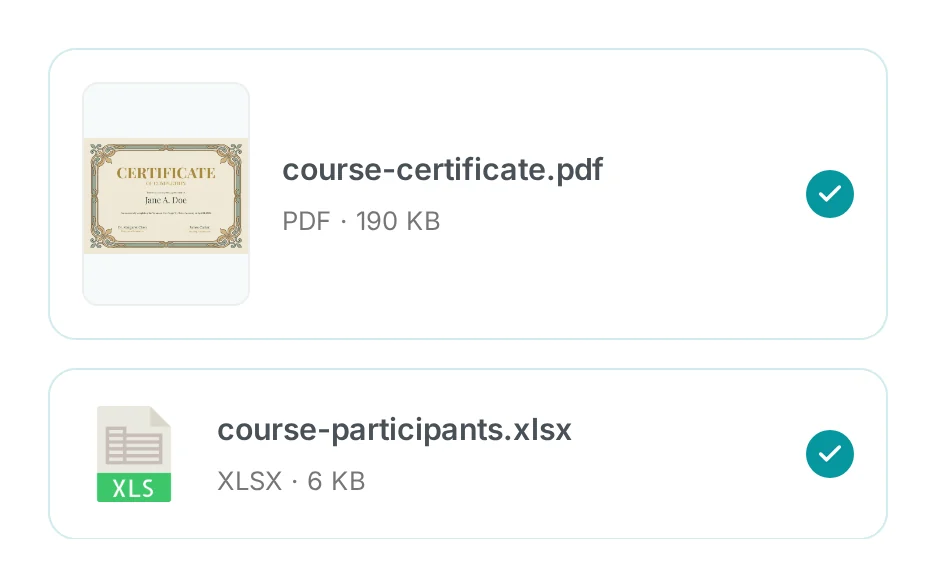
Add your PDF form or template, then your Excel, CSV or Google Sheets file.
Place your fields
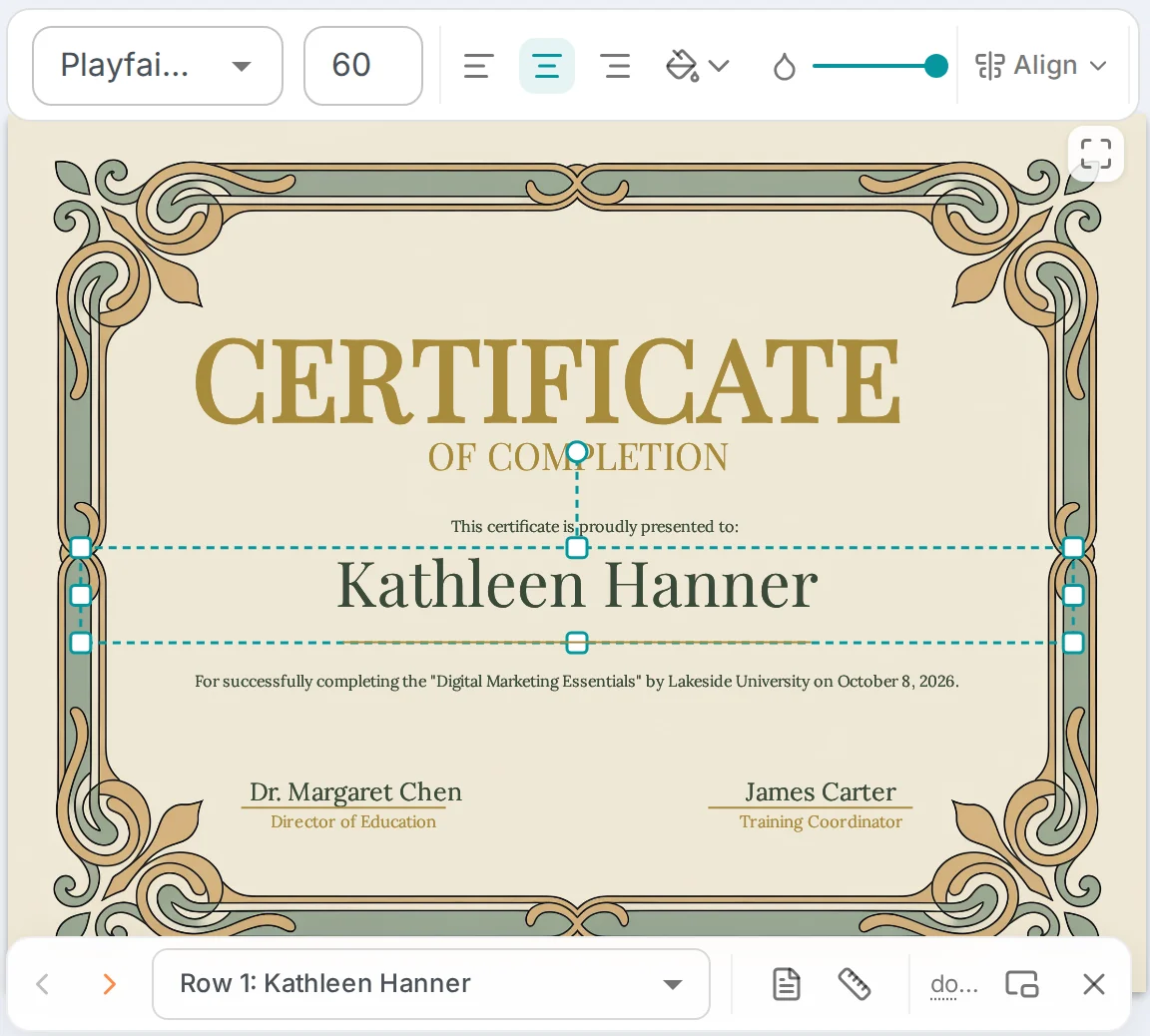
Drag each column onto the page or match it to a form field, then preview any row.
Generate one PDF per row
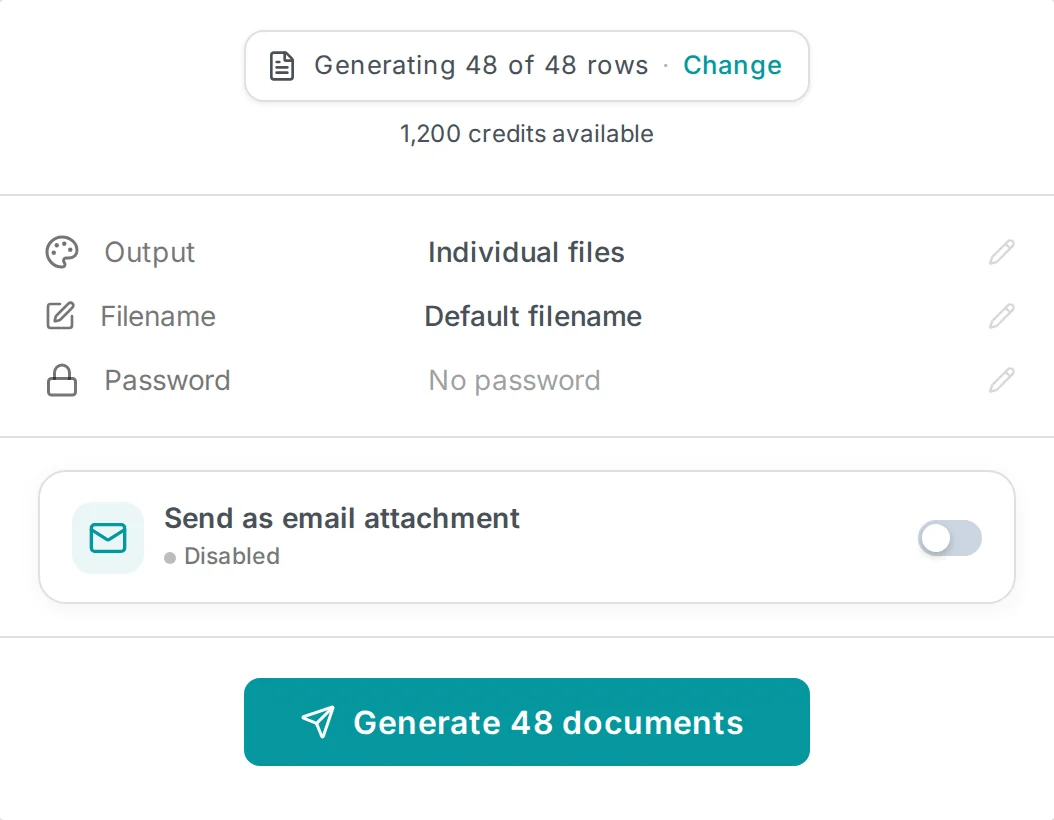
Download the PDFs, or email each one to its recipient as an attachment.
Try it yourself, no signup required
Try For Free