


What does “Delivered” mean when sending emails?

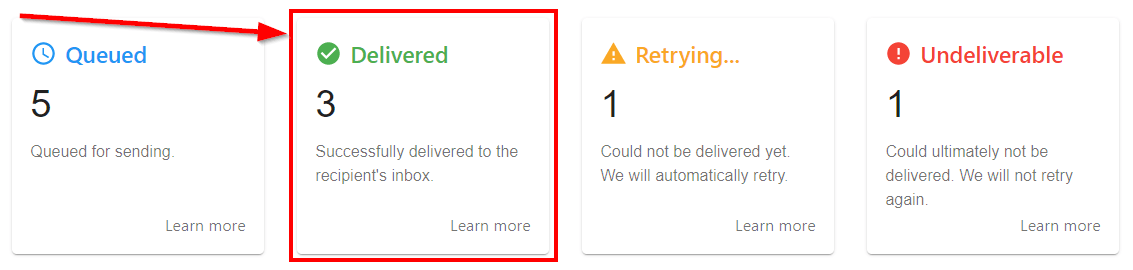
An email receives the status “Delivered” if the receiving mail server of the recipient accepted the message. Note that this report only tracks the recipient, not the CC and BCC recipients.
A common misconception that we often run into is that a delivered message is a message that made it to the inbox. When a message is registered as delivered, that simply means the receiving server has accepted the message from MailMergic. At that point, the receiving server still has to decide what to do with that message.
Most often, the two options facing that server are to deliver the message to the intended inbox or to send it to the spam or junk folder. Less frequently, a receiving server might choose to simply drop that message, which is akin to the receiving server simply deleting it. In those cases, the message will not be findable to the recipient, even if they look for it in their spam folder. Dropping a message is rare, though it can happen.
Almost always, the decision about where to put the message comes down to the content that is being sent. Senders who generate excessive spam complaints from recipients, or senders sending content that is known by inbox providers to generate high rates of spam complaints, are much more likely to see their emails not make it to the inbox.