


Your Logo Everywhere: Set It Once, Rebrand Every Template Instantly

If you’ve ever changed your logo, you know the dread that comes next: opening every single template, swapping out the old image, and hoping you didn’t miss one. A new logo, a fresh color, a tidied-up version: suddenly half your certificates, letters, and emails are quietly showing the old one, and you’re the last to find out.
MailMergic now lets you set a single brand logo for your whole account. Add it once, drop it into any template, and from then on it updates everywhere automatically. No more chasing down old files.
How it works
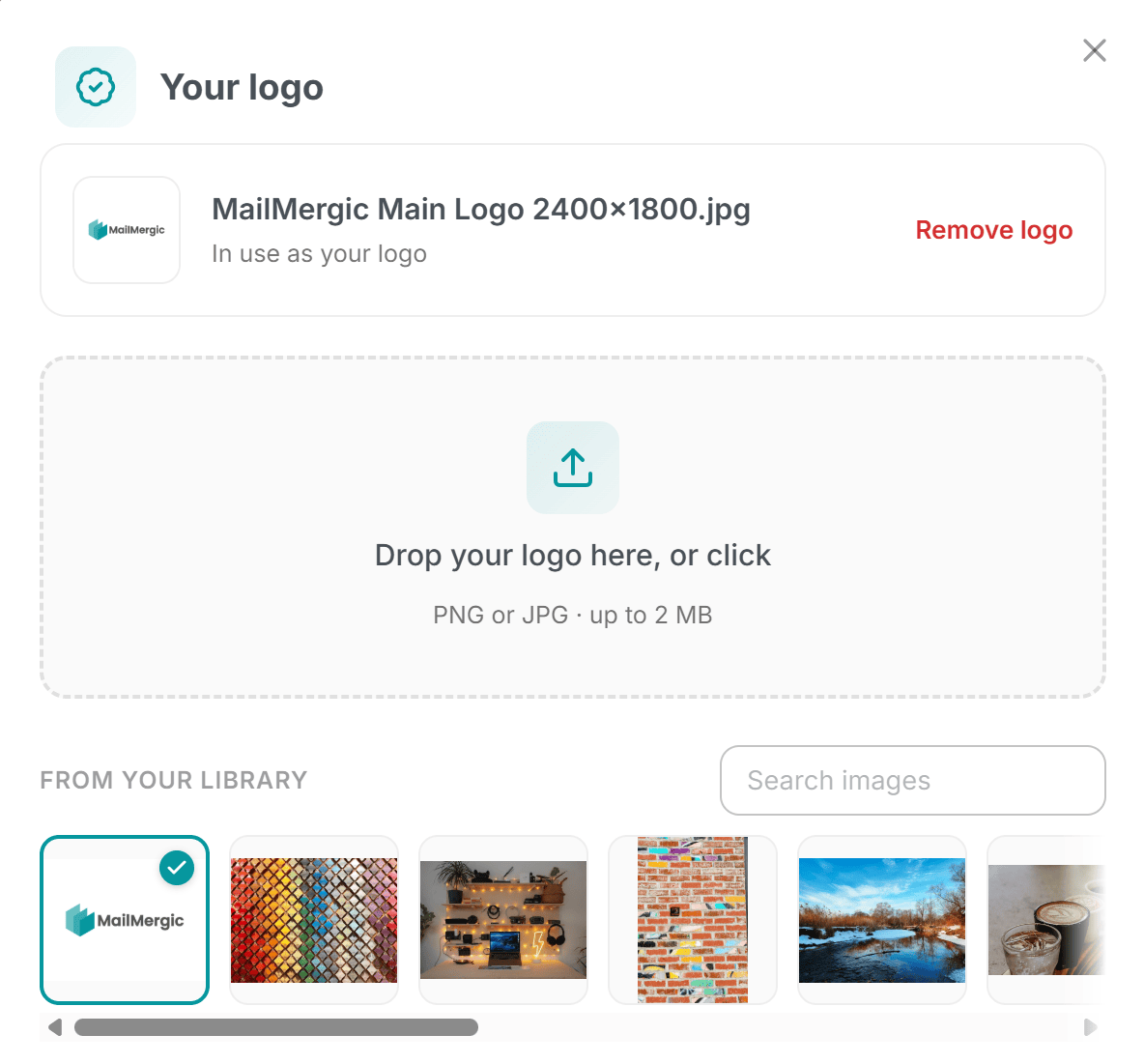
First, set your logo. You can add it from your account settings, or with one click from the image panel right inside the editor. You only do this once, and you’re done with the setup forever.
From there, drop your logo into any template you like, whether a PDF certificate, an image flyer, or a Word letter. It works the same way everywhere, so there’s nothing new to learn for each kind of document.
Here’s the clever part. The logo you place isn’t a frozen copy of a picture. It’s a smart placeholder that always shows your current logo. So when your brand changes, you update it in one place, and every template that uses it changes too. No opening each file, no re-uploading, no hunting through folders for the right version.
Where it helps
This saves real time the moment your brand isn’t brand new anymore:
- A logo refresh. Your designer hands you a cleaner version, and every template picks it up instantly
- A color tweak. You adjust your brand color, and there’s no scavenger hunt through old files
- A seasonal version. Swap in a holiday logo for a few weeks, then switch back, all from one spot
- A whole library of templates. Schools, nonprofits, and small teams often have dozens; updating them one by one is a chore you can now skip
Even your old work stays current
This is the part people love. It isn’t only new templates that update. Your older templates get today’s logo too. Even if you re-run a mail merge you set up months ago, it goes out with your current logo, not the one you had back then.
That means you never have to worry about an old certificate or letter sneaking out with last year’s branding. Whatever you made last spring, last month, or this morning all draws from the same single logo. Set it once, and everything you’ve ever made simply stays on-brand, without you lifting a finger.
Add your logo in your account settings or from the editor, drop it into a template, and let every future document take care of itself.