


Why are interactive form elements removed after my document is processed through a PDF Mail Merge?

Many PDF forms have editable form fields that users can fill in, change, save and print with the PDF. In Adobe Reader these fields will be shown in purple color by default:
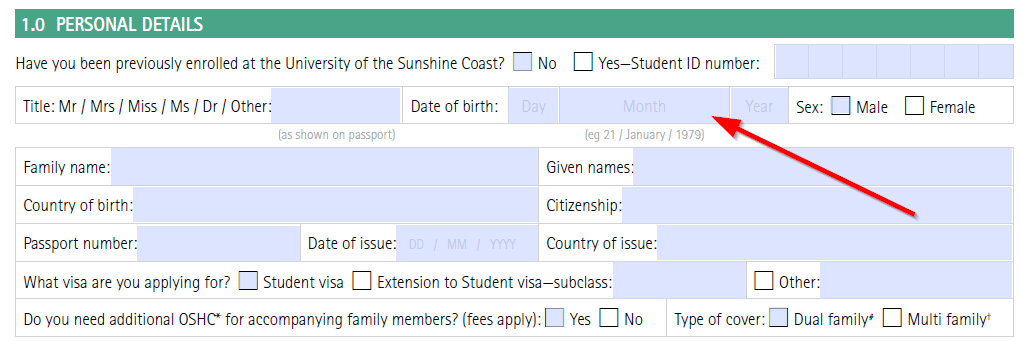
In the fourth and last step of our wizard, you can choose between two options how to treat these interactive form fields:
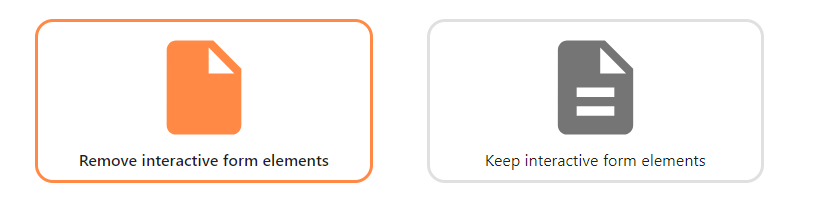
Remove interactive form elements
The default option is to remove interactive form elements (also called “flattened”). That is, the content of the form field can no longer be edited in the final, mail merged PDF document.
Keep interactive form elements
This option will keep the interactive form elements in your PDF document as-is. The user will still be able to alter its contents after mail merging the PDF.
Note: If you drag a placeholder onto the position of an interactive form field, MailMergic will print the placeholder text in exactly that position. However, the underlying form field can still be edited by the user.