
Send Your Mail Merge from Your Own Gmail Account

The address an email comes from decides how it is received. A message from the address people already know gets opened; a message from a technical-looking sender gets squinted at. Until now, sending a mail merge from your own everyday address meant configuring SMTP or verifying a domain, which is exactly the kind of afternoon most people would rather not have.
So we built the shortcut: you can now send your campaigns straight from your own Gmail™ or Google Workspace account. One click, no settings, no DNS records.
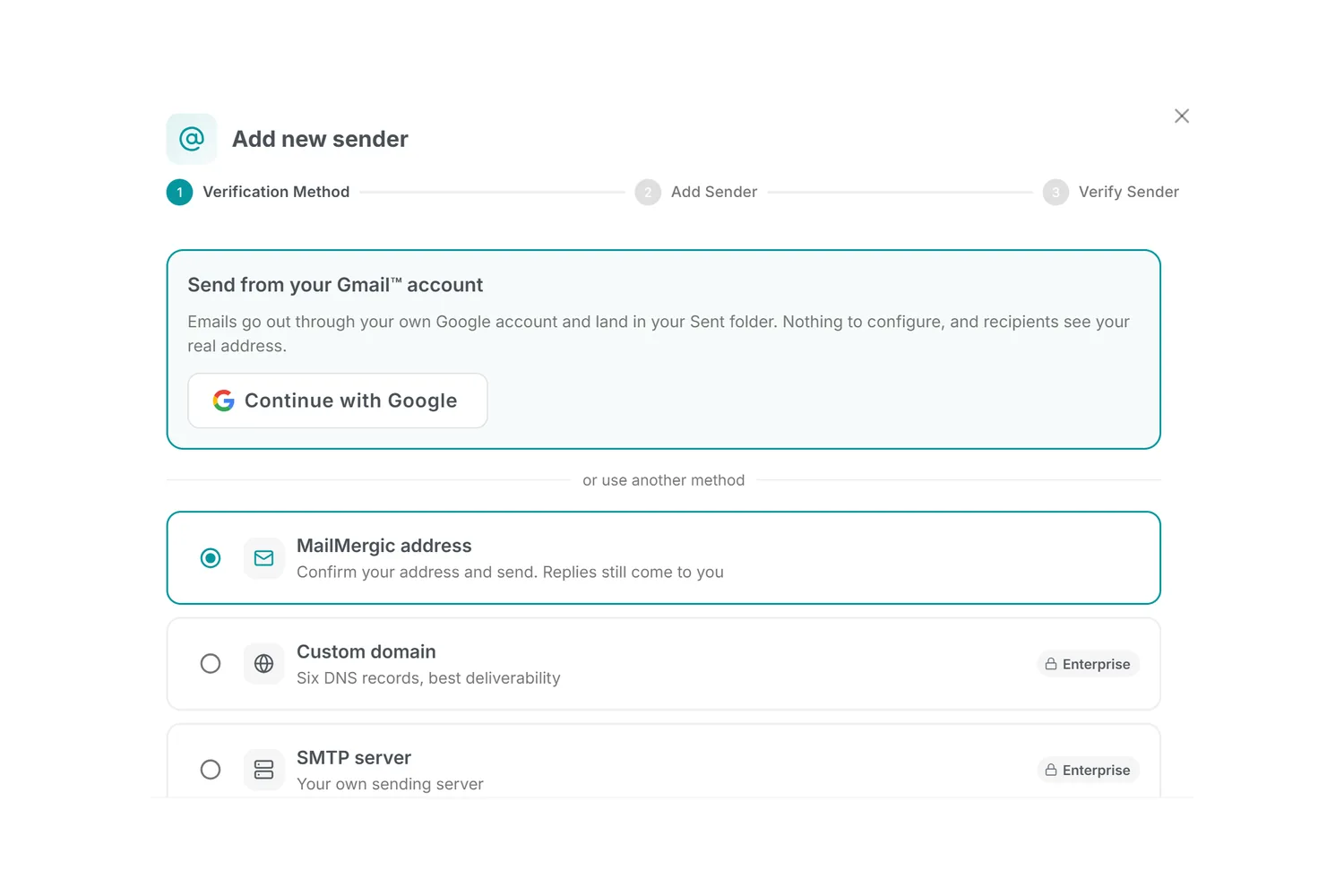
One click to connect
When you add a sender, Gmail now leads the list. Click Continue with Google, approve the sending permission, and you are connected. Your emails go out through your own Google account: they appear in your Sent folder, replies land in your inbox, and every recipient sees the real address they already know.
And one thing MailMergic deliberately cannot do is read your email. The permission you grant covers sending the emails you compose here, and nothing else: no access to your inbox, your contacts, or anything else in your account.
Honest about the limits
Gmail caps how many emails an account may send per day: roughly 500 for a personal account and 2,000 for Google Workspace. MailMergic watches the cap for you. If a campaign reaches it, sending pauses and you can resume the next day; nothing is lost. For newsletters in the tens of thousands, a verified domain sender remains the right tool. For anything the size of a class, a club, or a customer list, Gmail is the natural fit. Sending through Gmail is available on paid plans.
Where it helps
- Teachers and trainers: reports and certificates to parents or participants, from the address they reply to anyway
- Clubs and communities: membership letters and invitations from the address members recognize
- Freelancers: invoices and offers from your own address, no domain of your own required
- Google Workspace teams: professional sending with zero DNS work
From you, literally
You will find the new option at the top of the sender dialog. Click Continue with Google, and your next campaign can come from the one address that has always meant you.
For the full walkthrough, see Gmail mail merge.
Gmail and Google Workspace are trademarks of Google LLC.

Upload recipients · Send personalized emails