Mail merge from Excel
Your Excel sheet already holds the names, addresses and details. A mail merge turns every row into a personalized document or email. Here is how to do it in your browser, no Word required.
- Trusted since 2020
- GDPR & CCPA compliant
- 30-day money-back guarantee
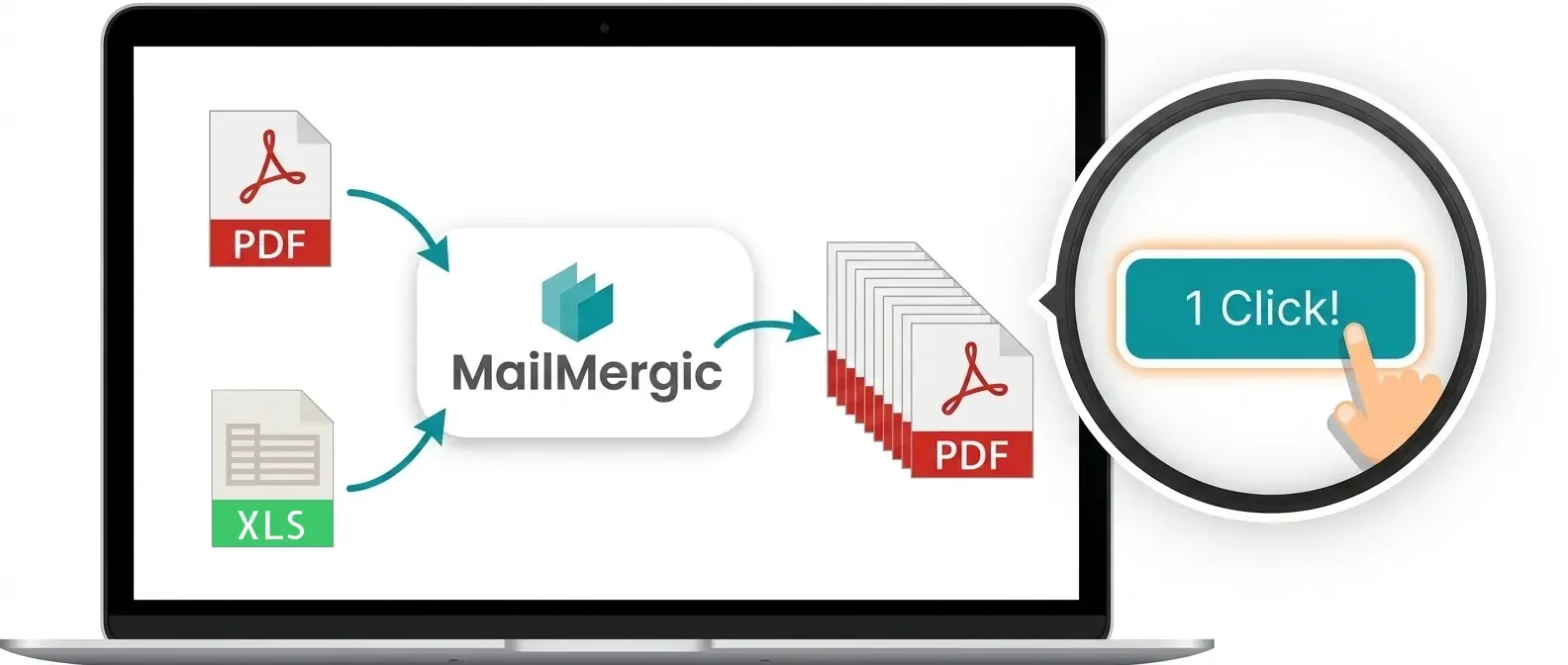

How to mail merge from Excel in 5 steps
All you need is an Excel file with a header row (Name, Address, Amount, ...) and a template. MailMergic supports PDF, Word, Excel and image templates.
Upload your template
A PDF form, a Word letter, an Excel sheet or an image. Static PDFs work too: you place text fields anywhere on the page.
Upload your Excel file
XLSX, XLS and CSV are supported, as well as Google Sheets. The first row becomes your list of merge fields.
Place your merge fields
Drag columns like {Name} or {Invoice number} onto the template. Dates, numbers and currencies keep their formatting.
Preview and check
Step through the rows before generating. AI error detection flags missing values and data mismatches.
Generate and deliver
One document per row, as separate files or one combined file. Download everything, or email each document to its recipient with delivery tracking.
Customers love MailMergic
From small teams to large organizations, users around the world rely on MailMergic to automate their document workflows, save hours of manual work, and deliver perfectly personalized results, every single time.
Average score from 134 post-purchase surveys in 2025: 4.6/5
The classic way: Word + Excel
Microsoft Word has built-in mail merge: open Word, go to Mailings, choose Start Mail Merge, select your Excel file under Select Recipients, insert merge fields, then Finish and Merge. For simple printed letters this works fine.
The Word route shows its limits as soon as the output should be individual PDF files or emails with attachments:
Where Word mail merge struggles
- One long document instead of one file per person; splitting into separate PDFs needs add-ins or VBA scripts
- No personalized email attachments and no delivery or open tracking
- Dates, currencies and decimals often arrive unformatted from Excel
- PDF form templates are not supported at all
- Requires a desktop Office license; no browser or Mac-friendly workflow
Word vs. MailMergic for Excel mail merges
| Word + Excel | MailMergic | |
|---|---|---|
| One PDF file per row | Add-ins or VBA needed | Built in |
| Email each row its document | Not without plugins | Built in, with tracking |
| PDF form templates | Not supported | Supported |
| Date and number formatting | Often breaks | Kept per column |
| Works in the browser | No | Yes, nothing to install |
| Images, QR and barcodes per row | Very limited | Supported |