
Changing your password

by Meelika Kivi · Customer Support
If you want to change your password, log into your account at my.mailmergic.com. Open the user menu in the upper right corner and click on “Account“. You will be redirected to your account page.
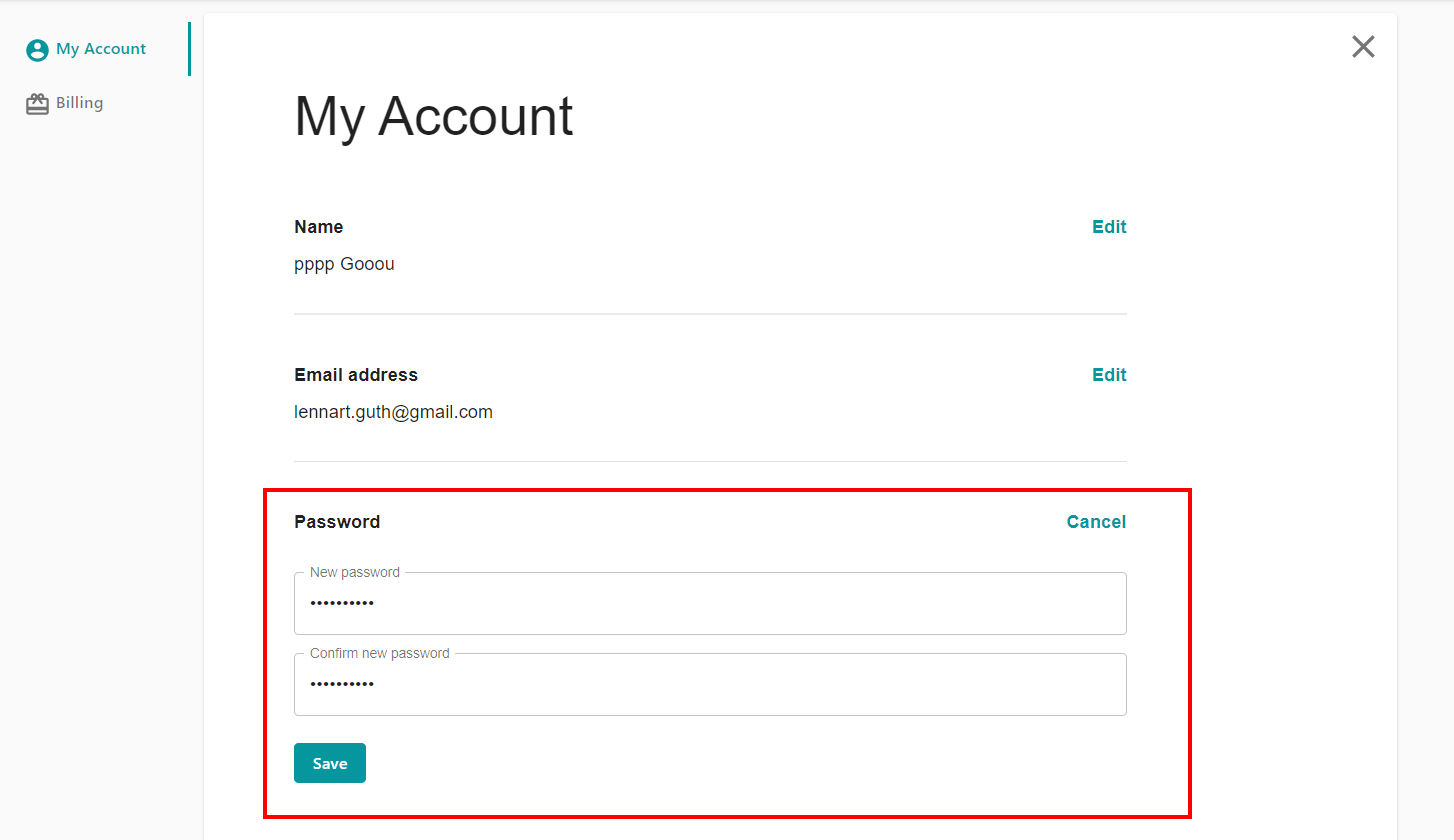
Click on the Edit button in the “Password” area. Enter your new password twice (to avoid spelling mistakes) and click on “Save“:
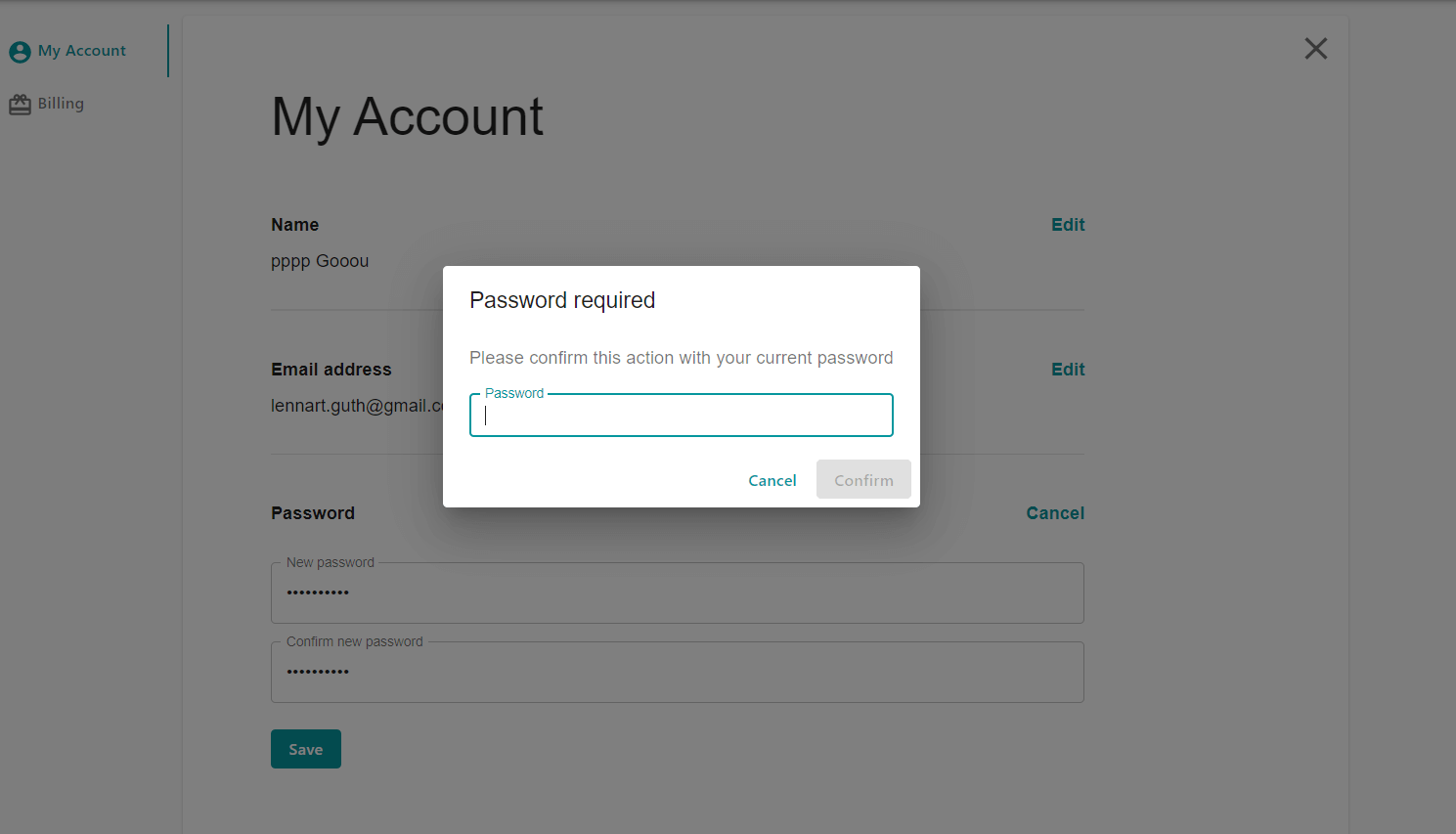
You will now be asked to enter your current password (not your new password!) in order to prevent unauthorized changes:
After you have successfully entered your current password, your new password will be saved, which you can use for login from now on.