


New Feature: Easier Navigation with Breadcrumbs

by Meelika Kivi
With today’s release we have simplified the navigation within MailMergic. No matter which page you are on in the application, you will find a bar with so-called breadcrumbs at the top of the page:
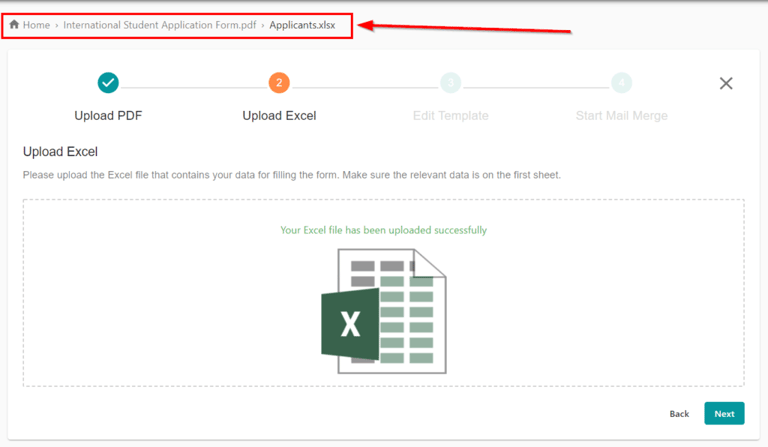
With the help of the breadcrumbs you can see which page you are currently on and which PDF or Excel file is currently being edited.
The breadcrumbs are clickable and take you back to the previous page with just one click.