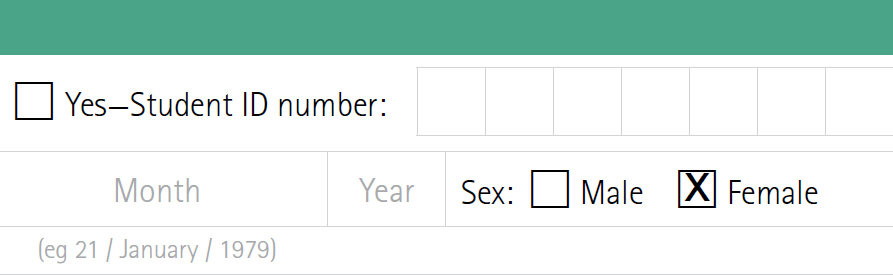
How can I automatically fill a checkbox?

by Meelika Kivi
Let us illustrate this with an example:
1. In a PDF document you would like to automatically fill a checkbox, in this example the gender: male or female.
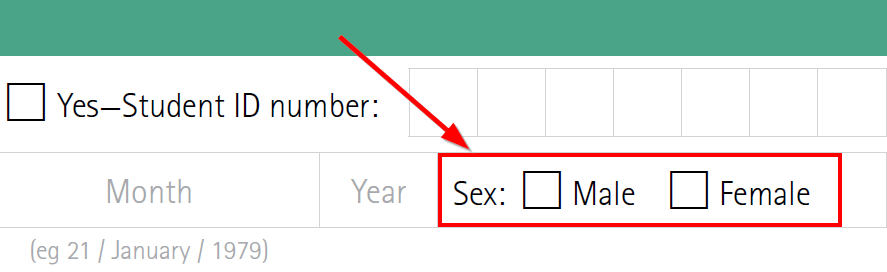
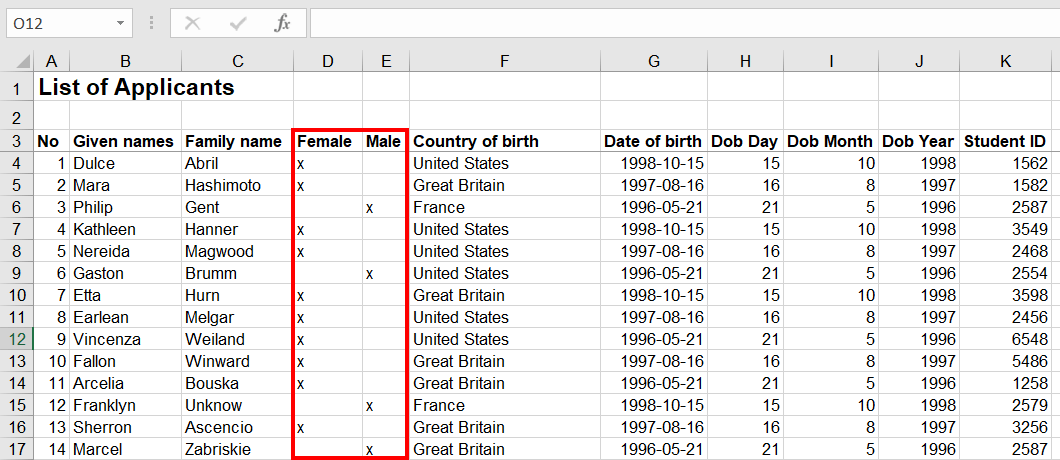
2. Create two columns in your Excel spreadsheet. Fill one column with an “x” if the person is male and the other column with an “x” if the person is female.
3. Drag the placeholders onto the checkboxes in our editor. Make sure that you align the first letter of the placeholder text exactly with the box.
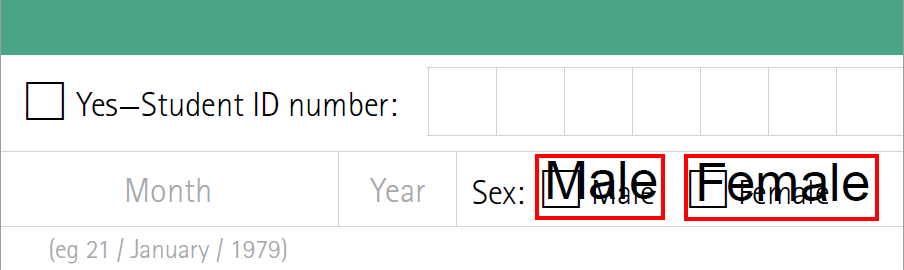
4. When you start the Mail Merge, the x from the gender columns will be printed accordingly into the checkboxes.